
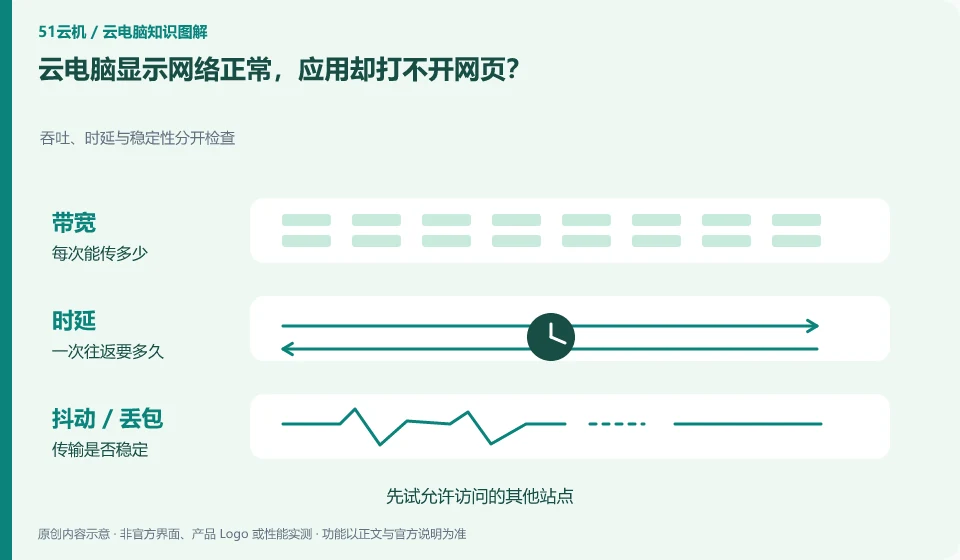
The local to desktop connection and the desktop to the Internet are two different networks. The desktop can be seen, but the remote application is not guaranteed to be able to connect to the Internet.
Understand the essentials
Remote exits, DNS, proxies, and the application service itself can all affect access.
A practical example
Hypothetical example: The desktop operates normally, but only one website fails. It may be a site or application problem, rather than the entire computer being disconnected.
What to check or try
- Try other sites that allow access first.
- Distinguish between single-application and global failures.
- Review network policies.
- Provide errors and timing to managers.
Browser caching, individual website failures, and entire network outages should also be looked at separately. First compare an explicitly allowed site with another application. Do not change DNS, proxy and firewall at the same time. The fewer the changes, the clearer the cause and path to recovery.
An easy-to-miss detail
Do not change corporate proxy or network policies without authorization to avoid amplifying the problem.
Continue reading
- Cloud PC reports an incorrect password: what to check first
- Software problems after a cloud PC update: what to do
Back to Cloud PCs: troubleshooting
Notes and further reading
Troubleshooting AVD connection quality;WorkSpaces Personal network requirements。
This introductory guide was prepared by 51Yunji from public information with AI-assisted drafting. Examples are hypothetical, not hands-on product tests or promises of results. Follow the current product, version and official instructions for specific features and procedures. Compiled on October 26, 2026.