51YUNJI / BUY WITH CONTEXT

Latest articles & insights — Page 7

The latest published tutorials, product notes and buying advice from the 51Yunji archive.

531 articles in English

Page 7 of 45
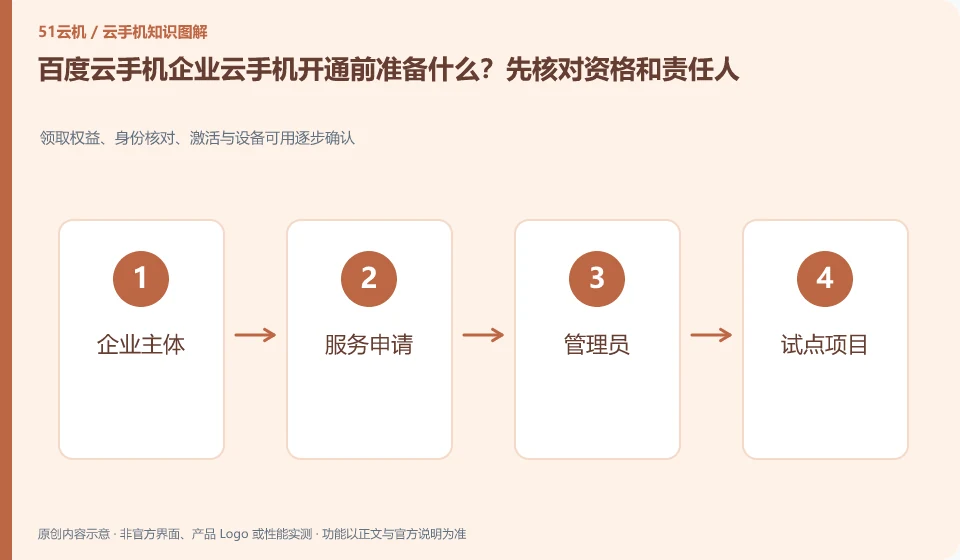
What should I prepare before opening Baidu cloud phone enterprise cloud phone? Check the qualifications and responsible person first. Receive rights, identity verification, activation and gradual confirmation of device availability; business entity; service application; administrator; pilot project
CLOUD PHONES

Before provisioning Baidu enterprise cloud phones: eligibility and responsibilities

Baidu Cloud Phone: Enterprise products may require real-name authentication, service application and administrator preparation. The registration tutorial for consumer-level apps should not be directly applied. Determining the contract and billing subject, technical person in charge, and end-user scope before activation can reduce subsequent confusion about permissions and fees.
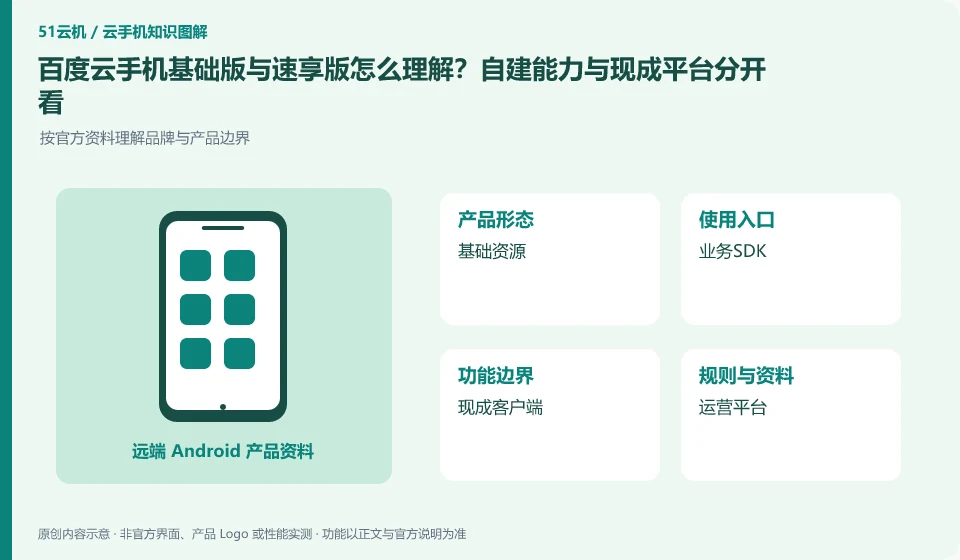
How to understand Baidu cloud phone basic version and speed version? Self-built capabilities and ready-made platforms should be viewed separately. Understand brand and product boundaries according to official information; basic resources; business SDK; ready-made client; operation platform
CLOUD PHONES

Baidu cloud phone editions: building capabilities versus using a ready-made platform

Baidu Cloud Phone: Basic services require you to understand resources and business access, while Suxiang products may provide ready-made clients and operation management capabilities. Before choosing, make sure you have an existing system, development team, and operational processes. Just because there is "fast" in the name, you cannot assume that integration is not necessary.

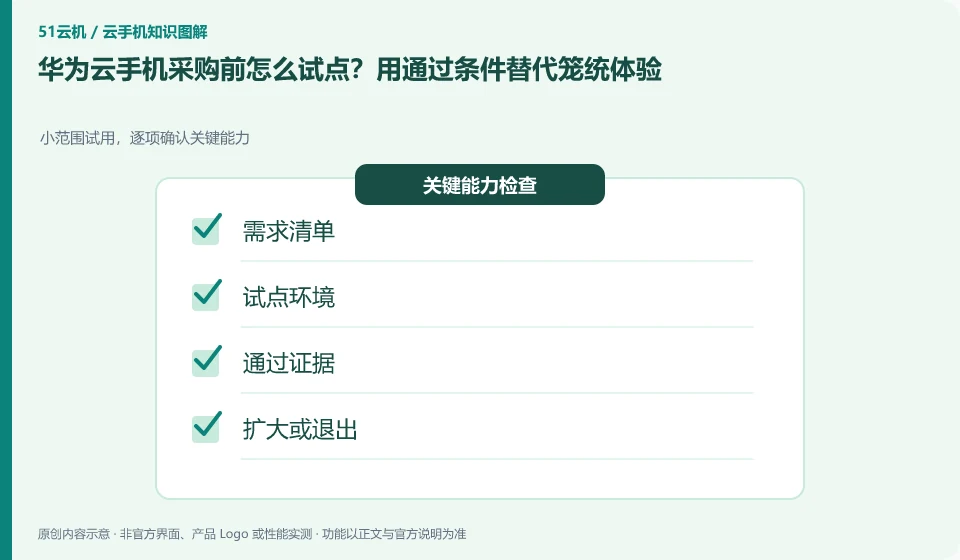
How to pilot a Huawei Cloud phone before purchasing it? Replace general experiences with passing conditions. Small-scale trial, confirm key capabilities item by item; demand list; pilot environment; pass evidence; expand or exit
CLOUD PHONES

Planning a Huawei cloud phone pilot with clear acceptance criteria

Huawei Cloud phone: Pilots should first write down the tasks, personnel, and exit conditions that must be passed before applying for equipment. Only letting a few people use it casually makes it difficult to discover permissions, data and long-term cost issues, and it is also difficult to judge whether it can be expanded in the future.

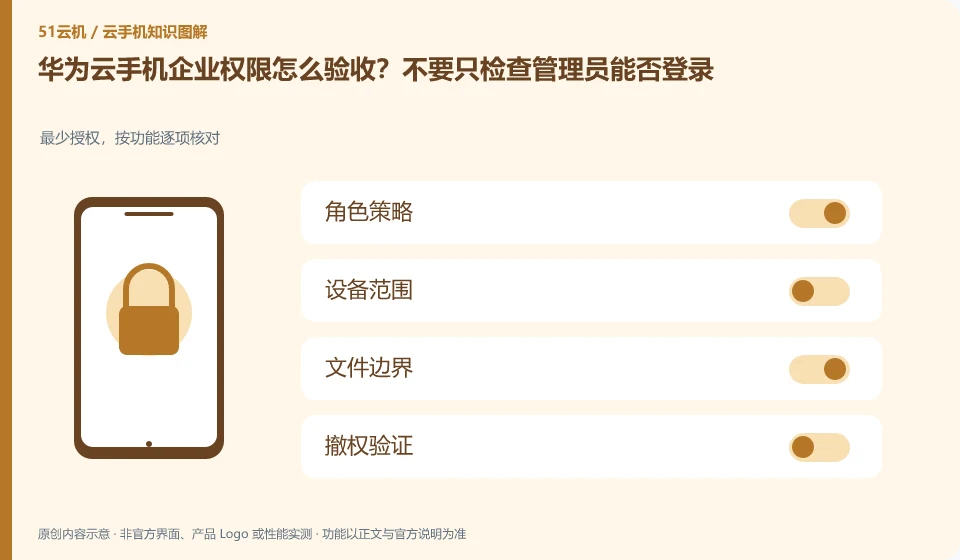
How to accept Huawei Cloud phone enterprise permissions? Don't just check if the administrator can log in. Minimum authorization, checked item by function; role policy; device scope; file boundary; revocation verification
CLOUD PHONES

Testing Huawei cloud phone permissions beyond administrator sign-in

Huawei Cloud phone: Permission acceptance should be carried out from the perspective of ordinary employees, temporary assistants, and departing members. The administrator's ability to operate all devices only proves that the management portal is available, but does not prove that the allocation quarantine, file export, and deprivation processes meet organizational requirements.

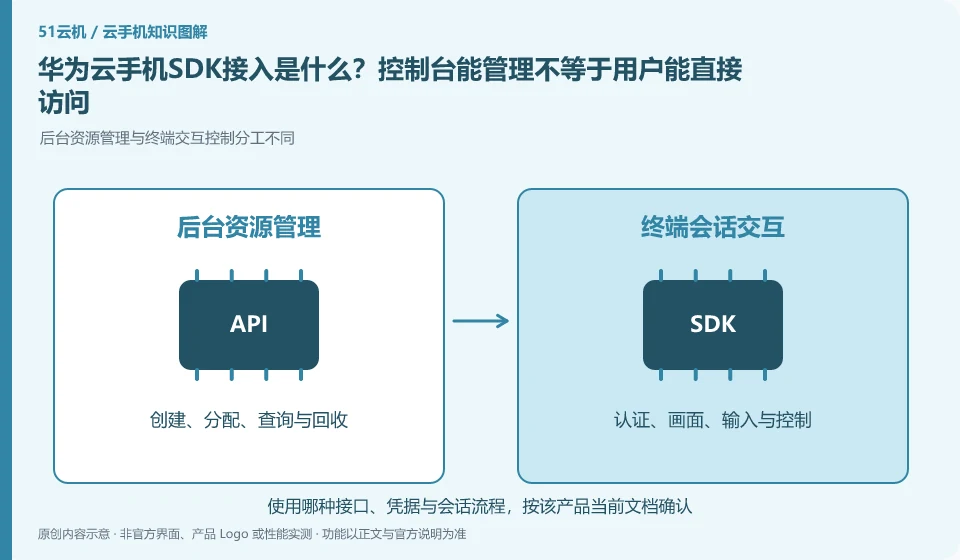
What is Huawei Cloud mobile SDK access? Just because the console can be managed does not mean that users can directly access it. The division of labor between backend resource management and terminal interaction control is different; business backend; resource API; user identity; control SDK
CLOUD PHONES

Huawei cloud phone SDK integration: console management versus end-user access

Huawei Cloud phone: The management API is responsible for creating and maintaining resources, and the SDK is responsible for integrating remote control capabilities into your application or web page. The two solve different problems; the ability to create a cloud phone in the background does not mean that the end user already has a login, allocation and control interface.

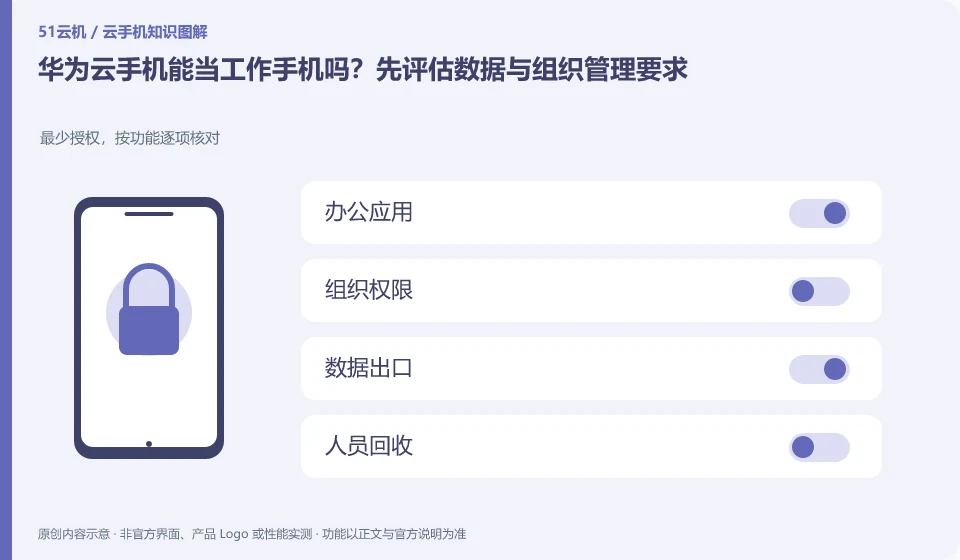
Can a Huawei Cloud phone be used as a work phone? Start by assessing your data and organizational management requirements. Minimum authorization, checked item by function; office applications; organizational permissions; data export; personnel recycling
CLOUD PHONES

Huawei cloud phones for work: data and organizational requirements

Huawei Cloud phone: Cloud phone can carry some mobile office processes, but whether it is suitable for work depends on application compatibility, organizational authorization, data export, and personnel management requirements. Being able to install office apps does not mean that you already have the auditing and permission control required by the company.

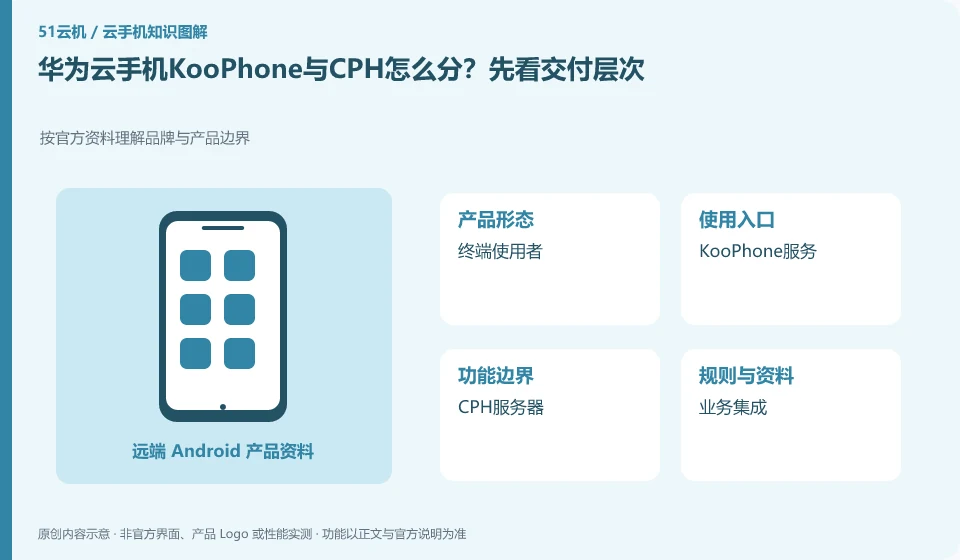
How to distinguish Huawei Cloud phone KooPhone from CPH? Let’s look at the delivery level first. Understand brand and product boundaries according to official information; end users; KooPhone service; CPH server; business integration
CLOUD PHONES

Huawei KooPhone versus CPH: different service layers

Huawei Cloud phone: KooPhone cloud phone service and CPH cloud phone server need to be understood based on delivery and management methods. They cannot be mixed into one package just because they include the Android environment. First confirm whether you want to obtain a terminal user experience or build your own application and access system.

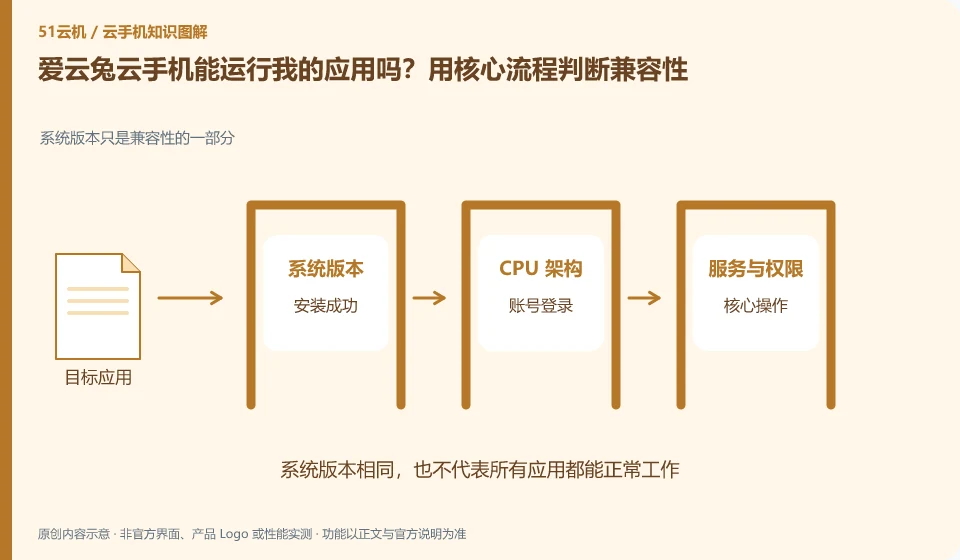
Can Aiyuntu cloud phone run my application? Use core processes to determine compatibility. The system version is only part of the compatibility; installation successful; account login; core operation; reconnect
CLOUD PHONES

Will my app work on Aiyuntu? Test its essential workflow

Aiyuntu cloud phone: Being able to install it does not mean that it can complete the task. To determine compatibility, you must at least cover startup, login, key operations, sounds or peripherals, and reconnection after disconnection; if you only look at the homepage that can be opened, it is easy to miss the restrictions that appear when you are actually using it.