51YUNJI / BUY WITH CONTEXT

Yunshuai Cloud Phone guides

Yunshuai cloud phone is operated by Shanghai Yunshuai Information Technology Co., Ltd.

8 articles in English

Page 1 of 1
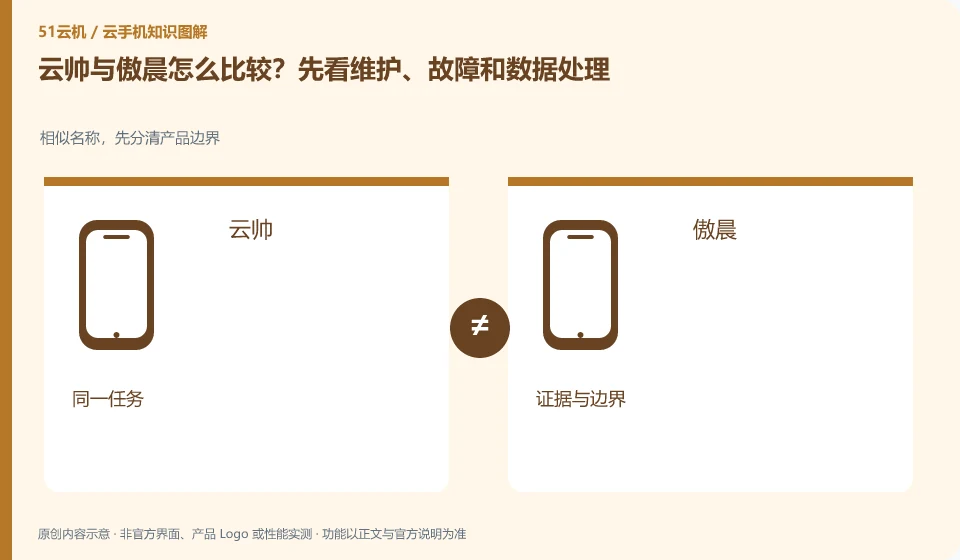
How do Yunshuai and Aochen compare? Let’s look at maintenance, faults and data processing first. Similar names, first distinguish product boundaries; Yunshuai; Aochen; same task; evidence and boundaries
CLOUD PHONES

Yunshuai versus Aochen: compare maintenance, failures and data handling

When comparing Yunshuai cloud phone and Aochen cloud phone, first write down "you need to keep a test environment and worry about maintenance or not knowing how to recover after a failure" as a requirement, and don't rush to judge who is better. This article does not give rankings that have not been tested, nor does it regard the official website promotion figures as the same conditions; the output of the comparison is a difference table and a set of pilot steps that can continue to be verified.
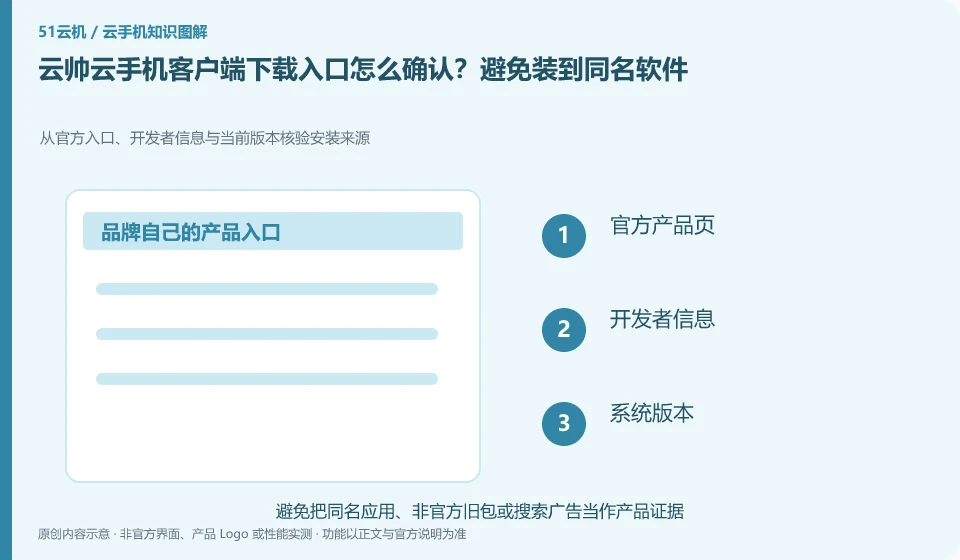
How to confirm the Yunshuai cloud phone client download entrance? Avoid installing software with the same name. Verify the installation source from the official entrance, developer information and current version; official product page; developer information; system version; installation check
CLOUD PHONES

How to verify the official Yunshuai Cloud Phone download

Yunshuai cloud phone: Prioritize entering the download channel from the verifiable official product page, and then check the developer and platform version. Advertisements, "high-speed downloads" and aggregated downloaders in search results cannot be deemed to be official installation packages based on their brand name alone.

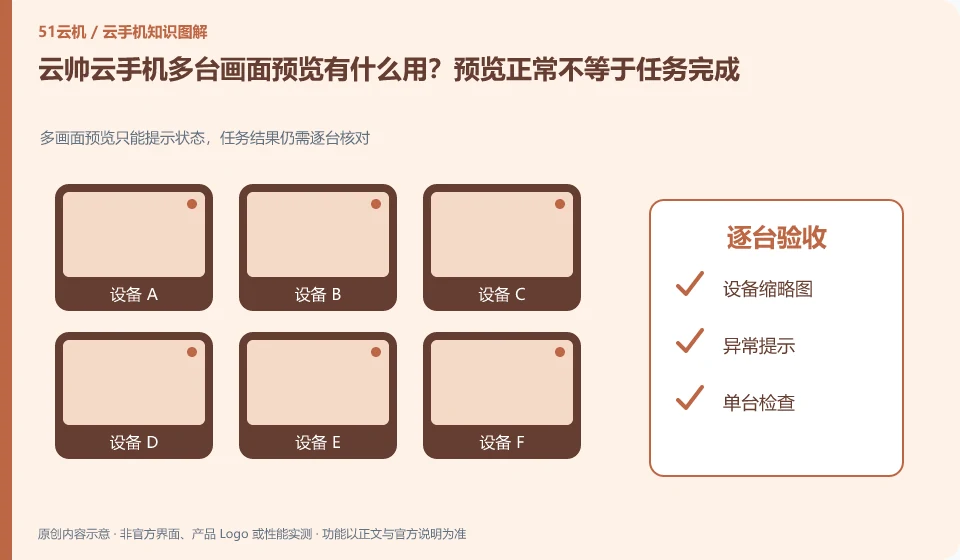
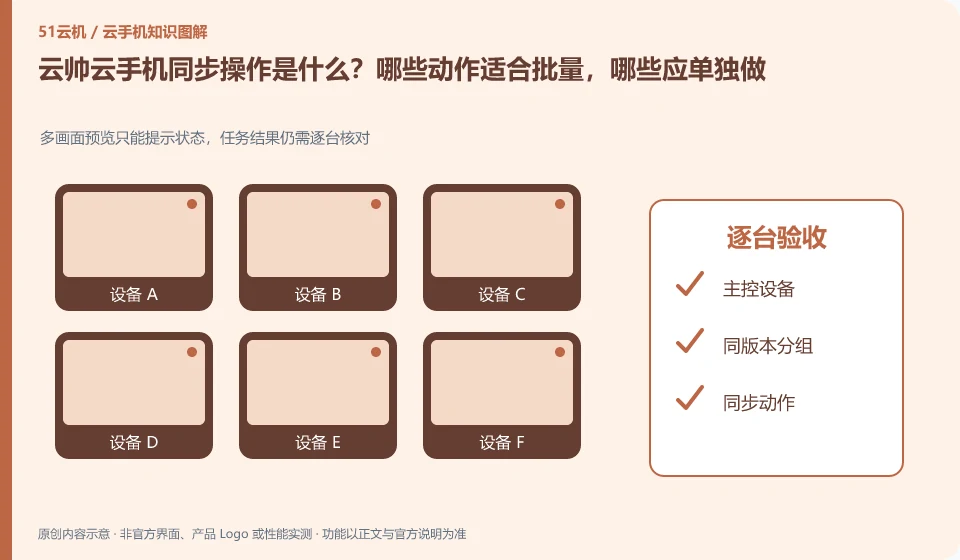
What is the synchronization operation of Yunshuai cloud phone? Which actions are suitable for batching and which should be done individually. Multi-screen preview can only prompt the status, and the task results still need to be checked one by one; master control device; grouping with the same version; synchronized actions; acceptance one by one
CLOUD PHONES

Yunshuai synchronized controls: which actions should remain separate?

Yunshuai cloud phone: Synchronization operation is to map the operation of one device to other selected devices, and is suitable for repeated steps with similar interfaces. It is not an intelligent system that automatically understands the status of each application; if a pop-up window or page is different in one application, deviation and accidental touch may occur.

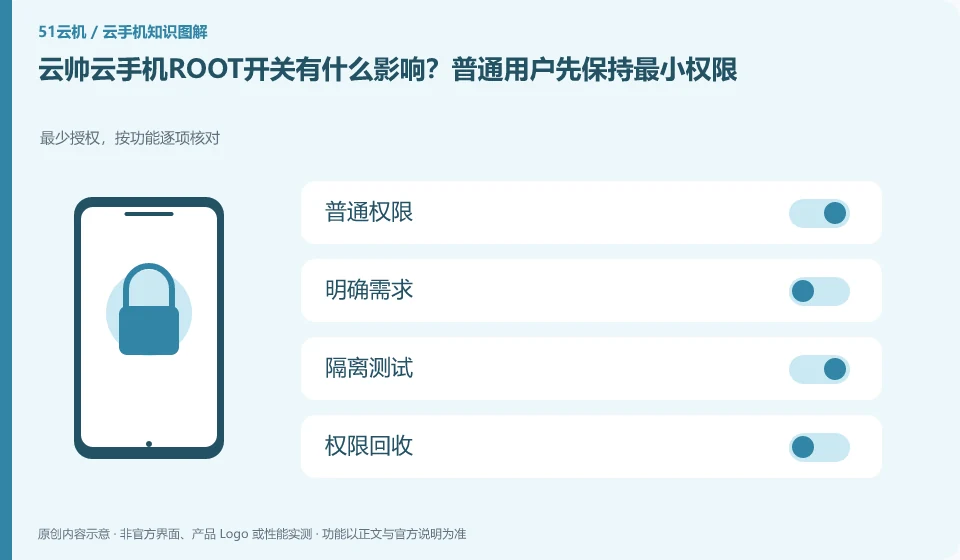
What is the impact of Yunshuai cloud phoneROOT switch? Ordinary users should maintain minimal permissions first. Minimum authorization, check item by function; common permissions; clear requirements; isolation testing; permission recovery
CLOUD PHONES

Yunshuai root settings: use the minimum access needed

Yunshuai cloud phone: ROOT is a high-level permission of the Android system, not a universal acceleration button that can run as many applications as possible. Only consider turning it on if there are clear development or diagnostic needs, and first confirm whether the target application and cloud phone service rules allow this environment.

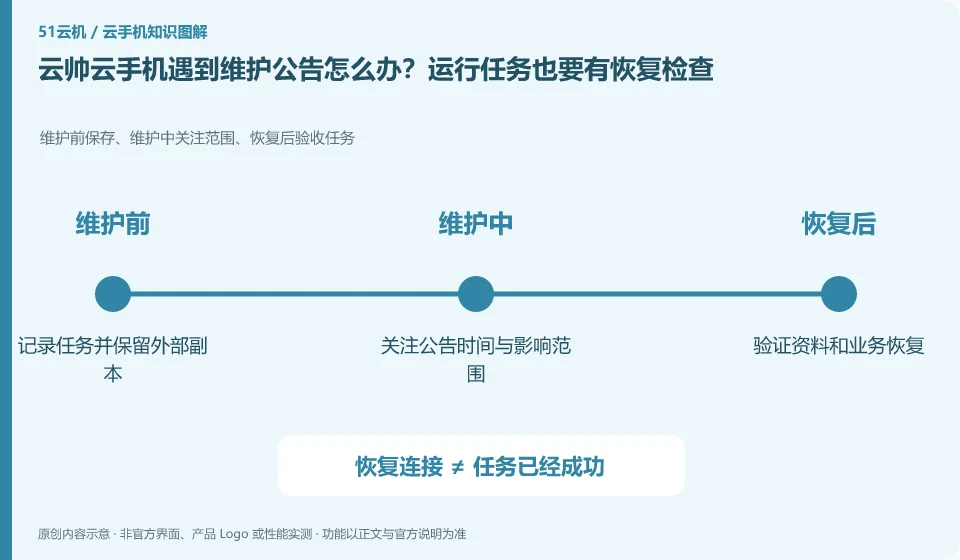
What should I do if my Yunshuai cloud phone encounters a maintenance announcement? Running tasks also require recovery checks. Save before maintenance, scope of concern during maintenance, and acceptance tasks after recovery; record tasks and retain external copies; pay attention to announcement time and scope of impact; verify data and business recovery
CLOUD PHONES

Yunshuai maintenance notices: plan checks after tasks resume

Yunshuai cloud phone: Running in the cloud does not mean it will never be maintained. When you see the announcement, first confirm the affected area, equipment range and time to determine whether your current equipment is involved; old announcements cannot be used as an explanation for the current fault, nor can you infer that the entire platform is abnormal.

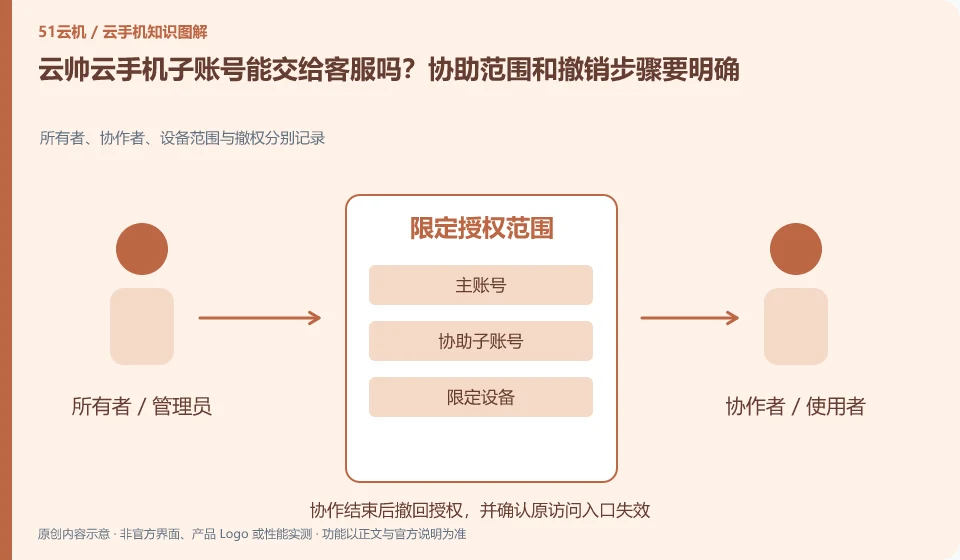
Can Yunshuai cloud phone sub-account be handed over to customer service? The scope of assistance and withdrawal steps should be clear. Owners, collaborators, device scope and revoked rights are recorded separately; main account; assist sub-account; limit devices; revoke access
CLOUD PHONES

Sharing a Yunshuai subaccount with support: define and revoke access

Yunshuai cloud phone: If the sub-account or assistance function is available, it should only be used to identify the device and troubleshoot, and should not be used as a tool to safely resell the account. Before granting access, understand what you can see, what you can modify, and how to reclaim your master account.