
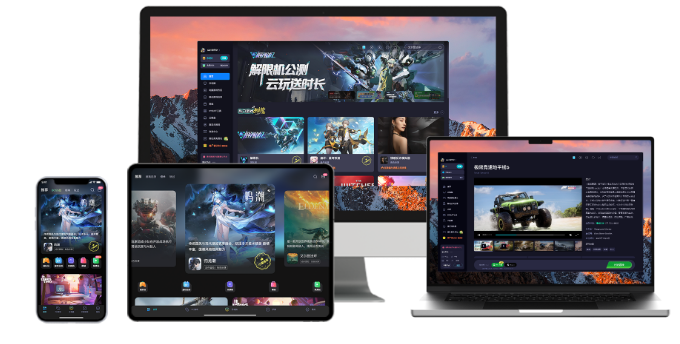
CLOUD PCS
First steps with Haima Cloud PC: image quality and file-saving checks
Sort out the image quality, network, standby and personal hard drive check sequence for first use according to the Haima Cloud PC official help directory.
Haima Cloud's GPUaaS platform lists cloud gaming, cloud PC, and cloud phone as different forms; the Haima Cloud PC help center also introduces clients, image quality settings, personal hard drives, and file transfers. When choosing products, you must distinguish between personal use portals and developer-oriented SDK and OpenAPI services.
Sort out the image quality, network, standby and personal hard drive check sequence for first use according to the Haima Cloud PC official help directory.
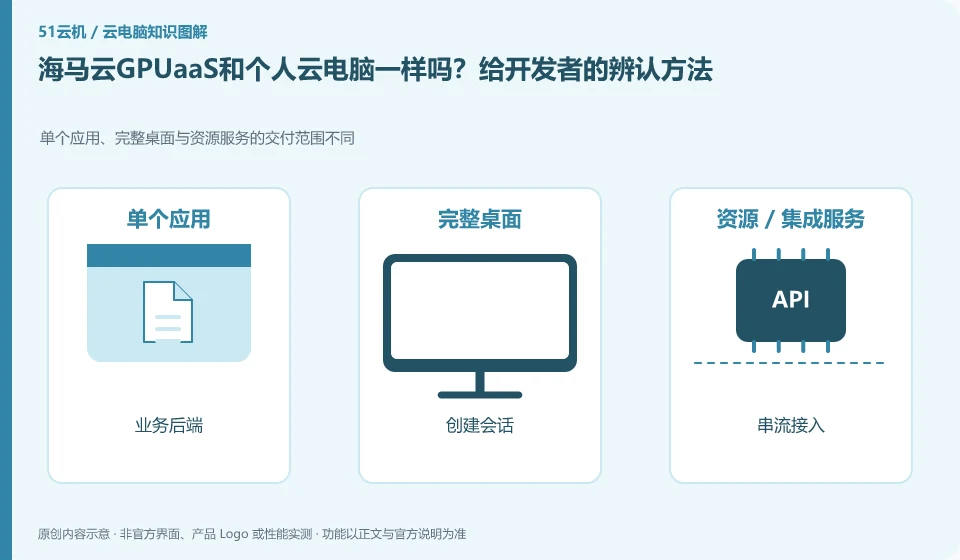
Not the same. The GPUaaS page discusses SDK and OpenAPI access, while Personal Cloud PC is geared toward direct connection use. Developers need to study sessions, authentication, resource scheduling and integration; individual users are more concerned about clients, billing and saving.
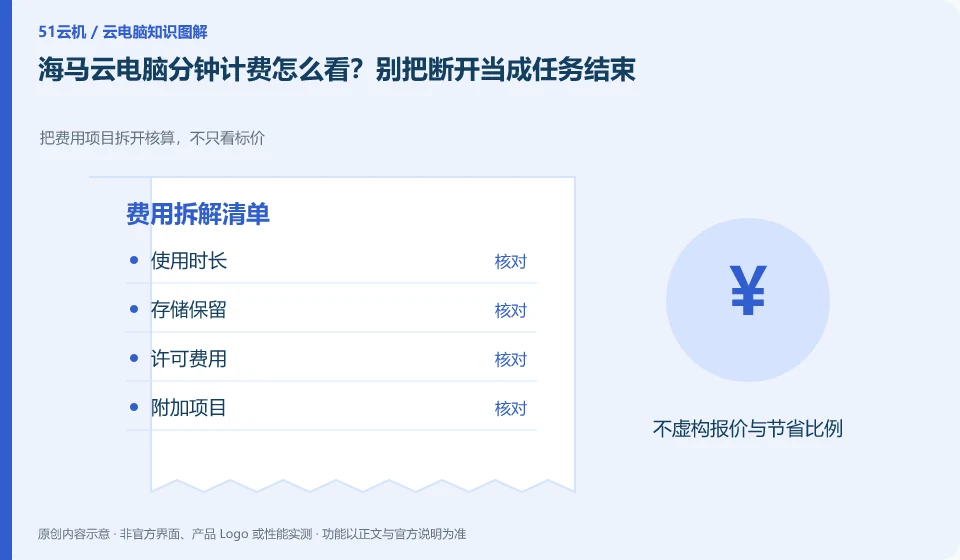
The help center introduces the usage direction of billing by time and period. The actual estimate must check the current package, timing start and end conditions, and continuous storage charges. Closing the application window cannot be directly regarded as the billing has stopped.
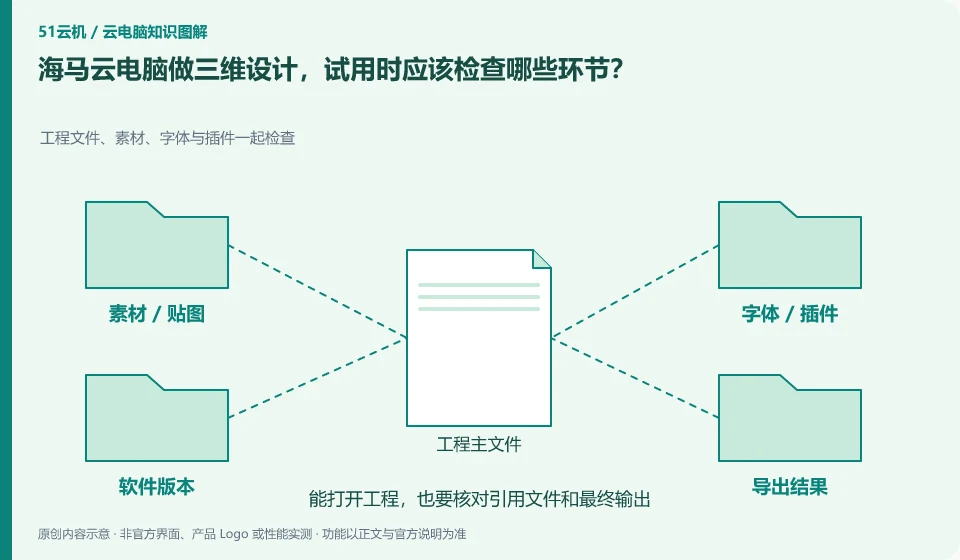
At a minimum verify software licensing, project dependencies, view interactions, GPU calculations and final export. The introduction of Haima Cloud PC includes design and creative direction, but whether different software and packages are compatible needs to be checked one by one with your own legal samples.
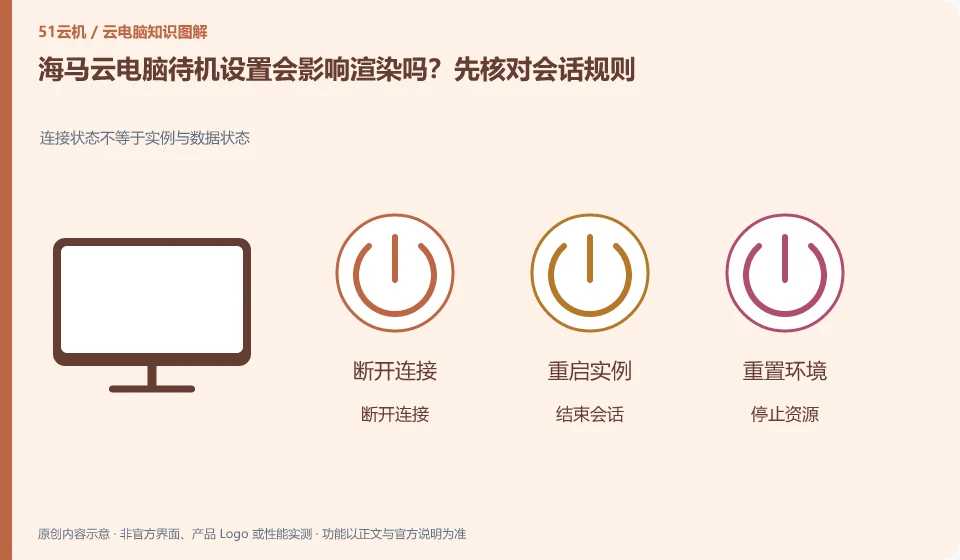
Whether long tasks can be completed continuously depends on the current package and session rules, not whether the phone can exit the application. The help center mentions standby time management. Before official rendering, you should check what will happen if there is no operation, disconnection, and resource release.
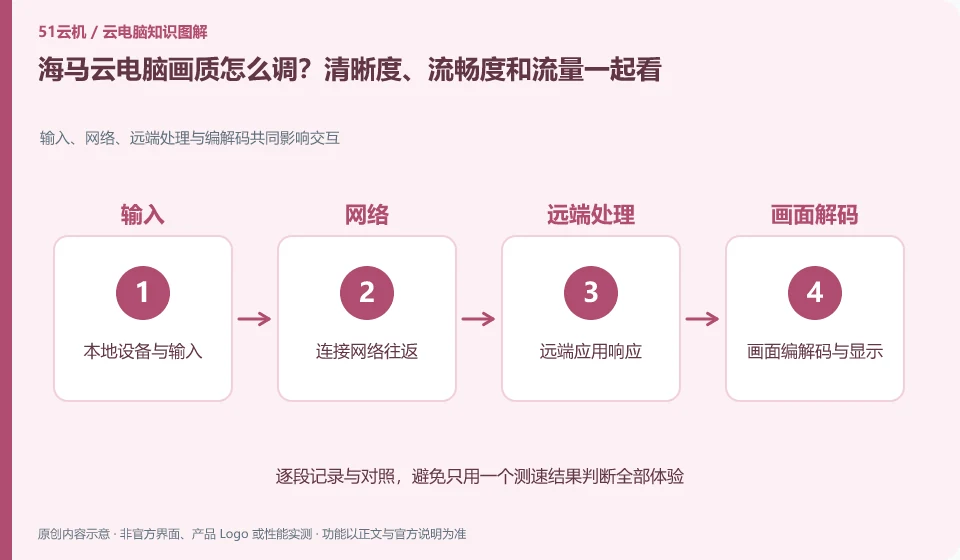
The Help Center explains image quality and network status settings. When adjusting, you should first fix the task, and then compare resolution, frame rate and network one by one to find a combination that your terminal can stably withstand, rather than defaulting to the highest setting which is necessarily the best.
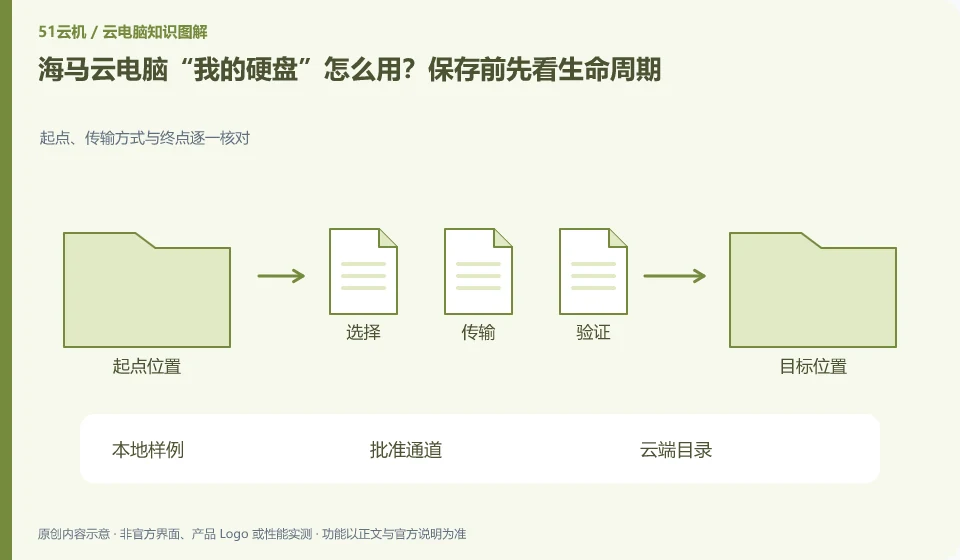
The help center treats personal hard drives as a dedicated topic; you still need to confirm the file storage location, expansion, expiration and replacement rules. The personal hard drive and the current running session should be understood separately. In particular, do not assume that data will never be lost based on just one reconnection.
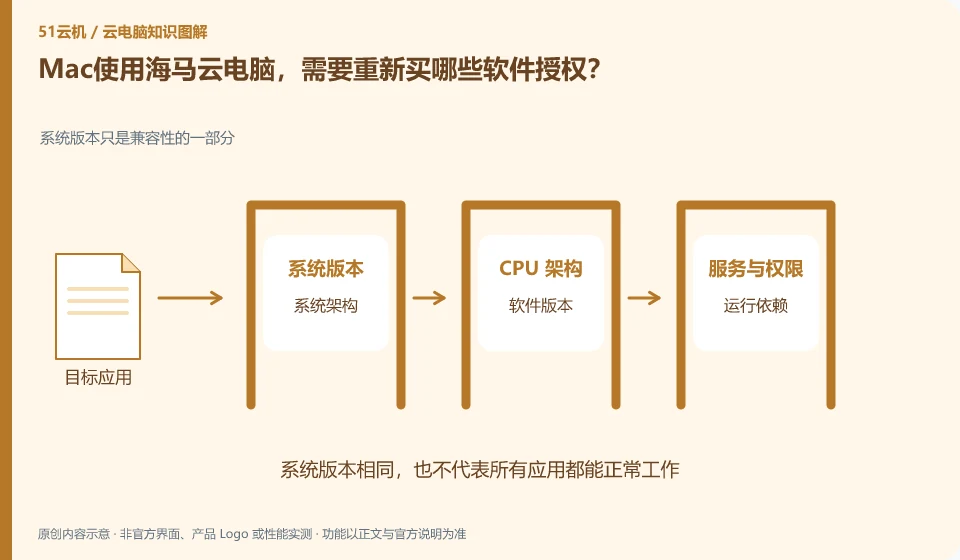
Providing a Windows environment in the cloud does not automatically include all the commercial software licenses you need. The Haima Help Center introduces Mac connection and software usage directions. Users should also check whether specific software is allowed to be activated and used in this environment.
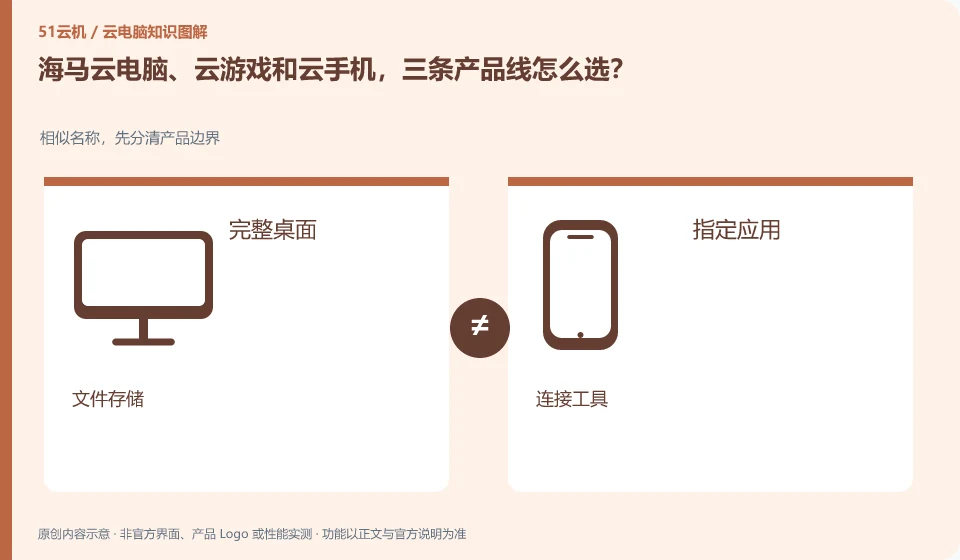
The Haima CloudGPUaaS page lists the three forms separately. When selecting one, you should first look at the system running remotely and the delivery object. If you want to get a computer desktop, enter designated games, and host Android applications, these correspond to different needs.