
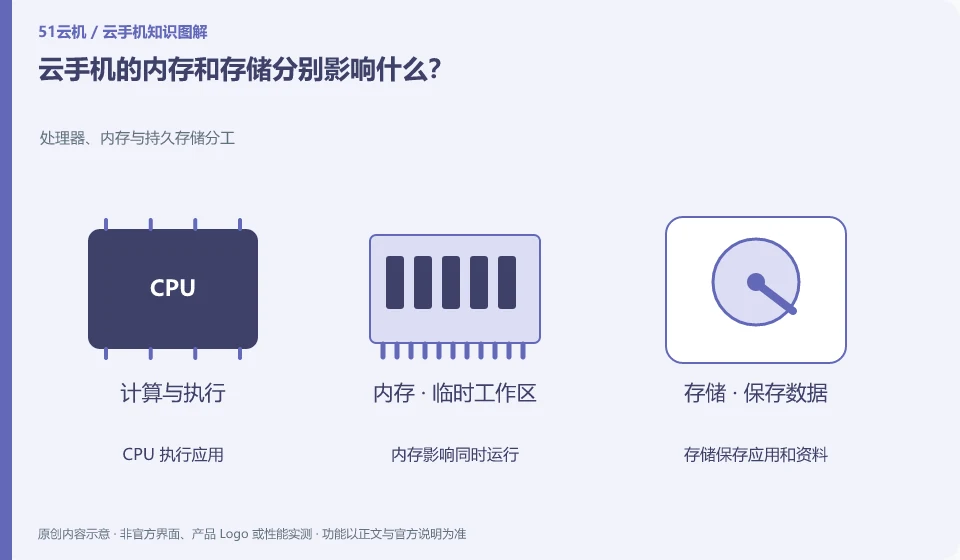
Memory is associated with running applications, and storage is used to install and save data. Insufficient space and running lag need to be judged separately.
Understand the essentials
Adding storage does not directly increase application running memory; network lag is not necessarily caused by these two items.
A practical example
Hypothetical example: the installation failure prompts that there is insufficient space, and the application is reloaded after switching between multiple applications, which are different phenomena.
What to check or try
- Read the error message clearly.
- Check the space and running status separately.
- Test with the same app.
- Then decide the direction of treatment.
If the application prompts that the storage is insufficient, check the downloads and media first, and do not change the running restrictions at will; if the application is reloaded after switching, then observe whether it is terminated by the system. Describing the problem with specific behaviors is more helpful in locating it than saying "the configuration is not working".
An easy-to-miss detail
Don't rely solely on the nominal memory to determine how many applications can actually run simultaneously.
Continue reading
- Do cloud phone apps keep running after you disconnect?
- Why does the Android version of a cloud phone matter?
Back to Cloud phones: getting started
Notes and further reading
Android app storage overview;Android app permissions overview。
This introductory guide was prepared by 51Yunji from public information with AI-assisted drafting. Examples are hypothetical, not hands-on product tests or promises of results. Follow the current product, version and official instructions for specific features and procedures. Compiled on October 26, 2026.