51YUNJI / BUY WITH CONTEXT

QTPhone guides

QTPhone official product page introduces ARM cloud Android devices.

5 articles in English

Page 1 of 1
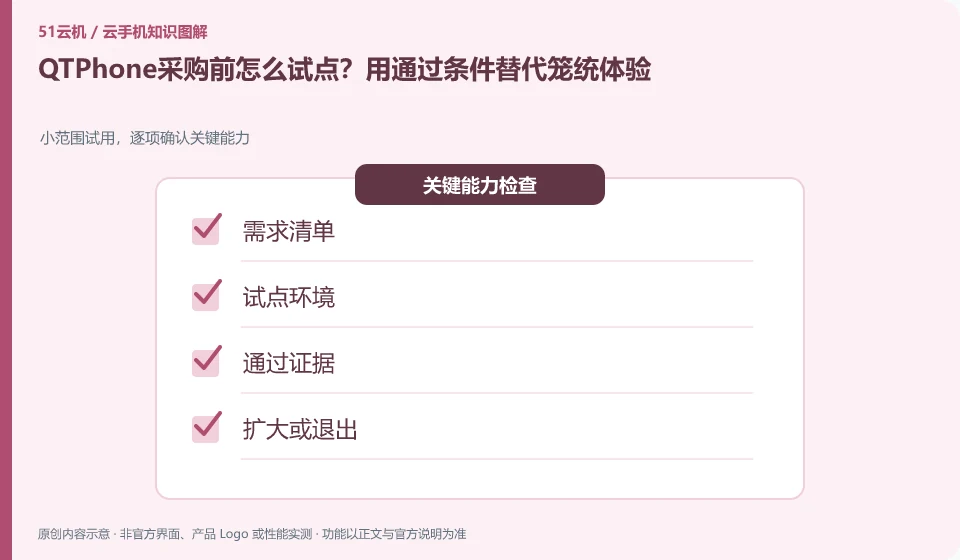
How to pilot QTPhone before purchasing? Replace general experiences with passing conditions. Small-scale trial, confirm key capabilities item by item; demand list; pilot environment; pass evidence; expand or exit
CLOUD PHONES

Planning a QTPhone pilot with clear acceptance criteria

QTPhone: The pilot should first write down the tasks, personnel and exit conditions that must be passed, and then apply for equipment. Only letting a few people use it casually makes it difficult to discover permissions, data and long-term cost issues, and it is also difficult to judge whether it can be expanded in the future.
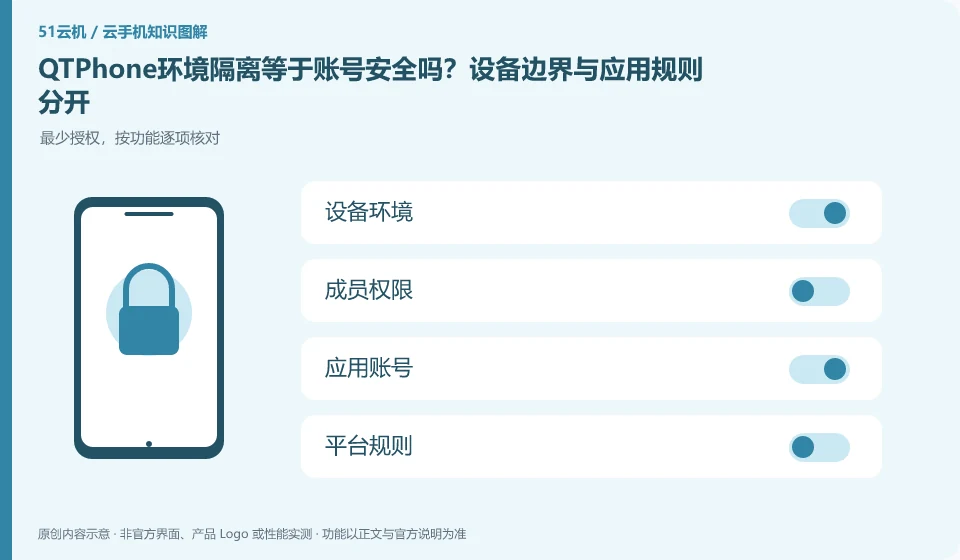
Does QTPhone environment isolation equal account security? Device boundaries are separate from application rules. Minimum authorization, check item by function; device environment; member permissions; application account; platform rules
CLOUD PHONES

Does QTPhone environment isolation guarantee account safety?

QTPhone: Device environment isolation can help distinguish files and running status, but it cannot guarantee that third-party accounts will not trigger security checks. Account behavior, login sources, authorization relationships and platform rules still exist independently, and isolation cannot be regarded as a "preventing blocking" commitment.

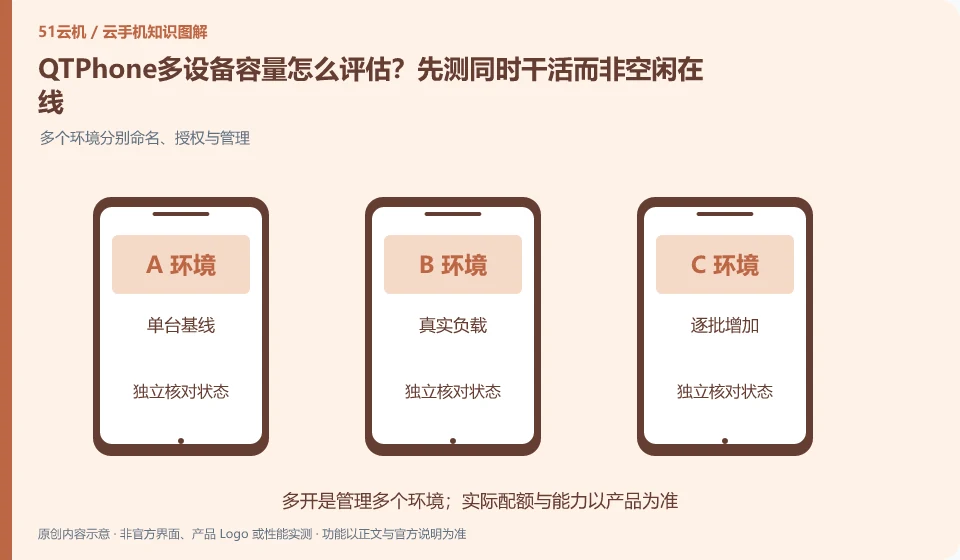
How to evaluate the multi-device capacity of QTPhone? Try working simultaneously rather than being idle online first. Multiple environments are named, authorized and managed separately; single baseline; real load; batch-by-batch increase; capacity boundaries
CLOUD PHONES

Assessing QTPhone capacity: test simultaneous work, not idle connections

QTPhone: Capacity should be evaluated based on real tasks. Just because multiple devices can connect when idle does not mean that they still meet the requirements when running applications, transferring files, or accepting operations at the same time. Device creation quotas, concurrency control capabilities, and target application loads should be documented separately.

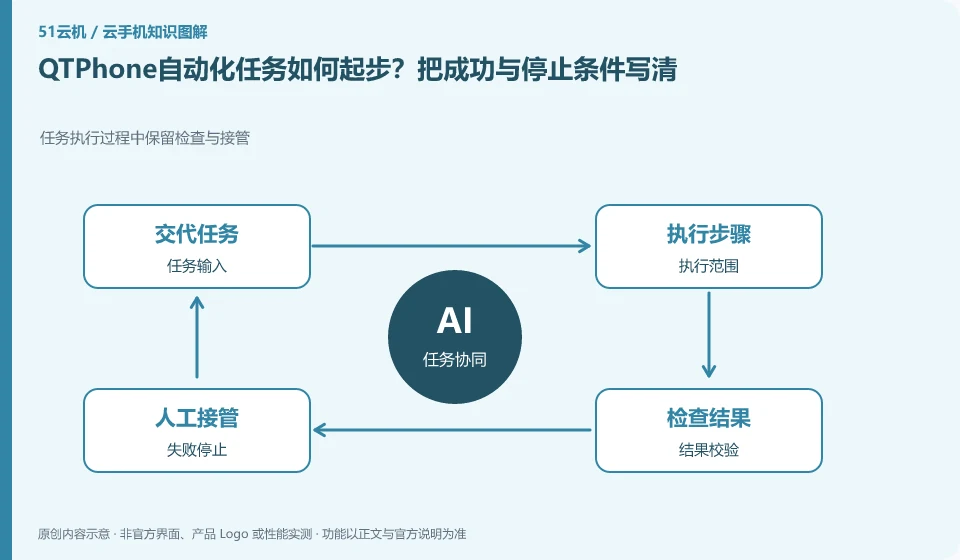
How to get started with QTPhone automation tasks? Write down the success and stop conditions clearly. Inspection and takeover are retained during task execution; task input; execution scope; result verification; failure stop
CLOUD PHONES

Starting QTPhone automation: define success and stopping conditions

QTPhone: Automation should start with a small number of repetitive, observable, legitimate tasks. Timing triggers, synchronous clicks, scripts and AI understanding interfaces are different capabilities; being able to start a task does not mean that it can be judged to be completed, nor does it mean that it can bypass third-party application rules.

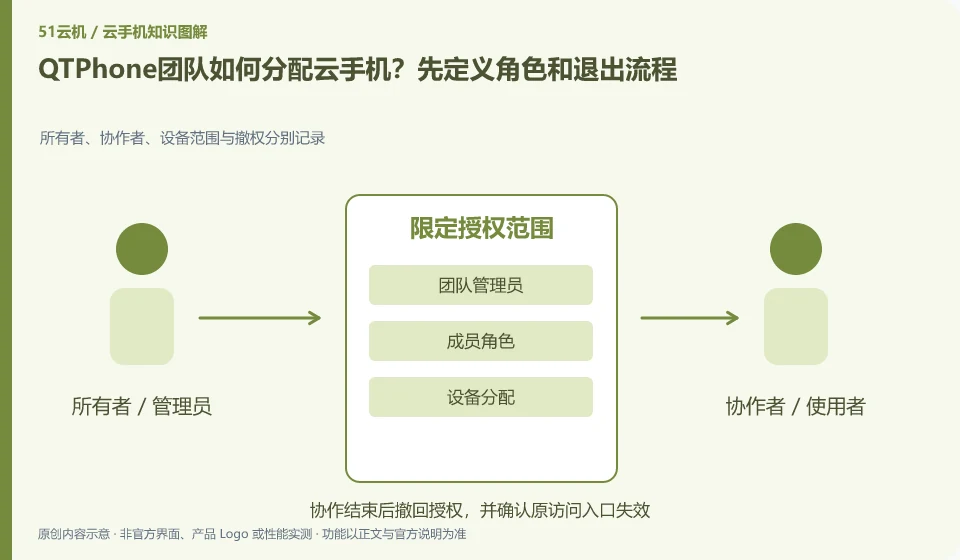
How does the QTPhone team allocate cloud phones? Start by defining roles and exit processes. Owners, collaborators, device scope and revocation are recorded separately; team administrators; member roles; device assignments; leaving and recycling
CLOUD PHONES

Assigning QTPhone devices to a team: roles and offboarding

QTPhone: Team assignments should be centered around who can see the device, who can control it, and who can manage orders, rather than everyone sharing an admin password. Even if the platform provides role functions, a test account must be used to confirm the actual permission scope to avoid configuration names that are different from expected.