51YUNJI / BUY WITH CONTEXT

LD Cloud Phone guides

LD Cloud Phone provides remote cloud phone and multi-terminal access portal.

10 articles in English

Page 1 of 1
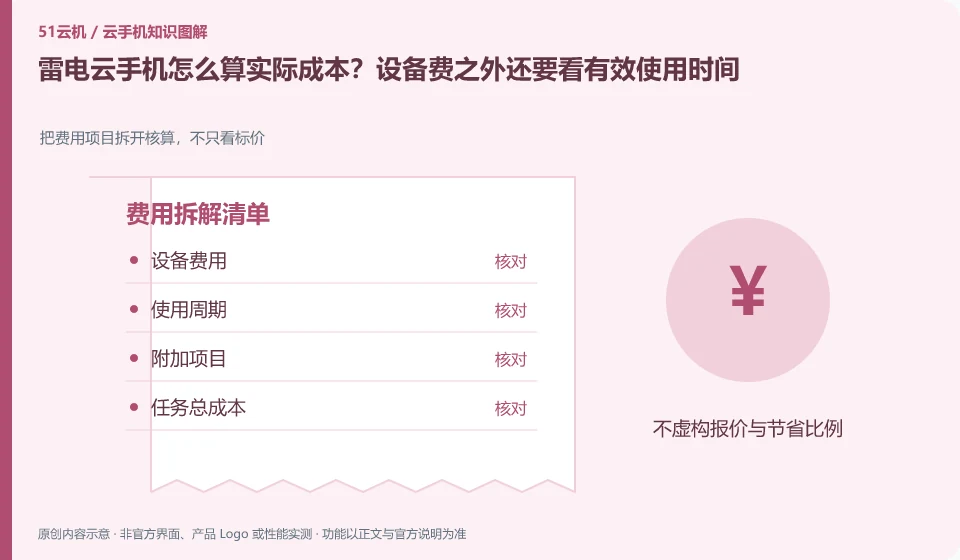
How to calculate the actual cost of LD Cloud Phone? In addition to the equipment fee, it also depends on the effective usage time. Break down the cost items and calculate them, not just the price tag; equipment costs; service life; additional items; and the total cost of the task
CLOUD PHONES

Calculating LD Cloud Phone costs beyond the device fee

LD Cloud Phone: When comparing prices, first align the billing period with the usage period you really need. Cheap monthly packages may not be suitable for tasks that are only used a few times, and billing on time may not be suitable for an always-on environment; the final comparison should be based on the total cost required to complete the task.

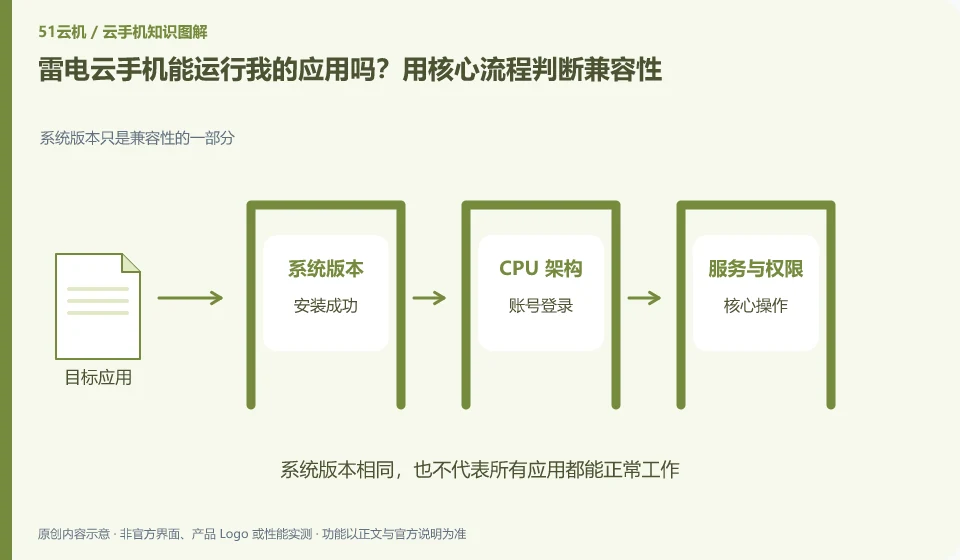
Can LD Cloud Phone run my application? Use core processes to determine compatibility. The system version is only part of the compatibility; installation successful; account login; core operation; reconnect
CLOUD PHONES

Will my app work on LD Cloud Phone? Test its essential workflow

LD Cloud Phone: Being able to install it does not mean it can complete the task. To determine compatibility, you must at least cover startup, login, key operations, sounds or peripherals, and reconnection after disconnection; if you only look at the homepage that can be opened, it is easy to miss the restrictions that appear when you are actually using it.

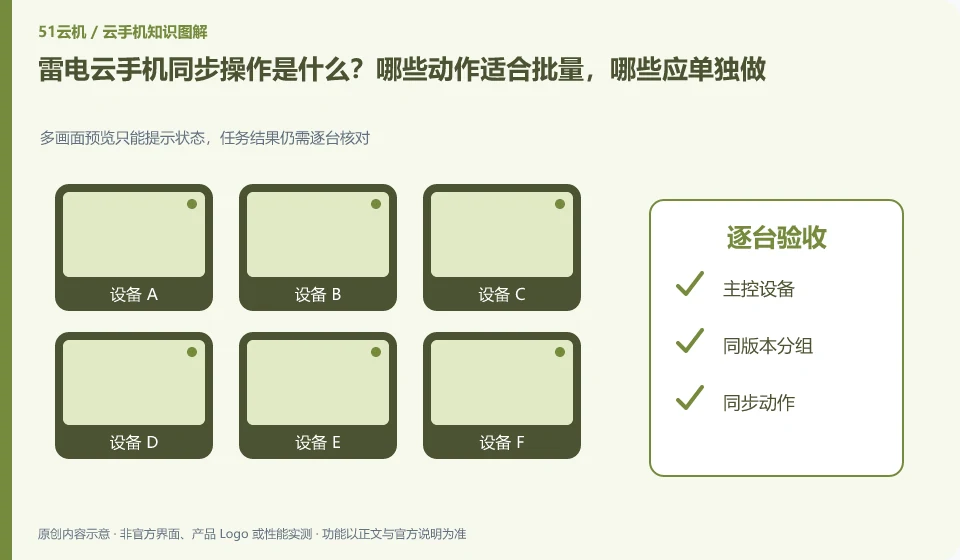
What is the LD Cloud Phone synchronization operation? Which actions are suitable for batching and which should be done individually. Multi-screen preview can only prompt the status, and the task results still need to be checked one by one; master control device; grouping with the same version; synchronized actions; acceptance one by one
CLOUD PHONES

LD Cloud Phone synchronized controls: which actions should remain separate?

LD Cloud Phone: Synchronization operation is to map the operation of one device to other selected devices, which is suitable for repeated steps with similar interfaces. It is not an intelligent system that automatically understands the status of each application; if a pop-up window or page is different in one application, deviation and accidental touch may occur.

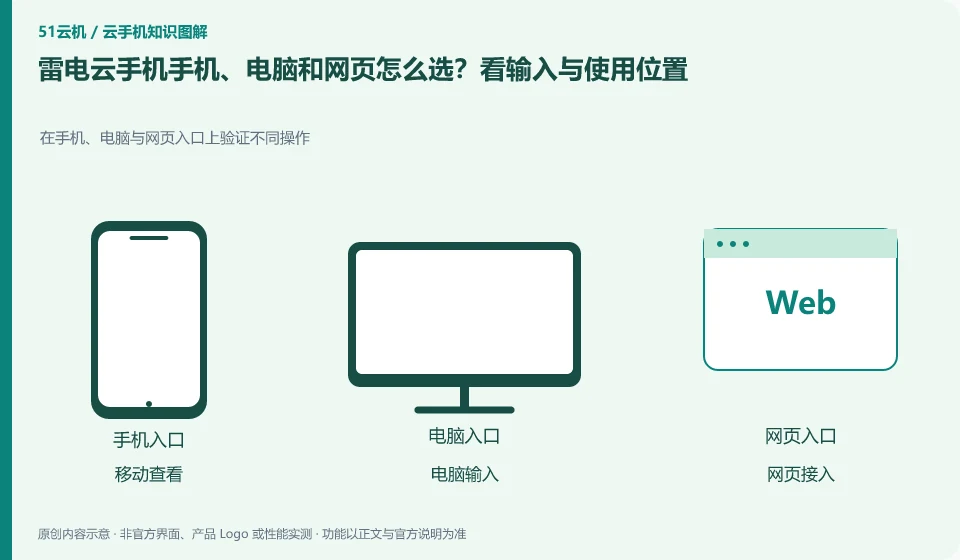
How to choose between LD Cloud Phone mobile phone, computer and web page? Look at the input and usage locations. Verify different operations on mobile phones, computers and web portals; mobile viewing; computer input; web access; the same device
CLOUD PHONES

LD Cloud Phone on mobile, desktop or web: choosing an access method

LD Cloud Phone: Frequently inputting and organizing files is usually more suitable for computers; temporary viewing is suitable for mobile phones; when it is inconvenient to install software, you can first check whether there is a web entrance. The ability to log in with multi-terminal accounts is consistent with all functions, which are two conclusions that need to be verified separately.

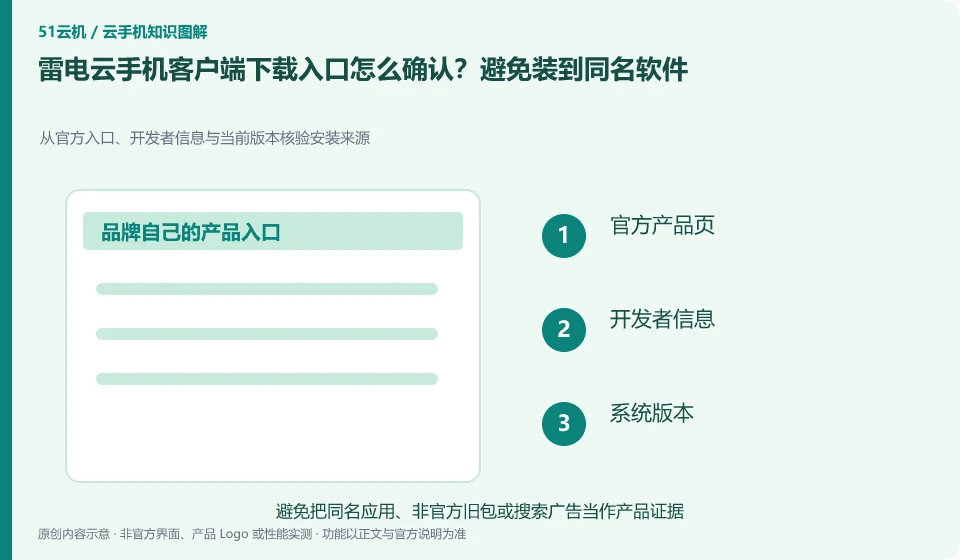
How to confirm the LD Cloud Phone client download entrance? Avoid installing software with the same name. Verify the installation source from the official entrance, developer information and current version; official product page; developer information; system version; installation check
CLOUD PHONES

How to verify the official LD Cloud Phone download

LD Cloud Phone: Prioritize entering the download channel from the verifiable official product page, and then check the developer and platform version. Advertisements, "high-speed downloads" and aggregated downloaders in search results cannot be deemed to be official installation packages based on their brand name alone.

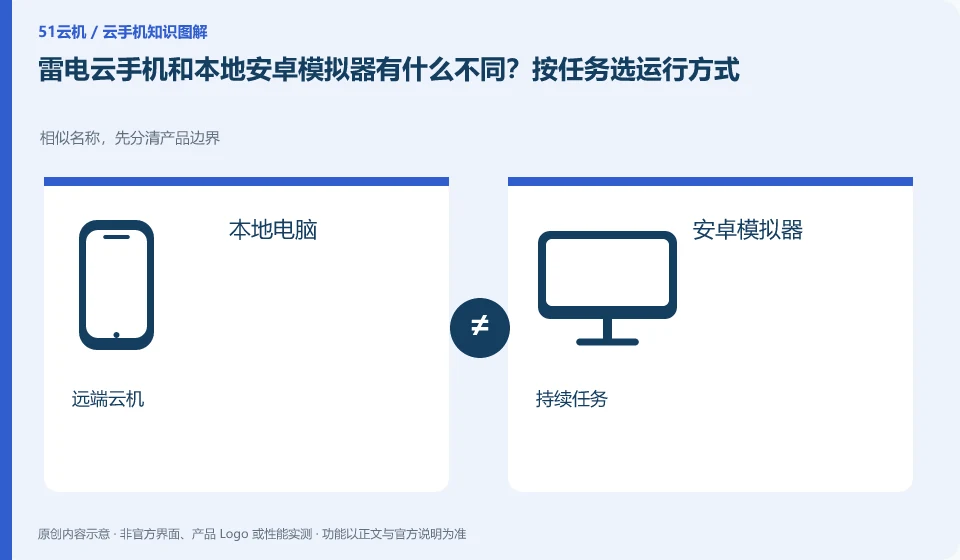
What is the difference between LD Cloud Phone and native Android emulator? Select the operation mode according to the task. Similar names, first distinguish the product boundaries; local computer; Android emulator; remote cloud machine; continuous task
CLOUD PHONES

LD Cloud Phone versus a local Android emulator: choose for your task

LD Cloud Phone: The local emulator mainly uses your computer to run the Android environment, while cloud phone places the running environment remotely. The need to continue running after shutting down the computer is not the same requirement as the need for low-cost offline development. The selection should be based on the running location and dependency conditions.