
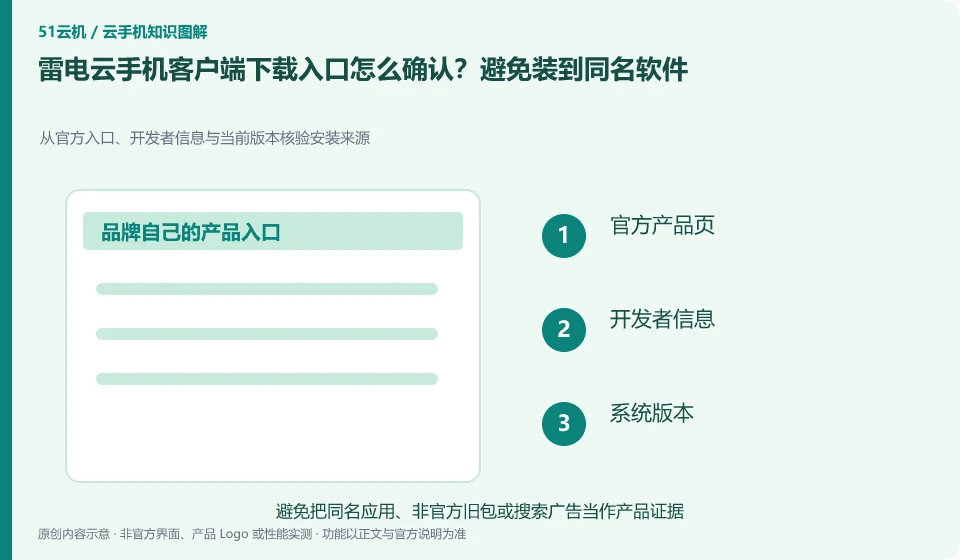
Regarding LD Cloud Phone, the key to this issue is: first enter the download channel from the verifiable official product page, and then check the developer and platform version. Advertisements, "high-speed downloads" and aggregated downloaders in search results cannot be deemed to be official installation packages based on their brand name alone.
Known information about LD Cloud Phone and the key points of this verification
LD Cloud Phone provides remote cloud phone and multi-terminal access portal. The current official website lists entrances for Windows, Android, Apple, etc., and there are also overseas cloud phone entrances on the webpage.
Currently, the official website of verify lists multiple types of download entrances; when choosing, you should refer to the full name of your own system and product, and do not rely on the "latest version" of the aggregation site.
The evidence boundaries of this article are: LDPlayer and LD Cloud Phone are not operating in the same location; overseas lines must not be directly equivalent to domestic packages.
How this issue applies to this product
LD Cloud Phone and LDPlayer have similar names, but the former allows tasks to be run on remote Android, while the latter mainly uses local computer resources. Please confirm the full name of the product before downloading and installing. Otherwise, even if you install regular software of the same brand, you may not have access to the original cloud phone device at all.
Currently, the official website of LD Cloud Phone that can be verified lists Windows, Android, Apple and other portals, as well as overseas cloud phone portals. You should choose according to your own product area and local system. All links cannot be understood as the same order system. The download page claims that the "latest version" also needs to be supported by the official entrance and developer information. This time, direct access to a product domain name has timed out, which has been recorded in the source; the timeout is not used to infer that the brand is out of service, and do not install activation or repair tools from unknown sources when access is abnormal.
Before installation, you can also check whether the local operating system meets the official current requirements. The inability to run is not necessarily a fault of the Cloud Phone service itself. The old system, installation permissions and download corruption also need to be checked separately; do not use the shutdown security check solution provided by strangers without confirming the cause.
Understand what this question covers
Cloud phone, emulator, cloud PC or multiple instances assistant may appear under the same brand. Before downloading, confirm the full name of the product and its purpose of operation, and then check the login interface after installation. If you encounter a page that requires you to close security software, import unfamiliar certificates, or transfer money to receive a permanent free version, you should pause and return to the official instructions for verification.
Check in this order
- Save the official product page address and check the full name of the product and the developer.
- Choose the corresponding installation method according to Windows, Android or other systems.
- After installation, check the version and account entry first, and do not import unknown activation tools.
Sources and scope
Sources checked on October 26, 2026. This article combines AI-assisted research of public information with independent analysis and verification suggestions; we have not conducted a hands-on test of this product. Features and costs depend on the current official documentation and your order.
Continue reading:Cloud phone basics · Cloud phone troubleshooting guide · Brand reference directory。
Related questions to explore
- LD Cloud Phone versus a local Android emulator: choose for your task
- LD Cloud Phone on mobile, desktop or web: choosing an access method
- LD Cloud Phone China and international editions: more than server location
Back to the brand and product knowledge directory · Browse cloud phone topics