
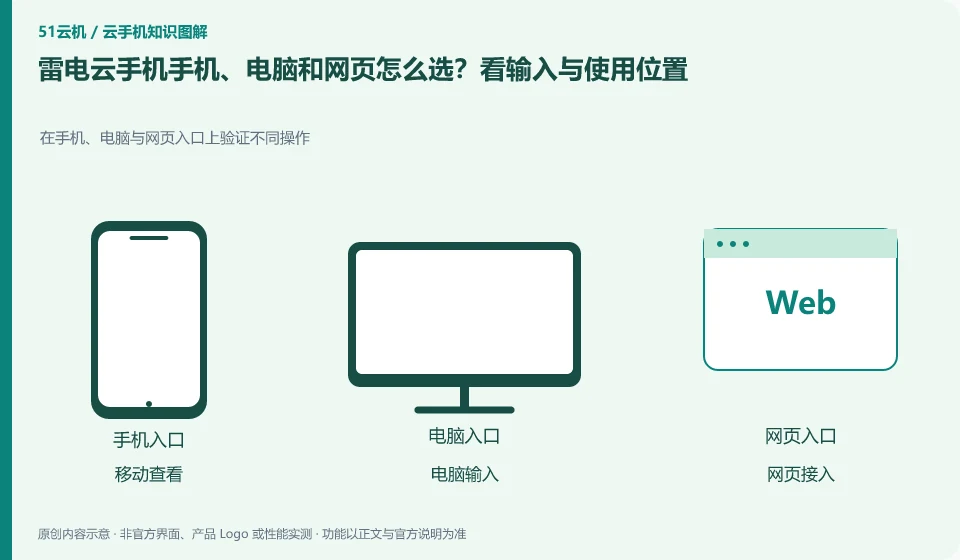
Regarding LD Cloud Phone, the key to this issue is: frequently inputting and organizing files is usually more suitable for computers; temporary viewing is suitable for mobile phones; when it is inconvenient to install software, you can first check whether there is a web portal. The ability to log in with multi-terminal accounts is consistent with all functions, which are two conclusions that need to be verified separately.
Known information about LD Cloud Phone and the key points of this verification
LD Cloud Phone provides remote cloud phone and multi-terminal access portal. The current official website lists entrances for Windows, Android, Apple, etc., and there are also overseas cloud phone entrances on the webpage.
Keep the same original account and device number when checking across terminals; Apple's local access to the Android cloud machine is not the same thing as purchasing iOS system products.
The evidence boundaries of this article are: LDPlayer and LD Cloud Phone are not operating in the same location; overseas lines must not be directly equivalent to domestic packages.
How this issue applies to this product
The multi-port portal of LD Cloud Phone solves the problem of accessing cloud Android from different local devices. Using an Apple phone to connect to the Android cloud machine does not mean that the purchased resources have become iOS systems; seeing the mobile phone window on the computer does not mean that the task has been changed to a local simulator. Only by recognizing these two points first will it be easier to find the correct equipment and files.
When conducting a cross-device trial, first use the original login channel to check the device number, and then compare the actual required functions. Computers are suitable for inputting more text, and mobile phones are convenient for temporary viewing, but the clipboard or upload path on one end cannot be inferred from the tutorial on the other end. The equipment, orders and login boundaries of domestic official websites and overseas stations should also be verified separately. When an empty list is found, the account and region should be checked first, and repurchasing should not be used instead of diagnosis.
If the same device can only see but cannot complete the necessary input on one end, this limitation should be noted and another primary end selected, rather than assuming the device is damaged. The main terminal and the temporary viewing terminal can perform their own duties, and there is no need to repeatedly purchase the environment or change the original system configuration at will in order to achieve the same results for each terminal.
Understand what this question covers
Keyboard, clipboard, file upload, sound, and multi-window capabilities may differ between clients. If the device cannot be found after cross-end, it may also be related to account channel, region or device filtering. First verify whether the same device can appear, and then check the target functions to avoid buying another environment by mistake.
Check in this order
- Make a list of the locations, systems, and input requirements you use most.
- Use the same account to search for the same device and check the area and device number.
- Choose the main entrance after comparing necessary functions such as keyboard, files and sounds.
Sources and scope
Sources checked on October 26, 2026. This article combines AI-assisted research of public information with independent analysis and verification suggestions; we have not conducted a hands-on test of this product. Features and costs depend on the current official documentation and your order.
Continue reading:Cloud phone basics · Cloud phone troubleshooting guide · Brand reference directory。
Related questions to explore
- LD Cloud Phone versus a local Android emulator: choose for your task
- How to verify the official LD Cloud Phone download
- LD Cloud Phone China and international editions: more than server location
Back to the brand and product knowledge directory · Browse cloud phone topics