51YUNJI / BUY WITH CONTEXT

Sangfor aDesk guides

SangforaDesk official information introduces the desktop delivery solution consisting of desktop cloud platform and cloud terminal, and discusses computing, storage virtualization and centralized operation and maintenance. Its typical purchasing target is organizations, and it cannot directly apply the recharge and startup logic of personal cloud PCs.

7 articles in English

Page 1 of 1
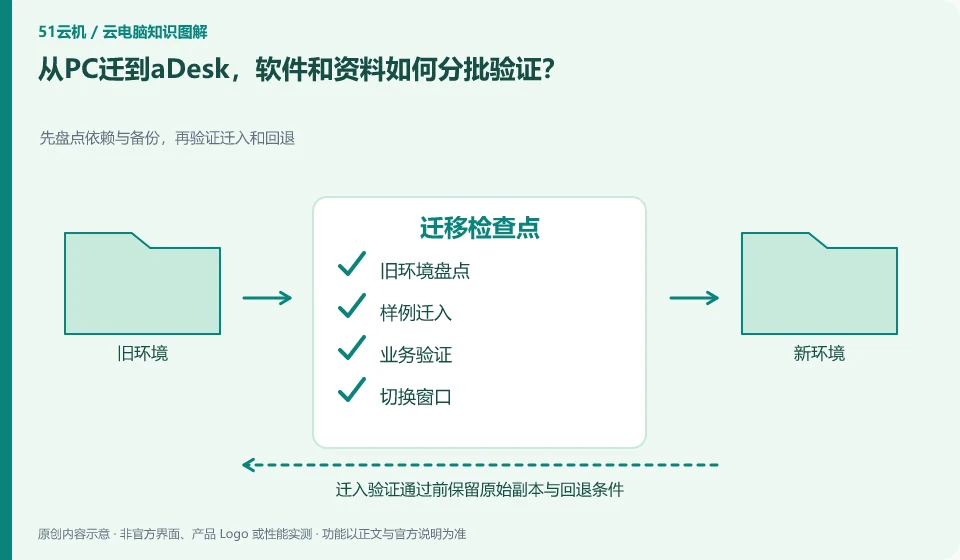
How to verify software and data in batches when migrating from PC to aDesk? First take inventory of dependencies and backups, then verify migration and rollback; inventory of old environments; migration of samples; business verification; switching windows
CLOUD PCS

Moving from PCs to aDesk: validate software and files in stages

Start by taking inventory of applications, authorizations, data, and peripherals, then migrate them in stages using copies. When the desktop cloud platform changes its running location, it cannot be assumed that the drivers, device bindings and paths on the original PC can be moved away unchanged.

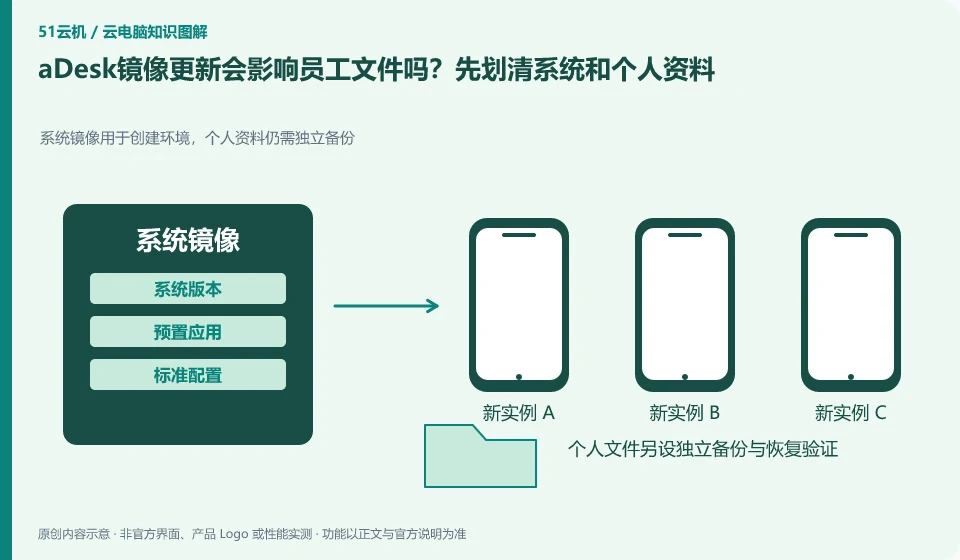
Will aDesk image update affect employee files? First draw a clear line between system and personal data. System image is used to create the environment, personal data still needs to be backed up independently; personal environment; standard image; session temporary area; persistent data
CLOUD PCS

Will an aDesk image update affect employee files?

Images, applications and personal data should be planned separately according to the current deployment method. It cannot be assumed that all data are safe from the success of one update. aDesk projects need to verify data location and recovery before updating, rather than treating centralized management as automatic backup.

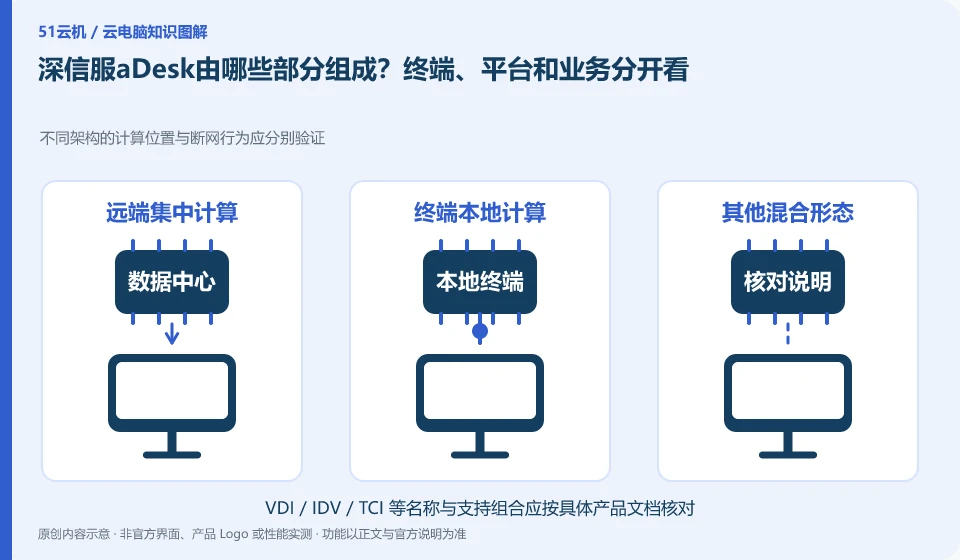
What parts does SangforaDesk consist of? Look at terminals, platforms and services separately. The computing locations and disconnection behaviors of different architectures should be verified separately; data centers; local terminals; image management; personal data
CLOUD PCS

What makes up Sangfor aDesk? Endpoints, platform and applications

The official aDesk information describes the desktop cloud platform, cloud terminal and related virtualization resources as an overall description. Only by understanding the components and responsibilities can we determine who provides computing resources, who manages personnel, and how business applications enter the desktop.