
When the device is about to expire, first confirm which cloud phone you want to extend the use time, and then select the renewal entrance. The results of purchasing new equipment, renewing original equipment, and upgrading configurations are different. This article is based on the official guide of Redfinger PC Professional Edition and was compiled on October 29, 2026. No order has been actually placed or the upgrade has been performed.
Differences in official procedures
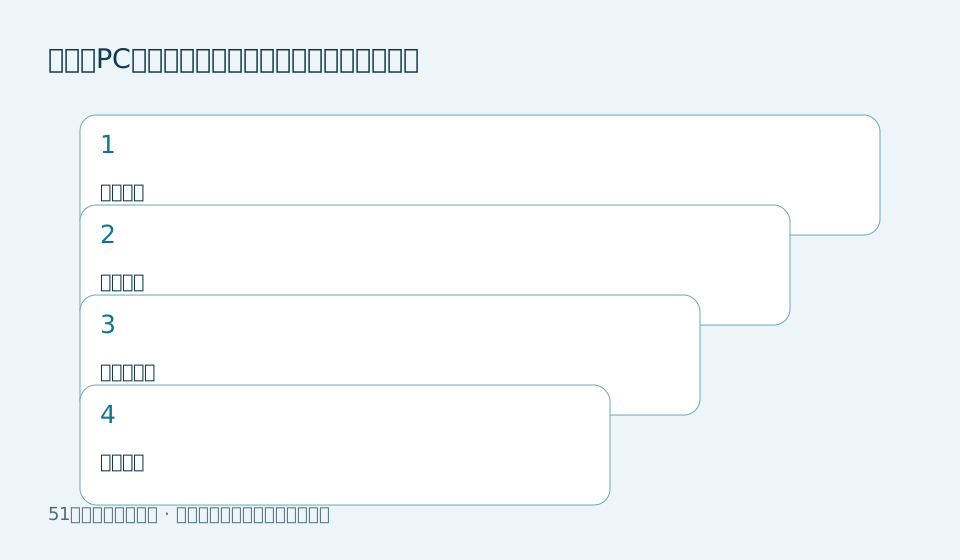
The guide distinguishes between purchase, renewal and upgrade, and also lists the entry points for activation code activation and renewal. To renew, select the target device, and to upgrade, select the device and pay the price difference. Different systems and device categories need to be selected accordingly, and the activation process for new devices cannot be regarded as renewing existing devices.
Suggestions from this site: Make an equipment list first
If there are multiple devices under the account, first record the device name or number, expiration time and information that needs to be retained. Go to the order page to check item by item, especially when selecting in batches. Don’t just rely on the list position to judge whether the target is correct.
- Verify account number, target device, and current expiration date.
- Select the renewal method and check the system, category, period and total payment.
- After completion, return to the original device and check whether the expiration time corresponds to the order.
When using activation codes, don’t just look at the successful entry
This website recommends checking the applicable models, validity period and usage direction of the redemption code first. Different entrances may be used to add new devices and renew devices; verify the validity of redemption codes from unknown sources first, and do not give the account password and verification code to the seller. Order and redemption records must be kept by yourself.
Confirm data rules individually before upgrading
This page does not fully describe the data processing methods of all current models after the upgrade, and it cannot guarantee that applications and files will be retained. Export important files first and verify that the backup is readable, and then confirm the migration, price difference and remaining time calculation with the official. Prices and button locations are based on the current version.
Applicable conditions and source notes
- Check client version, target device, and expiration after renewal.
- Before upgrading, confirm the data retention and price difference rules, and keep independent backups.
Source:Official source. This is a research summary, not a hands-on test. Features, prices and promotion eligibility are subject to the current official page.