
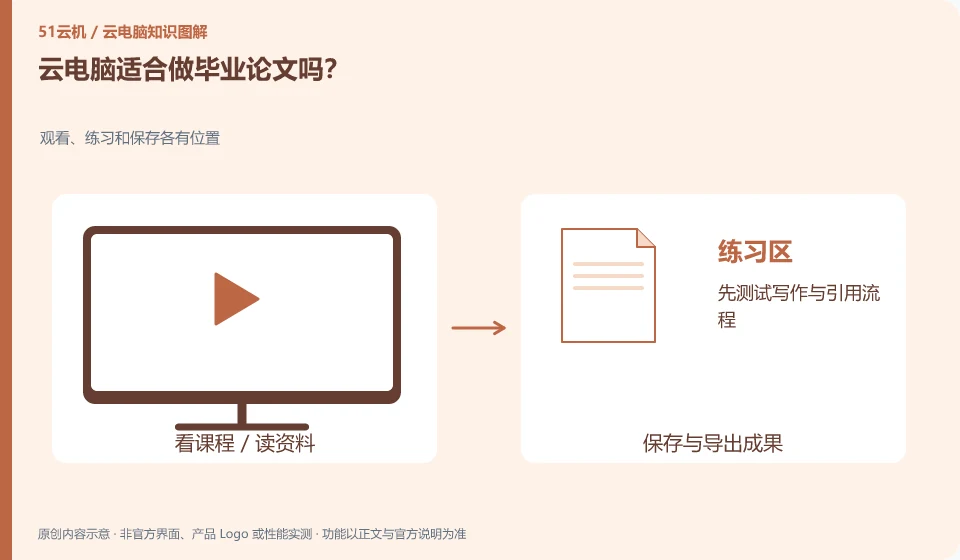
It can be used as a writing environment, but you need to manage the version, reference materials and backup of your paper yourself. Devices in the cloud do not automatically guarantee the security of results.
Understand the essentials
Writing software, documentation tools, and font plug-ins must be compatible with each other; conflicts may arise between collaboration and synchronization.
A practical example
Hypothetical example: if the same file is modified on two devices at the same time, multiple copies may appear instead of being automatically merged.
What to check or try
- Test the writing and citation process first.
- Fixed master file.
- Phased export.
- Save a recoverable copy in a separate location.
In addition to the main text, also save reference materials, source files of figures and necessary explanations. The stage version can be retained after each major modification to avoid a synchronization error affecting the entire progress. Any uploading and sharing of research data should comply with the actual requirements of the school and project.
An easy-to-miss detail
If the original data of the paper is required by the school or research project, you should first confirm the allowed storage environment.
Continue reading
- Can a library network provide a stable cloud PC connection?
- Learning spreadsheets on a cloud PC: essential operations
Back to Cloud PCs: learning and home use
Notes and further reading
Cloud PC access methods and client prerequisites;Azure Virtual Desktop overview。
This introductory guide was prepared by 51Yunji from public information with AI-assisted drafting. Examples are hypothetical, not hands-on product tests or promises of results. Follow the current product, version and official instructions for specific features and procedures. Compiled on October 26, 2026.