
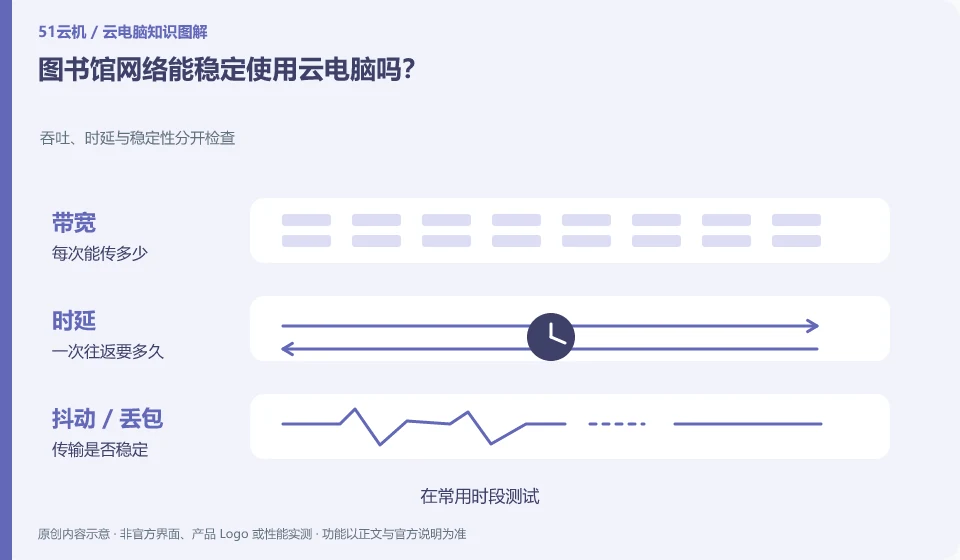
You can’t judge just by being able to access the Internet. Shared network limitations, load, and login methods can all impact continued remote interaction.
Understand the essentials
Occasionally loading web pages is different from continuously uploading images on the desktop, and the experience may also vary during peak hours.
A practical example
Hypothetical example: Just because the test went smoothly in the morning, it doesn’t mean that it will still be the same when multiple people are online at night.
What to check or try
- Test during common times.
- Log in to the network first and then open the desktop.
- Records disconnections and reconnections.
- Important tasks are saved in a timely manner and local copies are prepared.
When selecting test content, do not use formal exams or assignments that are due soon. First use a normal document to experience continuous input and save to see if frequent network re-authentication is required. If the venue is not suitable for constant connectivity, prepare in advance for portions that can be completed offline.
An easy-to-miss detail
Follow the venue's network rules and don't pursue connectivity by turning off security settings or bypassing restrictions.
Continue reading
- Preparing a presentation on a cloud PC: avoid problems at the venue
- Is a cloud PC suitable for writing a thesis?
Back to Cloud PCs: learning and home use
Notes and further reading
Cloud PC access methods and client prerequisites;Azure Virtual Desktop overview。
This introductory guide was prepared by 51Yunji from public information with AI-assisted drafting. Examples are hypothetical, not hands-on product tests or promises of results. Follow the current product, version and official instructions for specific features and procedures. Compiled on October 26, 2026.