
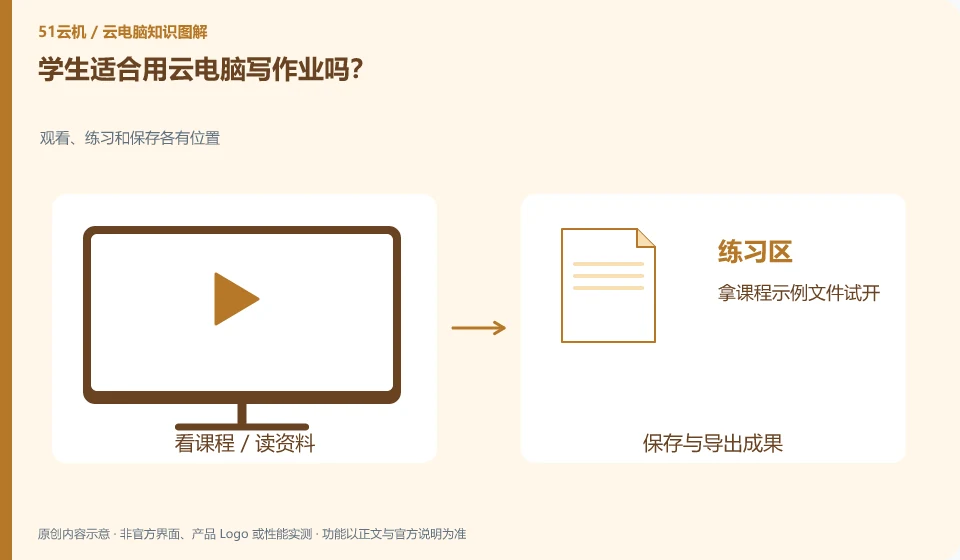
Cloud PC can be used as a tool if the assignment relies on compatible desktop software, the network is stable, and the school allows it. Check the course requirements first, and do not regard the device form as learning effect.
Understand the essentials
Different courses may require specific plug-ins, file formats or exam environments. Being able to open a browser does not mean that all requirements are met.
A practical example
Hypothetical example: a text report and an experimental project that requires a dedicated driver have different testing focuses.
What to check or try
- Take the course sample file and try it out.
- Complete a commit.
- Make sure the teacher can view it normally.
- Save a copy that can be read on other devices.
When actually preparing, you can work backwards from the submission format given by the teacher: what software is needed, which file will be submitted in the end, and whether the attachments are complete. As long as it can be delivered according to the course requirements, there is no need to add complex configurations that are irrelevant to the task because of different forms of equipment.
An easy-to-miss detail
Examination and proctoring software must comply with school requirements and do not use a cloud environment to bypass device restrictions.
Continue reading
- What to do before a cloud PC trial ends
- Choosing a cloud PC for a child: what parents should consider
Back to Cloud PCs: learning and home use
Notes and further reading
Cloud PC access methods and client prerequisites;Azure Virtual Desktop overview。
This introductory guide was prepared by 51Yunji from public information with AI-assisted drafting. Examples are hypothetical, not hands-on product tests or promises of results. Follow the current product, version and official instructions for specific features and procedures. Compiled on October 26, 2026.