
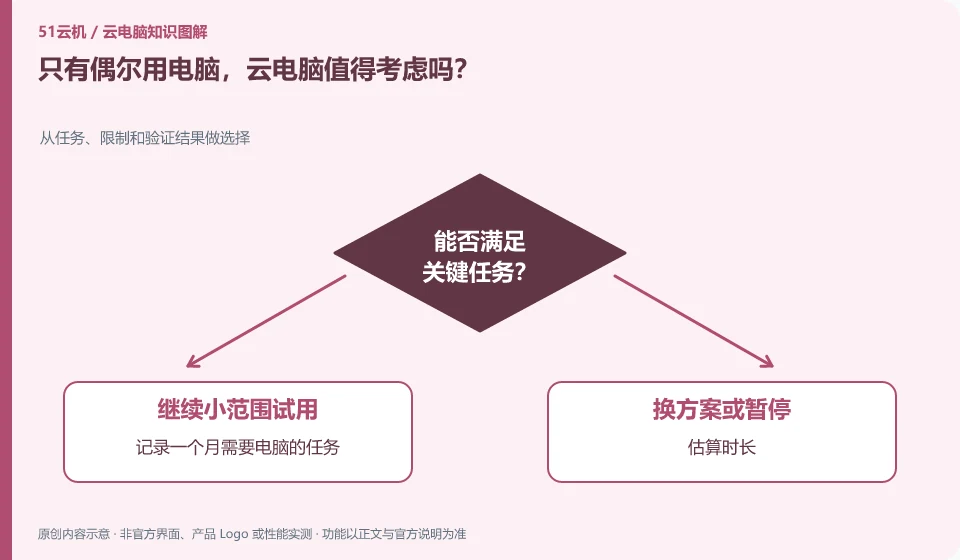
It can be evaluated, but it should be calculated based on real frequency of use, rather than just looking at low-price advertisements. Those who use it less will especially want to look at minimum subscription periods and associated fees.
Understand the essentials
Pay-by-time is suitable for irregular tasks, and long-term subscription may include idle time. Whether the two are cost-effective depends on the rules.
A practical example
As a hypothetical example: someone who only modifies desktop files once a month and someone who studies for hours a day should not apply the same cost judgments.
What to check or try
- Keep track of tasks that require a computer for a month.
- Estimated duration.
- Check outage and expiration rules.
- Compare whether existing equipment can be completed.
When comparing options, factor in preparation time: Is it a hassle to log in, authenticate, and retrieve files every time? If the task itself only lasts a few minutes and takes a long time to prepare, convenience may be more important than the book price of the resource. Use the complete process once before making a judgment.
An easy-to-miss detail
Don’t leave auto-renewing and no-longer-used resources behind just to try it out once.
Continue reading
- Choosing a cloud PC for a child: what parents should consider
- Can several people in a household share one cloud PC?
Back to Cloud PCs: learning and home use
Notes and further reading
Cloud PC access methods and client prerequisites;Azure Virtual Desktop overview。
This introductory guide was prepared by 51Yunji from public information with AI-assisted drafting. Examples are hypothetical, not hands-on product tests or promises of results. Follow the current product, version and official instructions for specific features and procedures. Compiled on October 26, 2026.