
First distinguish between local network disconnection and remote session abnormality, try to reconnect the original session, and do not reset the environment immediately.
Understand the essentials
Whether unsaved content is retained depends on the application and session state, and repeated restarts may make recovery more difficult.
A practical example
As a hypothetical example: After a brief disconnection from the wireless network, you may still be able to continue editing by reconnecting to the same desktop.
What to check or try
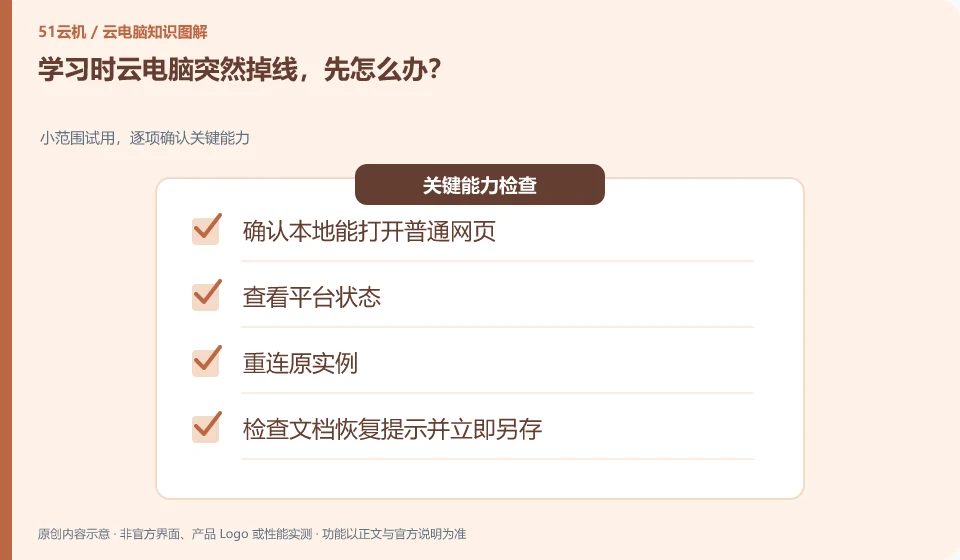
- Confirm that ordinary web pages can be opened locally.
- View platform status.
- Reconnect to the original instance.
- Check the document recovery tips and save as now.
The first thing you should do after reconnecting is confirm what you are editing and the most recently saved version. If a recovery copy appears in the application, do not rush to overwrite the main file, save it first for comparison. Write down what happened this time so that you can adjust the save frequency and backup process in the future.
An easy-to-miss detail
If the error persists, record the time and prompt for help. Do not treat "reset" as a normal reconnection.
Continue reading
- How to export your schoolwork from a cloud PC
- Should family members use separate learning accounts on a cloud PC?
Back to Cloud PCs: learning and home use
Notes and further reading
Cloud PC access methods and client prerequisites;Azure Virtual Desktop overview。
This introductory guide was prepared by 51Yunji from public information with AI-assisted drafting. Examples are hypothetical, not hands-on product tests or promises of results. Follow the current product, version and official instructions for specific features and procedures. Compiled on October 26, 2026.