
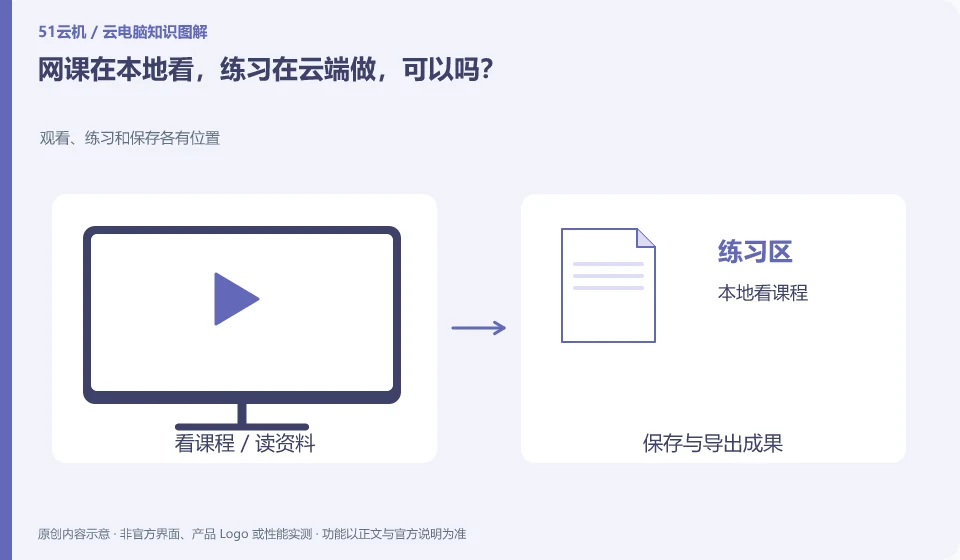
This can usually be separated by task, as long as audio, files, and windows are clearly differentiated. Whether this is more convenient, you should actually try it once.
Understand the essentials
Both video playback and remote desktop require a network, and shared lines may affect each other; it is also easy to confuse where the camera or microphone comes from.
A practical example
Hypothetical example: watch the teacher's explanation in the local browser, edit the document remotely, and export the remote results correctly when submitting.
What to check or try
- Start the course first and then connect to the desktop.
- Test sounds and switching.
- Specify where the job is saved.
- Open the check from the receiver's perspective before committing.
If screen space permits, the explanation and practice windows can be fixed in different locations to reduce searching back and forth. Check the exported files individually before submitting. As long as this process can be executed stably, there is no need to move the originally convenient course entrance to "all in the cloud".
An easy-to-miss detail
If bandwidth or device resources are insufficient, you should first reduce the burden of simultaneous playback and display.
Continue reading
- Can a cloud PC help reduce gaming distractions for children?
- Preparing a presentation on a cloud PC: avoid problems at the venue
Back to Cloud PCs: learning and home use
Notes and further reading
Cloud PC access methods and client prerequisites;Azure Virtual Desktop overview。
This introductory guide was prepared by 51Yunji from public information with AI-assisted drafting. Examples are hypothetical, not hands-on product tests or promises of results. Follow the current product, version and official instructions for specific features and procedures. Compiled on October 26, 2026.