
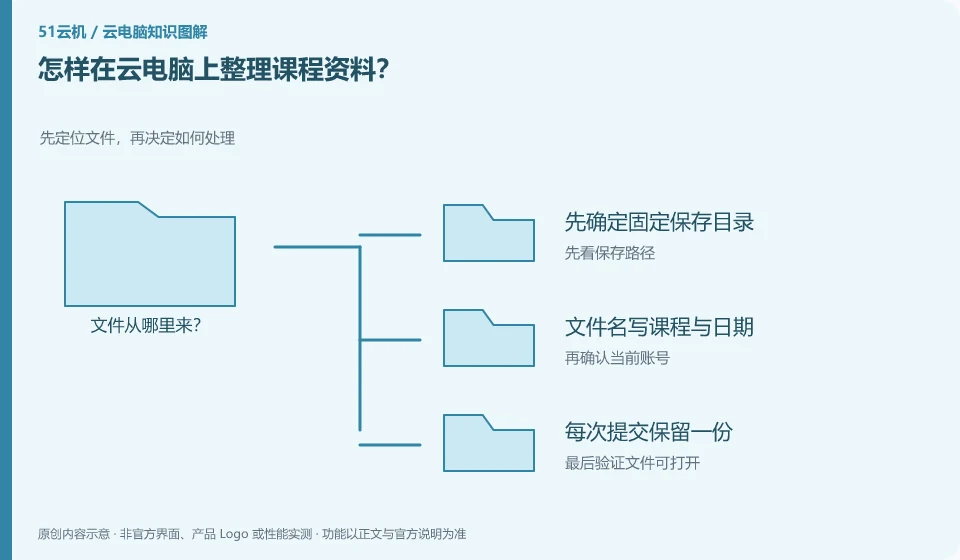
Organized by courses and tasks, they are easier to retrieve than leaving all your files on your desktop. Directory and file names should be understandable to your future self.
Understand the essentials
Desktop shortcuts, real files, and synchronized directories are not the same; moving a shortcut does not move the original file.
A practical example
As a hypothetical example: you can create "Mathematics/This Week's Exercises" and "English/Submitted", and use dates to distinguish assignment versions.
What to check or try
- First determine the fixed saving directory.
- Write the course and date in the file name.
- Keep one copy of each submission.
- Periodically verify that backups can be opened.
The directory does not need to be designed to be complicated. Stable execution is more important than having more levels. Organize submitted and pending materials once a week, and randomly check whether several files can be opened. The naming rules required by the teacher should be followed first, and no names should be created that are difficult for the recipients to understand.
An easy-to-miss detail
Don't just name it "final" or "final final" and don't just put the backup on the same temporary desktop.
Continue reading
Back to Cloud PCs: learning and home use
Notes and further reading
Cloud PC access methods and client prerequisites;Azure Virtual Desktop overview。
This introductory guide was prepared by 51Yunji from public information with AI-assisted drafting. Examples are hypothetical, not hands-on product tests or promises of results. Follow the current product, version and official instructions for specific features and procedures. Compiled on October 26, 2026.