51YUNJI / BUY WITH CONTEXT

Cloud PC brands & product lines guides — Page 13

Explore English articles for this topic.

150 articles in English

Page 13 of 13
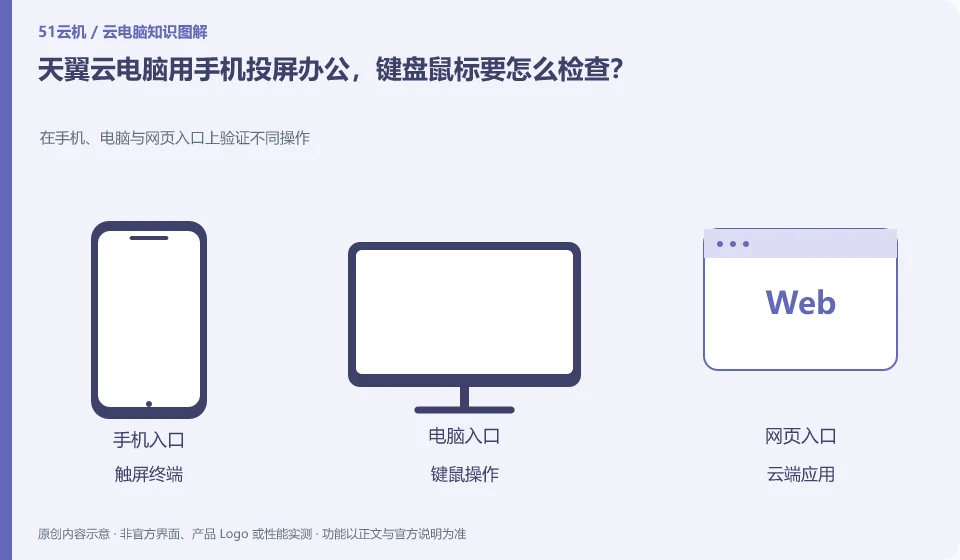
How to check the keyboard and mouse when using CTYun Cloud PC to project screen from mobile phone? Verify different operations on mobile phones, computers and web portals; touch screen terminals; keyboard and mouse operations; cloud applications; network switching and reconnection
CLOUD PCS

CTYun phone screen casting for work: checking keyboard and mouse support

To solve the display problem by mirroring the screen, the keyboard, mouse and software operations still need to be verified separately. The product introduction of the public version mentions wired or wireless screencasting on mobile phones. Whether it is suitable for long-term editing depends on the device, client and peripheral support.

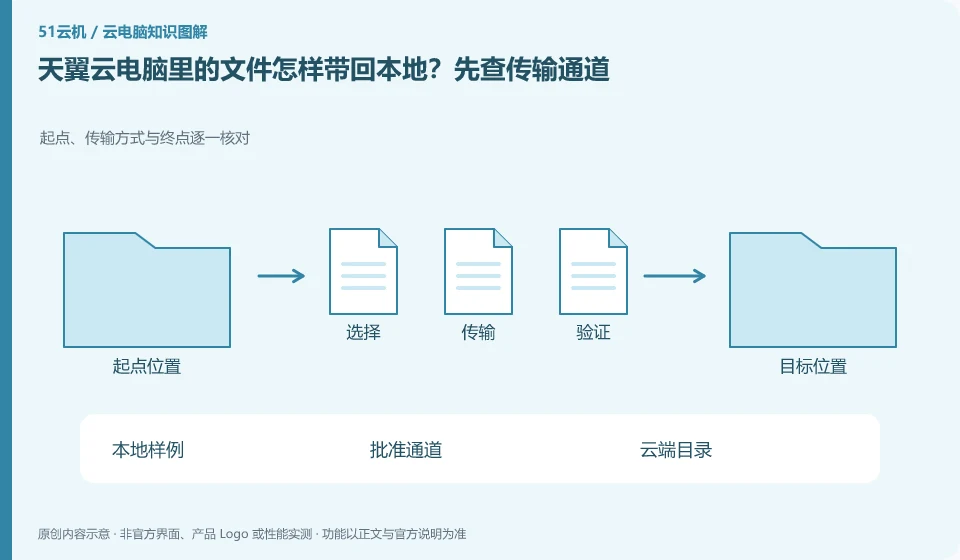
How to bring files from CTYun Cloud PC back to local computer? Check the transmission channel first. Check the starting point, transmission method and end point one by one; local samples; approval channel; cloud directory; reconnection verification
CLOUD PCS

How to bring CTYun Cloud PC files back to your local device

First find the official file transfer or synchronization entry in the current client help, and then use the sample to check the two-way transfer. The cloud PC tool and document portal in the download center can be used as a starting point, but the file capabilities of different versions cannot be applied to each other.

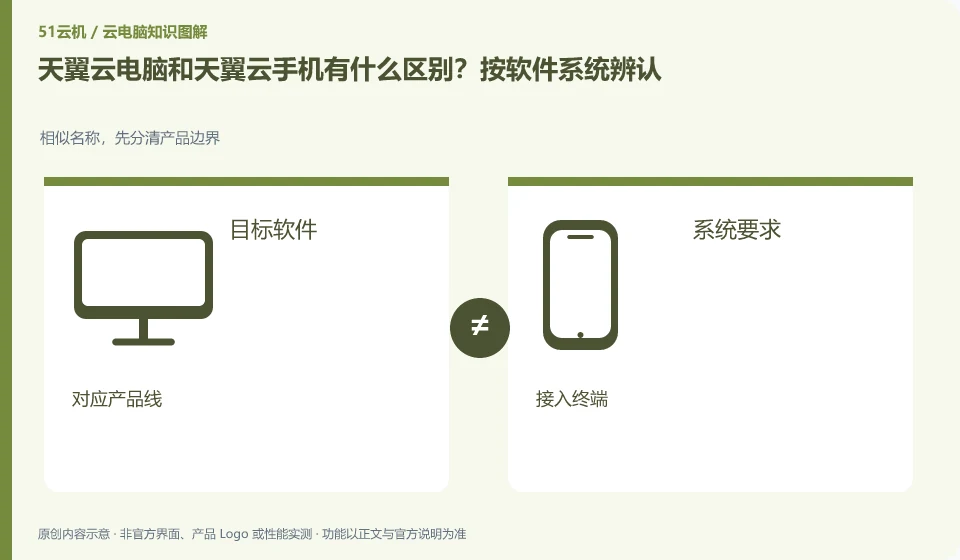
What is the difference between CTYun Cloud PC and CTYun mobile phone? Identified by software system. For similar names, first distinguish product boundaries; target software; system requirements; corresponding product lines; access terminals
CLOUD PCS

CTYun cloud PC or cloud phone: check the operating system

When you need to run Windows desktop software, you should check cloud PC; when you need a remote Android environment, you should check cloud phone. The Tianyi product catalog lists the two separately, and they cannot be regarded as the same product just because they can be connected using mobile phones.

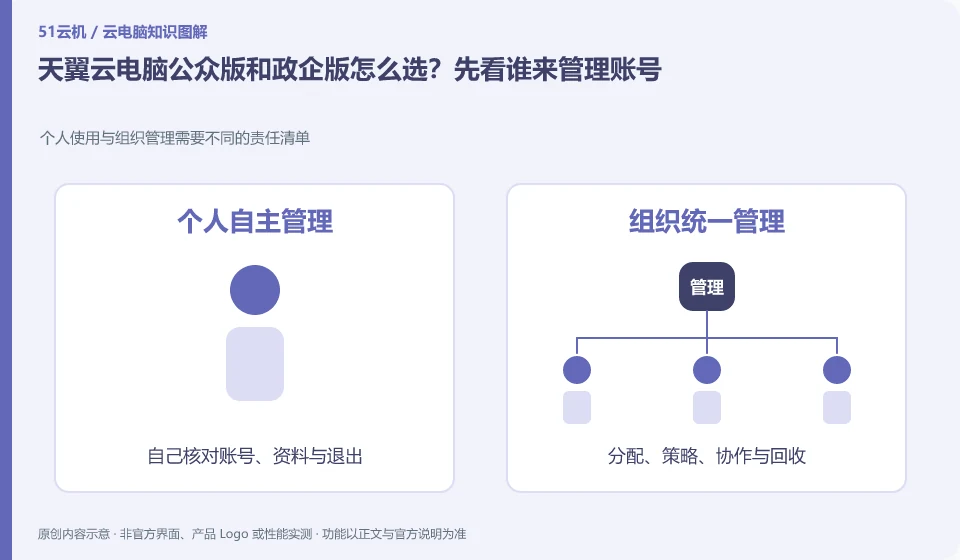
How to choose between CTYun Cloud PC public version and government and enterprise version? Let’s first see who will manage the account. Personal use and organizational management require different lists of responsibilities; full name; personal use; organizational management; applicable areas
CLOUD PCS

CTYun Cloud PC consumer or enterprise edition: who manages the accounts?

For personal use, you should study the public version first; if you need to uniformly distribute and recycle desktops for employees, you should study the government and enterprise version. The basis for judgment is the purchasing entity and management responsibility, not the word "government-enterprise" which seems to have higher configuration.