51YUNJI / BUY WITH CONTEXT

Lenovo Multi-Engine Cloud Desktop guides

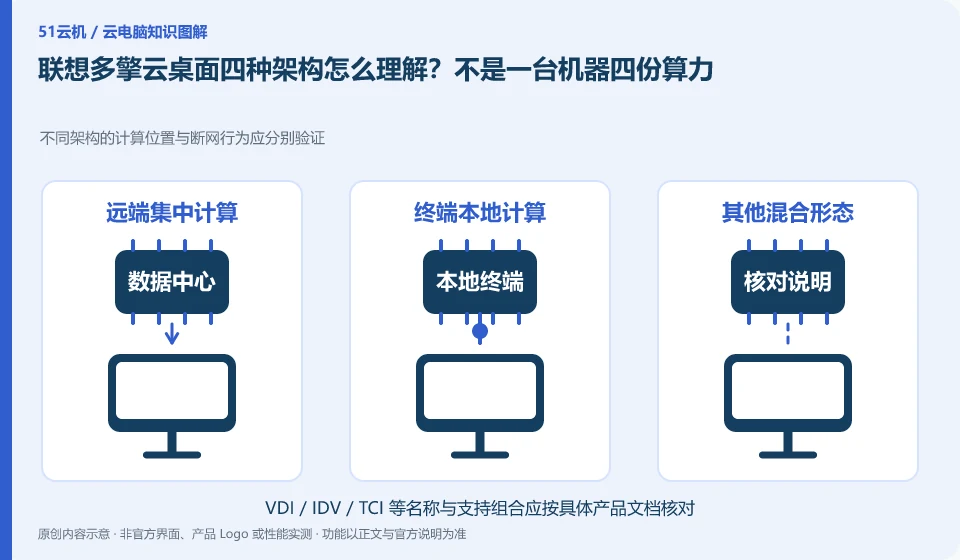
The Lenovo Multi-Engine cloud desktop solution integrates VDI, VOI, IDV and TCI into unified desktop management, taking into account local terminal and data center resources at the same time. It discusses organizational desktop construction, and it cannot be deduced from "multi-engine" that each terminal has four operating modes at the same time.

7 articles in English

Page 1 of 1
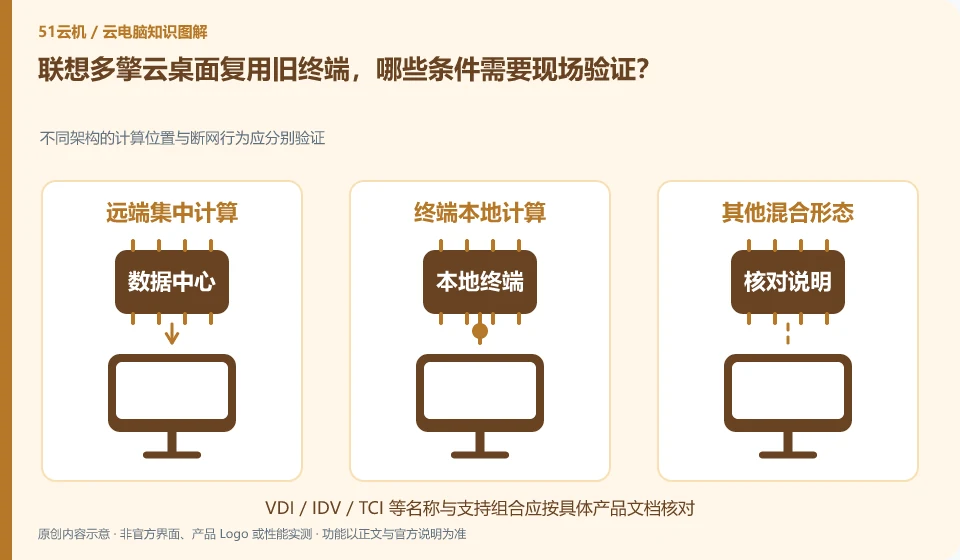
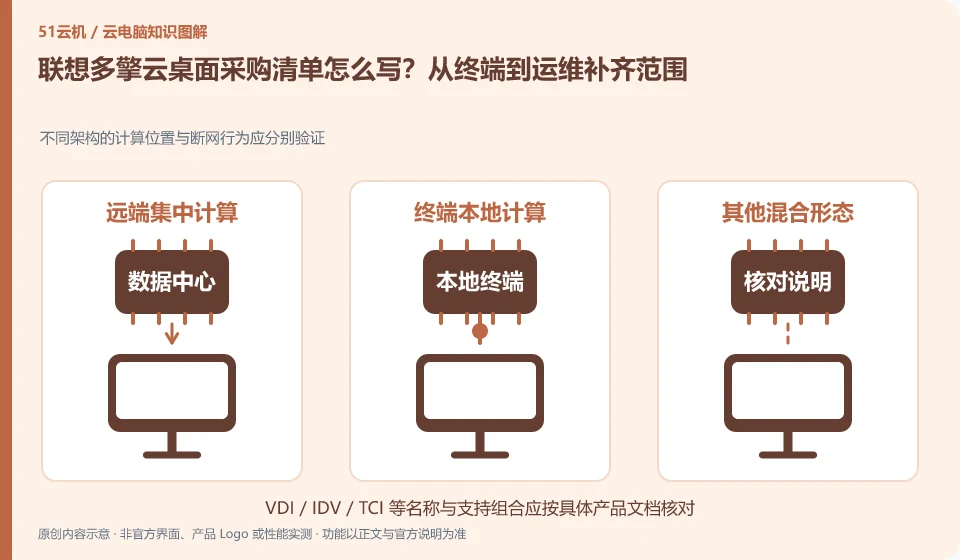
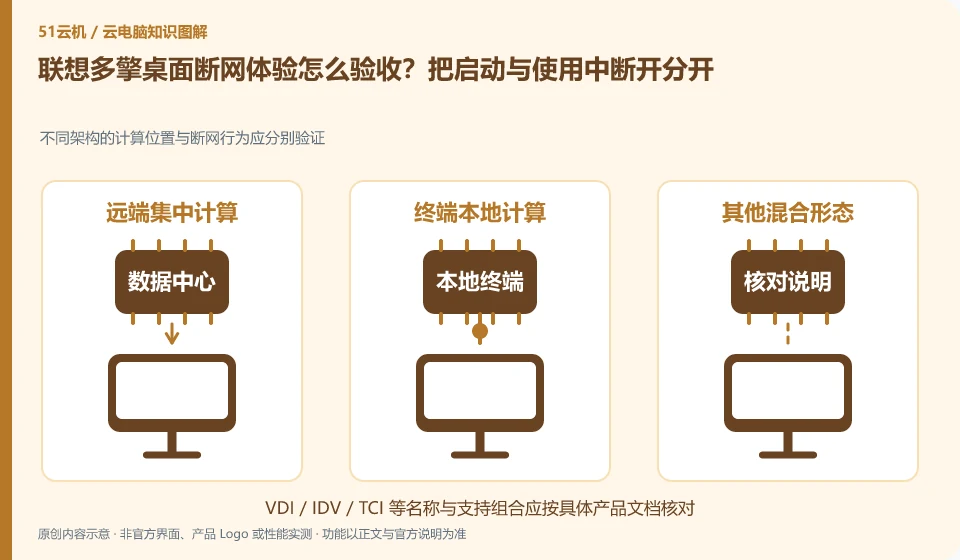
How to write a Lenovo Multi-Engine cloud desktop purchase list? Complete the scope from terminal to operation and maintenance. The computing location and disconnection behavior of different architectures should be verified separately; terminal and backend; software licensing; implementation and maintenance; quotation for the same scope
CLOUD PCS

A Lenovo Multi-Engine Cloud Desktop procurement checklist

The scope of procurement should include terminals, servers, storage, networks, management software, application licenses and support, not just a hardware unit price. Different architectures have different resource locations, and quotation comparisons must maintain the same delivery scope.
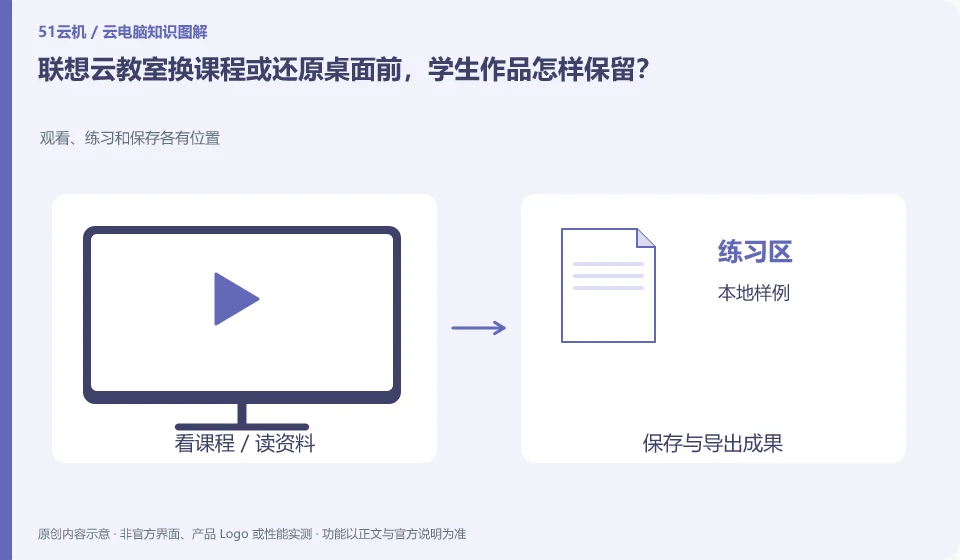
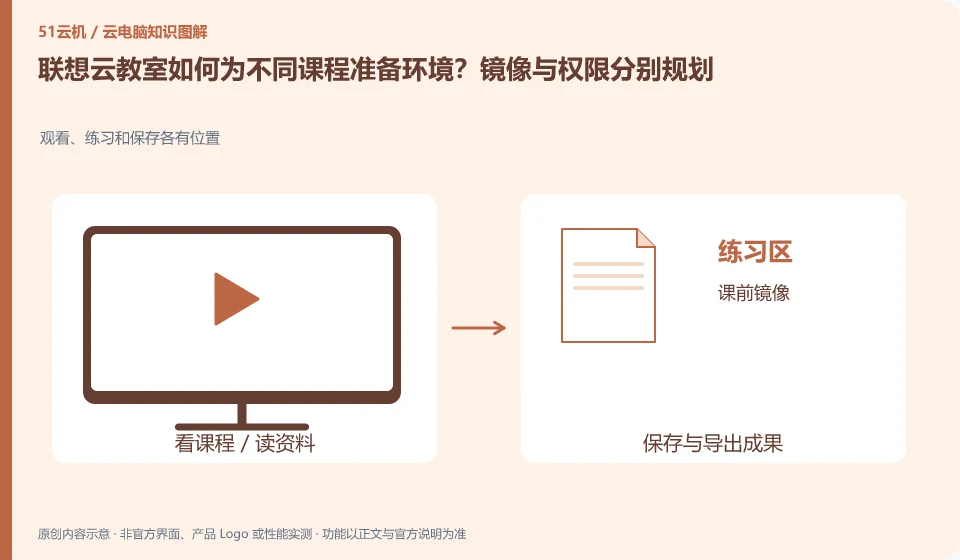
How does Lenovo Cloud Classroom prepare the environment for different courses? Mirroring and permissions are planned separately. Viewing, practicing and saving have their own places; pre-class mirroring; account issuance; class exercises; work submission
CLOUD PCS

Preparing Lenovo cloud classrooms for different courses

The official plan of Lenovo Cloud Classroom mentions pre-installing software by course and setting user permissions. The software, systems and peripherals of different courses may be different. The environment should be deduced from the class schedule and practice tasks instead of defaulting to a mirror image for the whole school.