
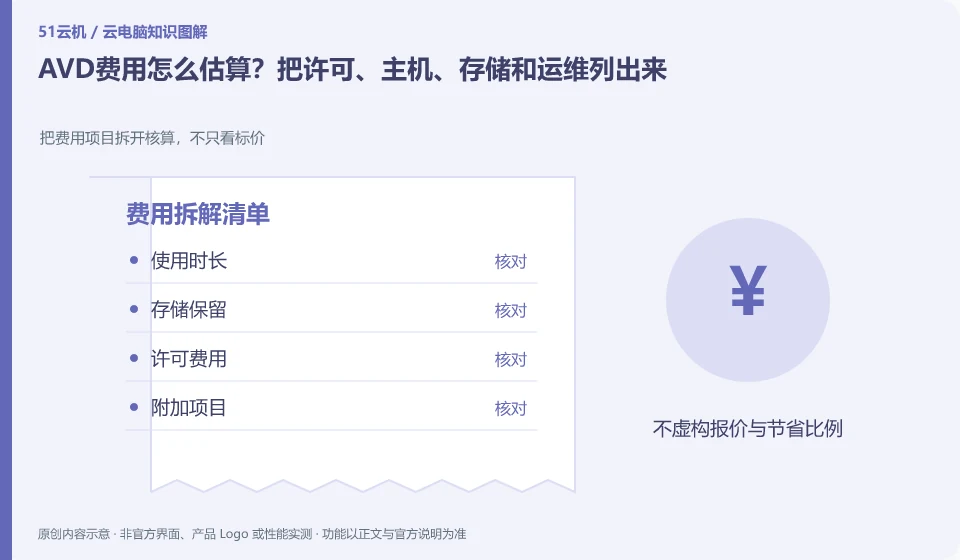
The cost of AVD cannot just look at the unit price of a virtual machine. Licensing, session hosts, data storage, network and management operations should all be checked at the same time, and resource utilization for pooled and individual desktops is also different.
Who this is for:General readers and small teams who are working on Microsoft Azure Virtual Desktop and need to solve the specific problem in the title. Data verification date: 2026-10-26.
First, identify the product line
Azure Virtual Desktop can deliver a complete desktop or RemoteApp, and administrators need to plan host pools, application groups, users, and images. It belongs to the same Microsoft desktop system as Windows 365, but has different resource organization and operation and maintenance responsibilities, so it is suitable for design based on workload.
Calculate costs from the usage rules, not the headline price
Use real work periods and concurrency as input to distinguish long-term online positions from short-term courses. Before scaling down, clarify the method of session end and personal data storage; budget should be reviewed with official calculations and actual bills, and the sample deployment costs should not be regarded as fixed expenses for all organizations.
Only by splitting the cost into operating resources, persistent storage, network or value-added items can you compare different billing methods. Some products are charged by license, some are metered by running time or package quota, and the disk may continue to bill after stopping the desktop. First check the definitions of "stop", "disconnect" and "release" in the current order description. Closing the client cannot be regarded as stopping billing.
Create a personal estimate with the expected session length, sessions per week, data to retain, trial end date and where to cancel renewal. Estimate from your own usage plan, then check it against the bill. This is more useful than copying a promotional price. Example usage counts illustrate a calculation, not a product promise. Expiring discounts, regional differences, taxes and other conditions must still be checked on the actual checkout page.
Check each requirement for your task
- Record who is charged, unit of measure and minimum or fixed expenses.
- Check the billing results of the three actions of disconnection, shutdown and release.
- Set trial end reminders, export bills, and check whether storage and add-on services are still being charged.
The desktop pool cannot be estimated based only on the total number of people
Desktop pool planning should distinguish between registered users, simultaneous online users and the resources consumed by each person. Many people logging in occasionally versus a small number of people constantly using graphics software are different capacity issues. First collect working hours, typical applications and concurrency peaks, and then decide how to allocate desktops; do not regard the number of people that the sample deployment can carry as your own production capacity.
Where the conclusion applies and what to do next
Do not copy the old tutorial of the classic version of Azure Virtual Desktop; Microsoft's overview document has given a reminder to retire the classic version, and you should check the current resource model.
This article is based on public information. We have not purchased or tested the product. The scenarios describe ways to verify suitability, not customer case studies. Features and terms depend on the current official documentation for the relevant version.
Official sources and further reading
- Azure Virtual Desktop overview: Official description of complete desktop, RemoteApp, personal and pooled resources and classic version retirement information.
- Azure Virtual Desktop prerequisites: Identity, platform, and deployment prerequisites reference.
- Azure Virtual Desktop Documentation Entry: Current documentation and quick start portal, without borrowing steps from other desktop products.
Read more:Cloud PC knowledge hub · Find an article for your question · Microsoft Azure Virtual Desktop product line identification
Related questions to explore
- Azure Virtual Desktop host pools, application groups and workspaces explained
- AVD personal versus pooled desktops: does the environment need to persist?
- AVD RemoteApp versus a full desktop: publish only what is needed
Back to the brand and product knowledge directory · Browse cloud PC topics