
See what the models, tools, and platforms will accept before deciding whether to allow it. A remote environment does not mean that data never leaves the environment.
Understand the essentials
Screenshots, logs and files may be sent to model or tool services, specific boundaries should be checked.
A practical example
As a hypothetical example: if the app only displays a small piece of private information, taking a screenshot might still bring it into task context.
What to check or try
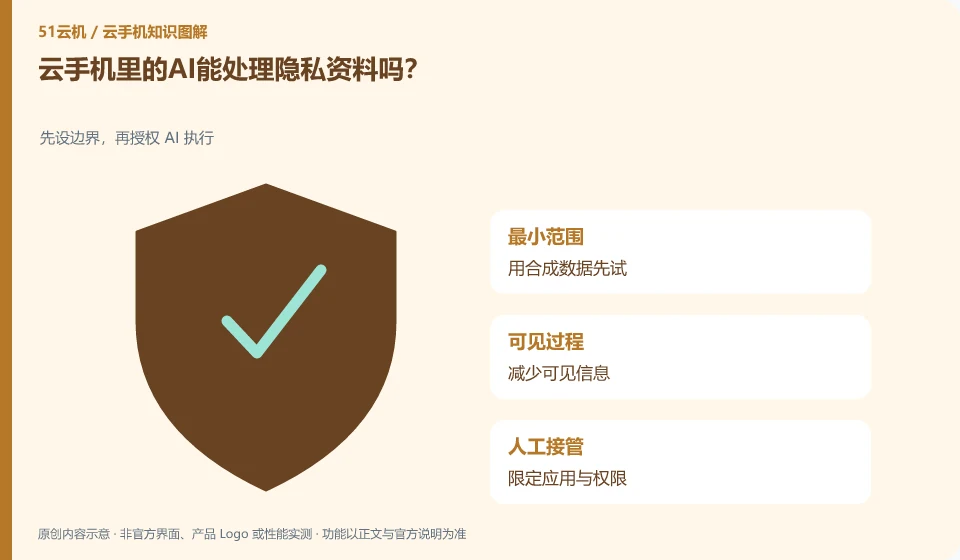
- Try it first with synthetic data.
- Reduce visible information.
- Limit applications and permissions.
- Operate according to permitted data policies.
Close irrelevant windows and notifications before testing to reduce the amount of private information visible on the screen. The task log needs to be checked as well. Minimizing input does not mean to provide less necessary conditions, but to provide only the information and permissions really needed to complete the task.
An easy-to-miss detail
Do not use sensitive information for testing without clear authorization and appropriate circumstances.
Continue reading
- Are AI cloud phones useful only when running multiple instances?
- Does AI work on a cloud phone cost less than manual work?
Back to Cloud phones: AI and practical learning
Notes and further reading
Tencent Cloud Phone Computer Use Agent tutorial;AndroidWorld project page。
This introductory guide was prepared by 51Yunji from public information with AI-assisted drafting. Examples are hypothetical, not hands-on product tests or promises of results. Follow the current product, version and official instructions for specific features and procedures. Compiled on October 26, 2026.