
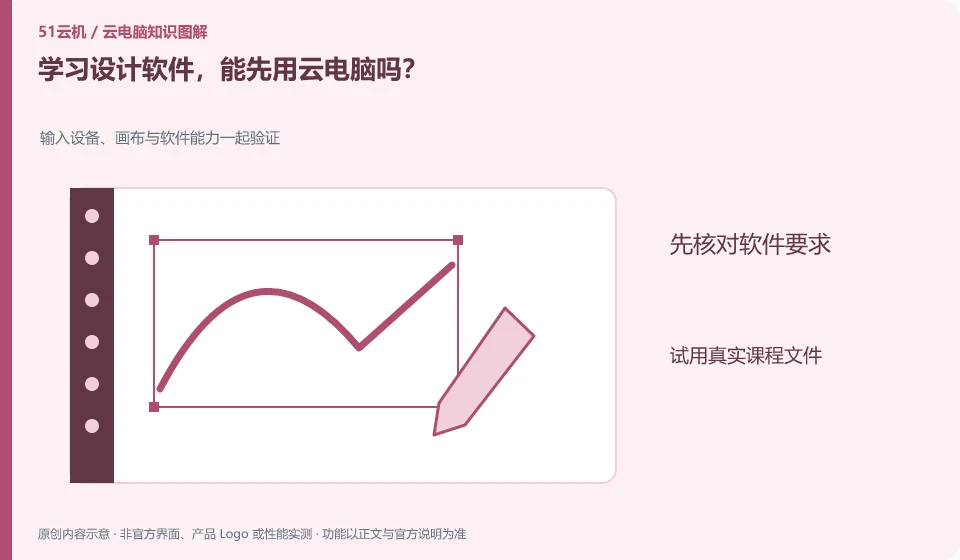
Think of this as a trial option, but first verify the course software, GPU, input devices, and file exchange. Being able to start the software is not the same as completing the course project.
Understand the essentials
Fonts, plug-ins, materials and export formats will also affect the submitted work, so you can't just check the main program.
A practical example
Hypothetical example: the project given by the teacher can be opened, but the layout is different due to missing fonts or plug-ins, which still needs to be resolved before submission.
What to check or try
- Test with course examples.
- Check for necessary plugins.
- Try a full export.
- View results on other devices.
When exporting and accepting, check whether the text is replaced, whether the picture is missing, and whether the size meets the requirements. You can save the editing project together with the universal preview version. The former facilitates continued modification, and the latter helps you confirm the appearance of the results on devices without the original software.
An easy-to-miss detail
Don't treat the demo configuration as a recommended configuration for all design tasks, the specific project load is more important.
Continue reading
- Can you learn programming on a cloud PC?
- Can a cloud PC help reduce gaming distractions for children?
Back to Cloud PCs: learning and home use
Notes and further reading
Cloud PC access methods and client prerequisites;Azure Virtual Desktop overview。
This introductory guide was prepared by 51Yunji from public information with AI-assisted drafting. Examples are hypothetical, not hands-on product tests or promises of results. Follow the current product, version and official instructions for specific features and procedures. Compiled on October 26, 2026.