
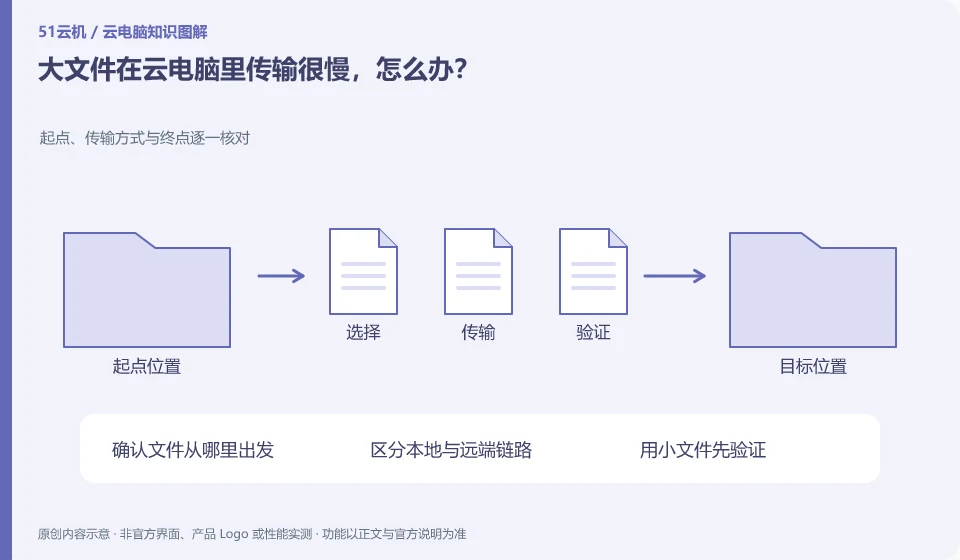
First determine whether to upload locally to the cloud, or whether the cloud downloads from other services. Speeds and fees may differ between the two routes.
Understand the essentials
Local upload bandwidth, network stability, and number of files may all affect the duration. Many small files may also take longer than one large file.
A practical example
Hypothetical example: transferring materials to the desktop and exporting movies from the cloud are tasks in opposite directions.
What to check or try
- Use a small sample to measure the direction and time consumption.
- Check remaining space.
- Resume transfer based on tool capabilities.
- After uploading, check the quantity and content before cleaning the original.
Multiple materials should also retain directory relationships, and do not drag them all into one folder for convenience. After transmitting, randomly check a few items and check the total; for key deliveries, you can save the list. After the network is interrupted, confirm the completed part first to avoid a large number of duplicate copies caused by each retransmission.
An easy-to-miss detail
Do not transfer business documents to unauthorized third parties in pursuit of speed.
Continue reading
Back to Cloud PCs: work and creativity
Notes and further reading
Azure Virtual Desktop overview;Cloud PC access methods and client prerequisites。
This introductory guide was prepared by 51Yunji from public information with AI-assisted drafting. Examples are hypothetical, not hands-on product tests or promises of results. Follow the current product, version and official instructions for specific features and procedures. Compiled on October 26, 2026.