
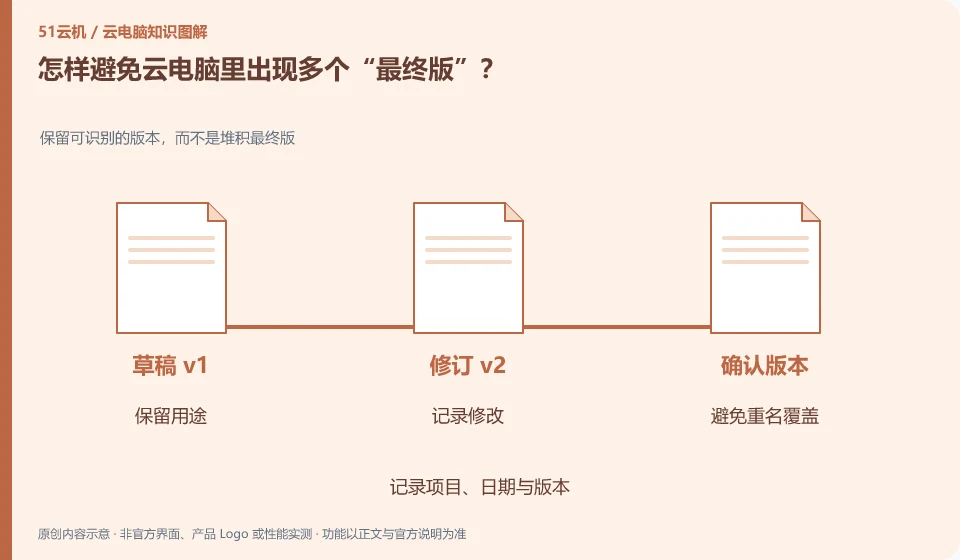
Give the master file a fixed location and save the stage results with a clear date or version number. Don't rely on memory to determine which copy is the latest.
Understand the essentials
Sync, download, and save as will result in multiple files, and modification times may also be affected by copying.
A practical example
Hypothetical example: the local and remote versions each have a “final version” with different content, which cannot be determined by just looking at the name.
What to check or try
- Specify a master file.
- Save a dated version at the stage point.
- Record submission version.
- Avoid both ends editing the same file at the same time.
You can put "Working" and "Submitted" in different directories, and keep a brief description of submitted files. When you want to modify it in the future, start from the main file and then produce a new submitted version. Don’t just continue editing on each copy you receive, otherwise it will be difficult to keep track of changes going back and forth.
An easy-to-miss detail
Check the content and backup before deleting suspected old versions. Don’t just clean them in batches by file name.
Continue reading
- Large files transfer slowly on a cloud PC: what to check
- Keeping file transfers between a cloud PC and local device clear
Back to Cloud PCs: work and creativity
Notes and further reading
Azure Virtual Desktop overview;Cloud PC access methods and client prerequisites。
This introductory guide was prepared by 51Yunji from public information with AI-assisted drafting. Examples are hypothetical, not hands-on product tests or promises of results. Follow the current product, version and official instructions for specific features and procedures. Compiled on October 26, 2026.