
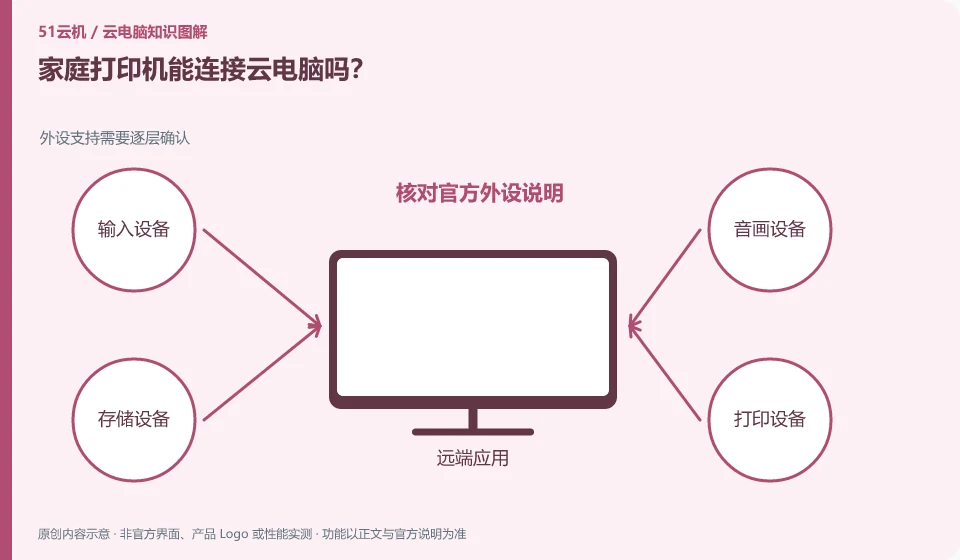
May be supported, but depends on client, printer, and redirection policy. The safest way to tell is to print a test page that contains no sensitive content.
Understand the essentials
Cloud programs may not necessarily see your home USB or wireless printer directly; the browser portal may also be different from the client.
A practical example
Hypothetical example: Cloud files can be previewed but there is no local printer option, indicating that the connection method needs to be checked rather than reinstalling the entire desktop.
What to check or try
- Check the official peripheral description.
- Check whether local printing is normal.
- Test the cloud again.
- If necessary, export the file to local printing first.
If you choose to print locally after exporting, the file content will also form a local copy, which should be saved or processed according to the data requirements. Check the preview, page count, and target device before printing to avoid sending your job to the wrong location, especially if you have a large home shared device list.
An easy-to-miss detail
Do not send print tasks to shared devices that you do not recognize. Check the printer name first.
Continue reading
- Learning spreadsheets on a cloud PC: essential operations
- How to export your schoolwork from a cloud PC
Back to Cloud PCs: learning and home use
Notes and further reading
Cloud PC access methods and client prerequisites;Azure Virtual Desktop overview。
This introductory guide was prepared by 51Yunji from public information with AI-assisted drafting. Examples are hypothetical, not hands-on product tests or promises of results. Follow the current product, version and official instructions for specific features and procedures. Compiled on October 26, 2026.