
They may be saved in the remote user environment, or they may rely on browser account synchronization. It is necessary to distinguish between desktop persistence and account synchronization.
Understand the essentials
Rebuilding the desktop, changing users, or not logging in to the synchronization account may change the content you see.
A practical example
Hypothetical example: If you change a local device to connect to the same remote session, the bookmark may still be there; if you change the remote environment, this may not be the case.
What to check or try
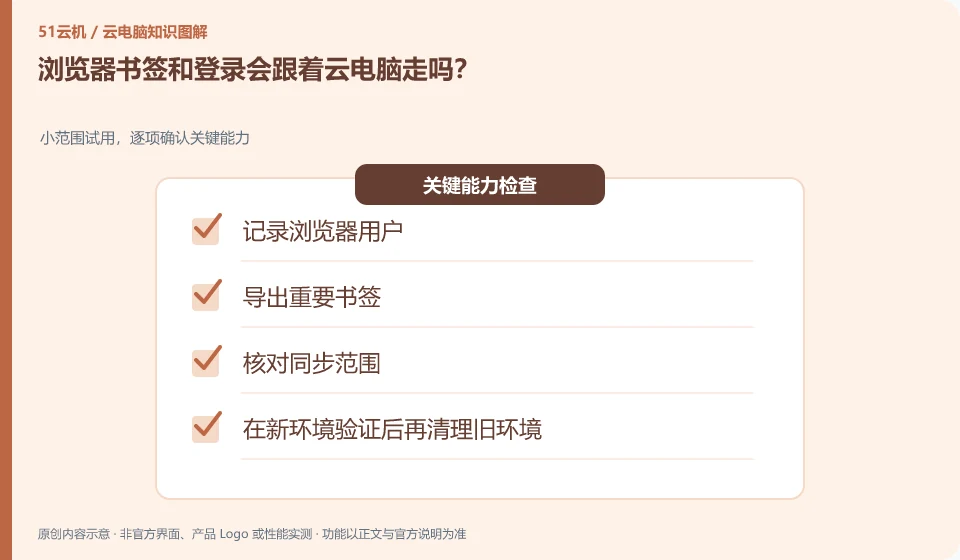
- Logging browser users.
- Export important bookmarks.
- Check the synchronization range.
- Clean up the old environment after validating the new environment.
Bookmarks are suitable for retrieving entries and cannot replace important information itself. Login status is not proof of account ownership, and recovery methods must be mastered separately. Export necessary information before changing environments to avoid finding that the account entry cannot be found after the original session disappears.
An easy-to-miss detail
Don't take "browser synced" to mean that all your files and passwords are securely backed up.
Continue reading
Back to Cloud PCs: work and creativity
Notes and further reading
Azure Virtual Desktop overview;Cloud PC access methods and client prerequisites。
This introductory guide was prepared by 51Yunji from public information with AI-assisted drafting. Examples are hypothetical, not hands-on product tests or promises of results. Follow the current product, version and official instructions for specific features and procedures. Compiled on October 26, 2026.