51YUNJI / BUY WITH CONTEXT

Duoduo Cloud Phone guides

The Duoduo Cloud phone official website also introduces cloud phone and business-oriented capabilities.

8 articles in English

Page 1 of 1
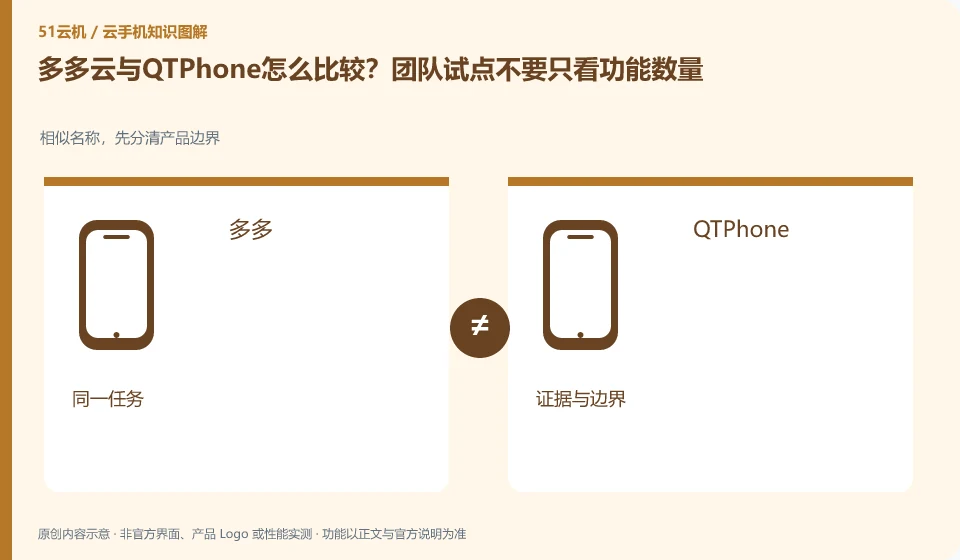
How do Duoduo Cloud compare with QTPhone? Don’t just focus on the number of features when conducting team pilots. Similar names, first distinguish product boundaries; Duoduo; QTPhone; same task; evidence and boundaries
CLOUD PHONES

Duoduo versus QTPhone: a team pilot needs more than a feature count

When comparing Duoduo Cloud phone and QTPhone, first write down "Do you want a group to try the cloud phone and pay attention to member permissions and real task completion" as a requirement, and don't rush to judge who is better. This article does not give rankings that have not been tested, nor does it regard the official website promotion figures as the same conditions; the output of the comparison is a difference table and a set of pilot steps that can continue to be verified.
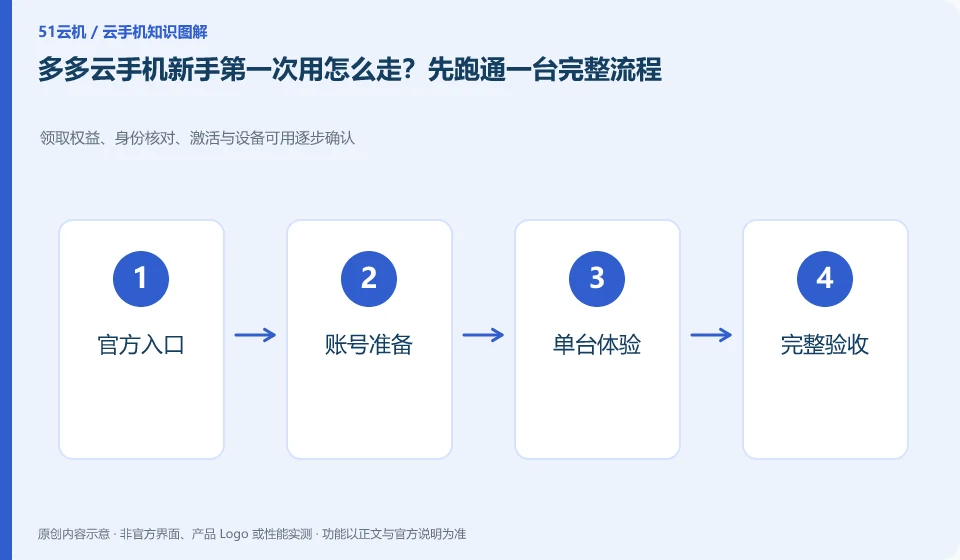
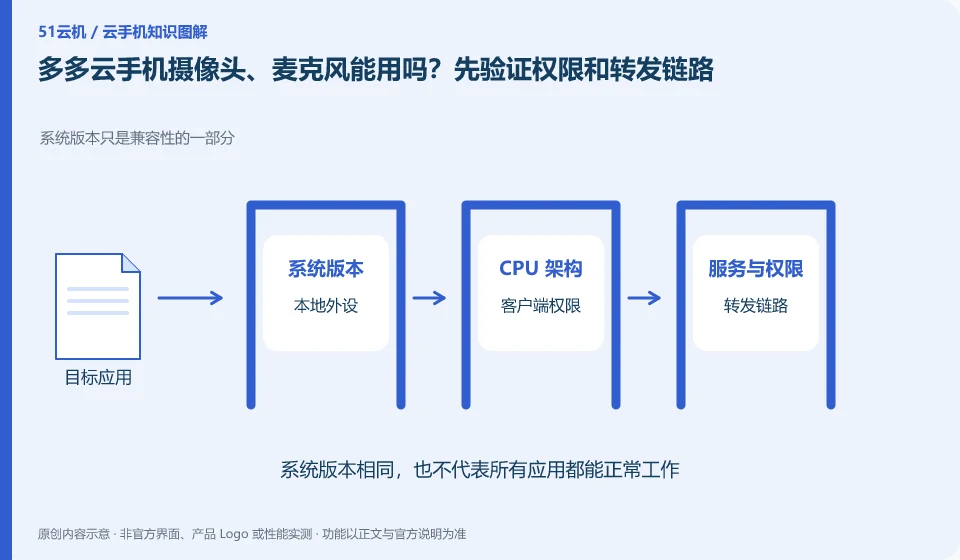
How do newbies use Duoduo Cloud phone for the first time? Run through a complete process first. Receive rights, identity verification, activation and gradual confirmation of device availability; official entrance; account preparation; single-device experience; complete acceptance
CLOUD PHONES

Getting started with Duoduo: complete a workflow on one device first

Duoduo Cloud phone: For first-time use, you only need to connect the official entrance, account, device and target application. There is no need to try all advanced functions at the beginning. Complete the purchase or trial, login, installation, operation and data export of a single environment first, and then decide on the next step.

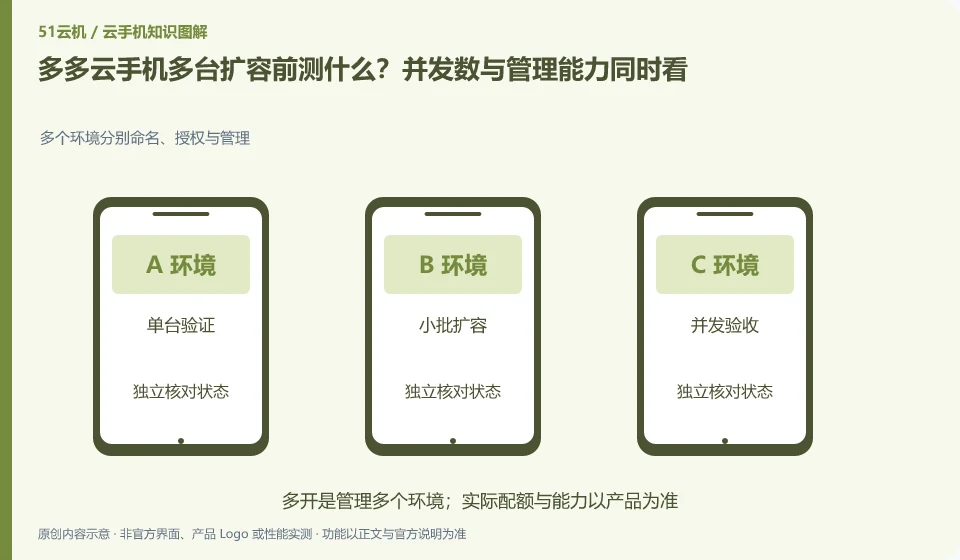
What should be tested before expanding the capacity of Duoduo Cloud phones to multiple units? The number of concurrency and management capabilities should be considered at the same time. Multiple environments are named, authorized and managed separately; single-unit verification; small batch expansion; concurrent acceptance; management upper limit
CLOUD PHONES

Before expanding Duoduo device capacity: test concurrency and management

Duoduo Cloud phone: Capacity expansion is not about directly multiplying the experience of a single unit by the quantity. Simultaneous operation of multiple units will bring about access, file distribution, application version, permissions, cost and fault management issues, which need to be verified step by step rather than directly purchased based on the advertised quantity commitment.

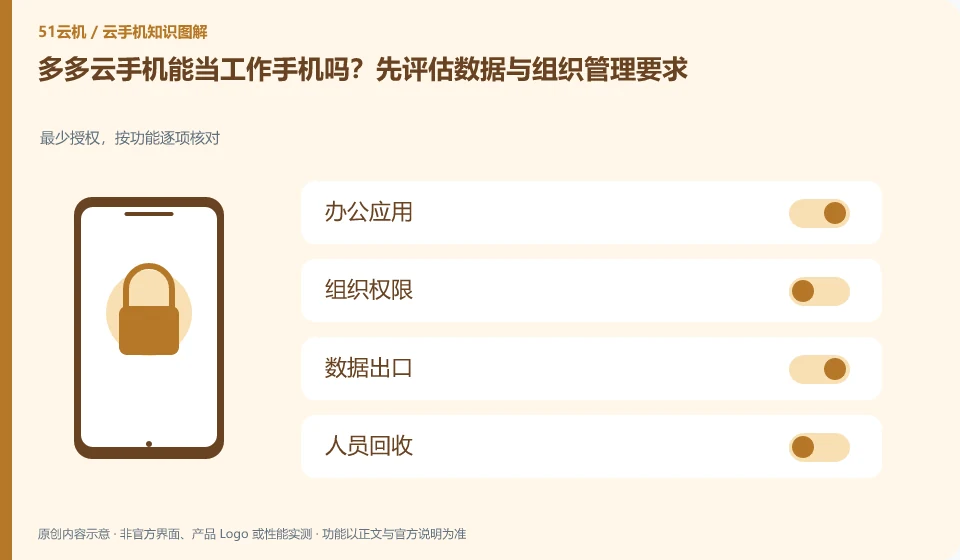
Can the Duoduo Cloud phone be used as a work phone? Start by assessing your data and organizational management requirements. Minimum authorization, checked item by function; office applications; organizational permissions; data export; personnel recycling
CLOUD PHONES

Can Duoduo serve as a work phone? Data and organizational requirements

Duoduo Cloud phone: Cloud phone can host some mobile office processes, but whether it is suitable for work depends on application compatibility, organizational authorization, data export and personnel management requirements. Being able to install office apps does not mean that you already have the auditing and permission control required by the company.

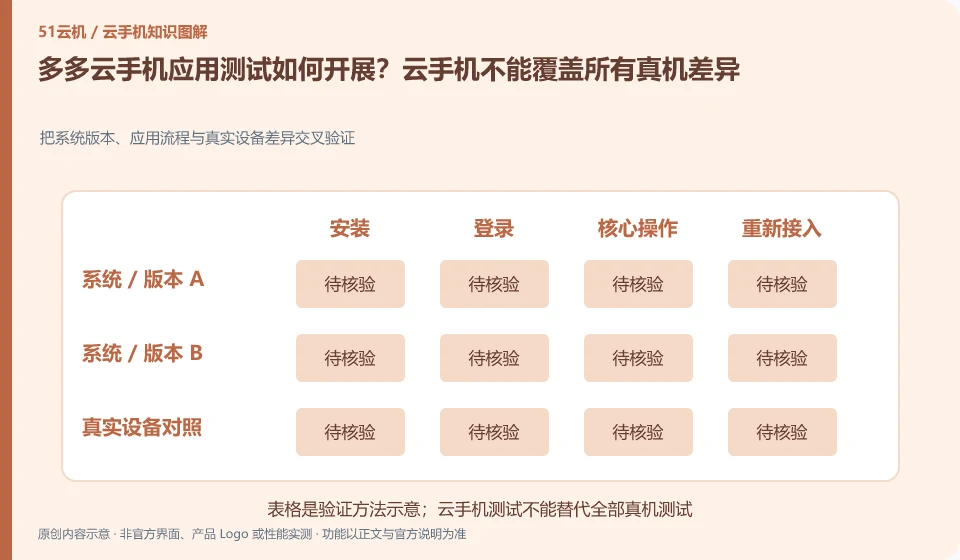
How to conduct Duoduo Cloud mobile application testing? Cloud phone cannot cover all differences between real phones. Cross-verify the differences between system versions, application processes and real devices; version matrix; standard use cases; failure evidence; real machine supplementary testing
CLOUD PHONES

App testing on Duoduo: cloud phones do not cover every physical-device difference

Duoduo Cloud phone: cloud phone is suitable for repeated installation and standardized process verification, but it cannot automatically replace all sensors, vendor systems and power consumption performance on different physical phones. The test objectives should clearly state what is covered and what is not covered so that the results will not be over-interpreted.

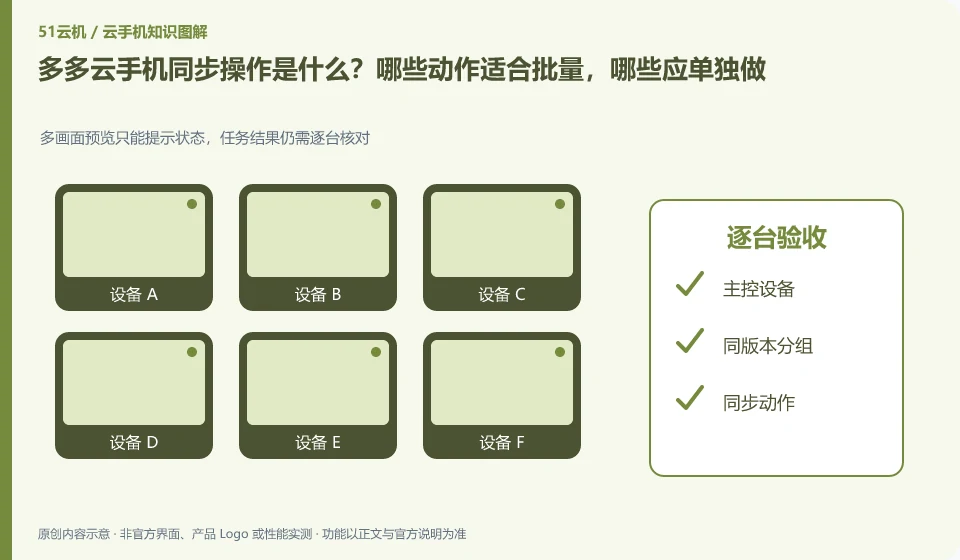
What is the Duoduo Cloud phone synchronization operation? Which actions are suitable for batching and which should be done individually. Multi-screen preview can only prompt the status, and the task results still need to be checked one by one; master control device; grouping with the same version; synchronized actions; acceptance one by one
CLOUD PHONES

Duoduo synchronized controls: which actions should remain separate?

Duoduo Cloud phone: Synchronization operation is to map the operation of one device to other selected devices, which is suitable for repeated steps with similar interfaces. It is not an intelligent system that automatically understands the status of each application; if a pop-up window or page is different in one application, deviation and accidental touch may occur.

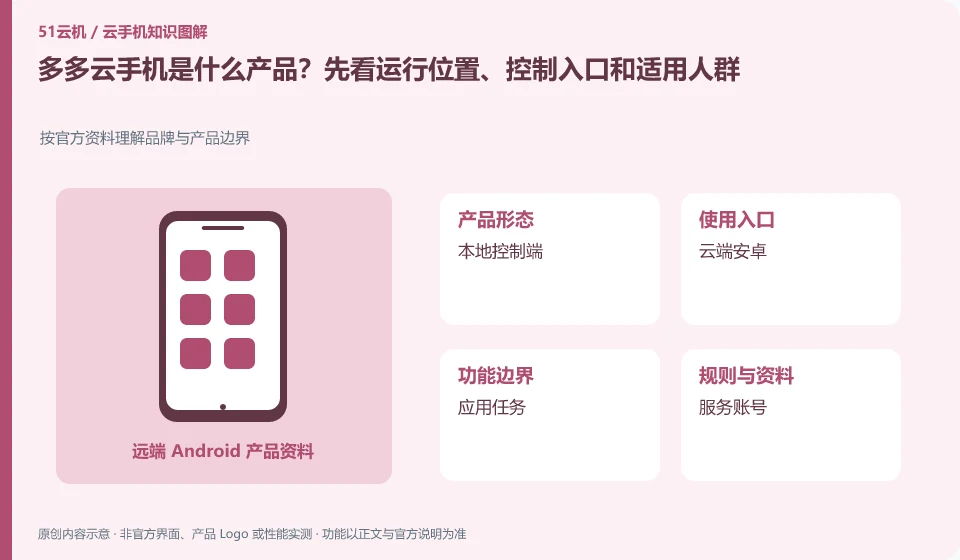
What product is Duoduo Cloud phone? First look at the operating location, control entrance and applicable crowd. Understand brand and product boundaries according to official information; local console; cloud Android; application tasks; service accounts
CLOUD PHONES

What is Duoduo Cloud Phone? Environment, access and intended users

Duoduo Cloud phone: First understand it as a mobile phone environment for remote use, and then determine whether you need a temporary trial, long-term hosting or team management. The client installed in your hand is mainly responsible for access. Cloud Android applications and local mobile phone applications are not the same installation.