
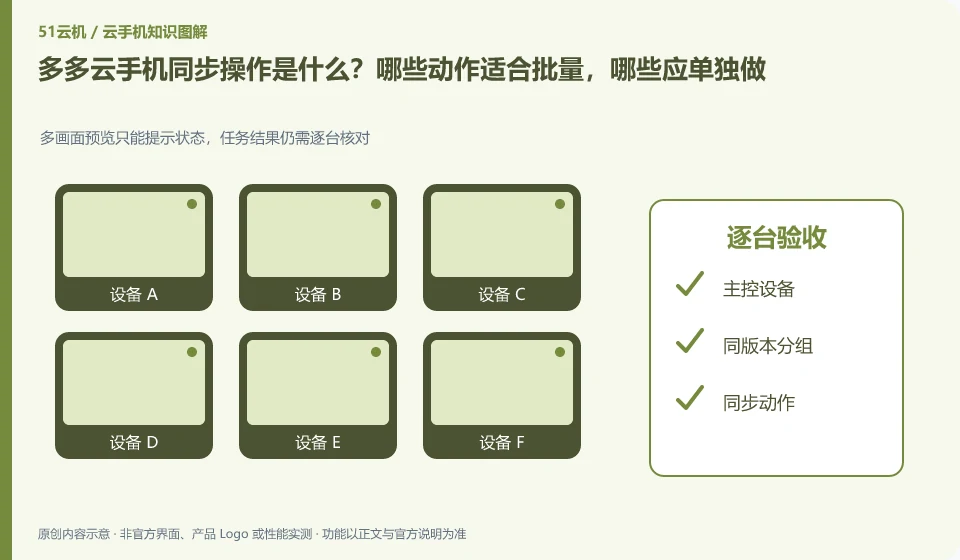
Regarding Duoduo Cloud phones, the key to this issue is: synchronization operation is to map the operation of one device to other selected devices, which is suitable for repeated steps with similar interfaces. It is not an intelligent system that automatically understands the status of each application; if a pop-up window or page is different in one application, deviation and accidental touch may occur.
Known information about Duoduo Cloud phones and the key points of this verification
The Duoduo Cloud phone official website also introduces cloud phone and business-oriented capabilities. The official website lists scenarios such as application upload, batch synchronization, simulation testing, and cloud office.
The purpose of batching and synchronization should be determined by specific equipment and tasks, and the carrying capacity of the local control terminal should not be directly inferred based on the official website quantity promotion.
The evidence boundary of this article is: official website cooperation display does not mean that these companies provide endorsement for all functions; the scope of functional support must still be verified item by item.
How this issue applies to this product
Duoduo Cloud introduces batch synchronization in various application scenarios. Personal management of several test machines is not the same job as enterprise large-scale delivery: the former focuses on whether the actions are accurate, while the latter also needs to manage groups, responsible persons, application versions and failure queues. The equipment scale displayed on the official website cannot directly replace the actual bearer verification of the local control terminal.
If the task is to deploy the same version of the application to multiple environments, first arrange the installation tasks and synchronization clicks separately. After the installation is completed, record the version one by one, and then select the same starting state to enter synchronization; devices that are inconsistent will exit the current group processing. When expanding the capacity, observe local decoding, network and operation records at the same time. You cannot just count how many cloud devices are successfully created. The end result should be a list of equipment that completes a repeatable task, not a screenshot with lots of windows lit up.
When used for training, also consider whether each participant needs to progress independently. Opening the demo page uniformly and operating accounts for everyone at the same time are different teaching arrangements; batch capabilities should serve the course goals and should not cover the content or selections that individuals need to save for the sake of looking neat.
Understand what this question covers
Batch installation and synchronized clicks are not the same thing either. The installation can be accepted based on the task results. Clicking will check whether each screen is in the same position. High-impact steps such as account login, payment, and deletion should be handled individually, and confirmations should not be omitted simply because of the large number of devices.
Check in this order
- Group by system version, resolution and application version, first unify the start page.
- Select only a small number of test devices to synchronize low-impact operations and check the results one by one.
- If page differences occur, synchronization will be stopped immediately, and the scope will be expanded after consistency is restored.
Sources and scope
Sources checked on October 26, 2026. This article combines AI-assisted research of public information with independent analysis and verification suggestions; we have not conducted a hands-on test of this product. Features and costs depend on the current official documentation and your order.
Continue reading:Cloud phone basics · Cloud phone troubleshooting guide · Brand reference directory。
Related questions to explore
- What is Duoduo Cloud Phone? Environment, access and intended users
- App testing on Duoduo: cloud phones do not cover every physical-device difference
- Can Duoduo serve as a work phone? Data and organizational requirements
Back to the brand and product knowledge directory · Browse cloud phone topics