
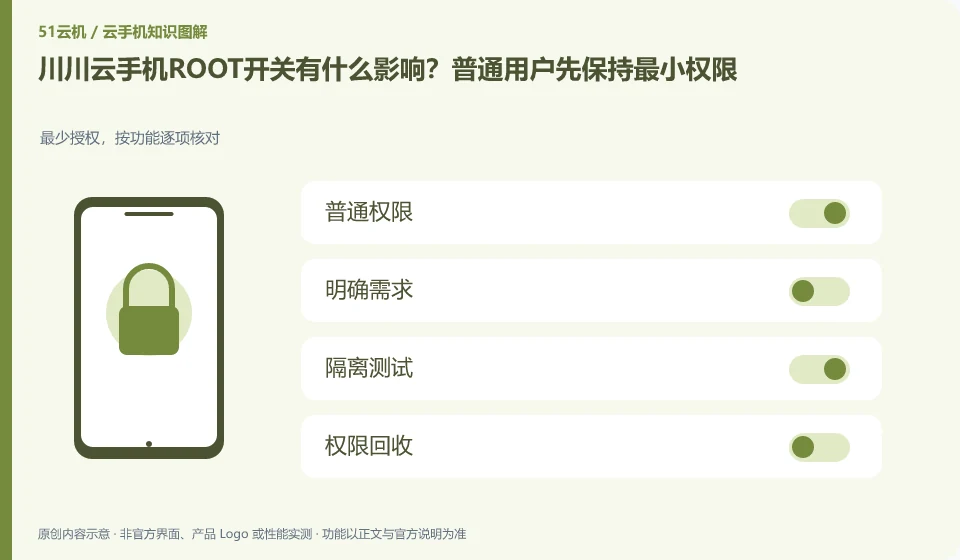
Regarding Chuanchuan Cloud Phone, the key to this issue is: ROOT is a high-level permission of the Android system, not a universal acceleration button that can run as many applications as possible. Only consider turning it on if there are clear development or diagnostic needs, and first confirm whether the target application and cloud phone service rules allow this environment.
Known information about Chuanchuan Cloud Phone and the key points of this verification
The official introduction of Chuanchuan Cloud Phone positions it as an ARM-based cloud Android product. The product introduction includes cloud disk mutual transfer, batch operations, cloud machine authorization and testing, etc.
ROOT is only used as a development and testing option for clear reasons and does not promise third-party application compatibility or account security.
The evidence boundary of this article is: the scenarios mentioned on the official website do not guarantee the adaptation of any third-party apps, nor can they guarantee that the account will not be restricted.
How this issue applies to this product
The high-privilege capabilities introduced on the Chuancuan Cloud official website are suitable for understanding in a development or diagnostic background. ROOT affects the permissions of the Android system. It will not automatically supplement the local camera, application authorization or network capabilities for you, nor can it be used to guarantee the security of any third-party account. Ordinary documents or classroom presentations should generally try non-high-privilege paths first.
When debugging is really needed, separate the test equipment from the daily accounts, and first list the specific objects to be read or modified. After completing testing, you should review installed tools, granted permissions, and modified configurations; turning off the switch alone will not necessarily eliminate all modifications. The application scenario introduction on the official website does not provide security guarantees for any plug-ins, and modules from unfamiliar groups should not be installed into the real environment just because they "can speed up". Whether to rebuild the test machine should be decided based on the modification scope and backup situation.
The test report should indicate whether excessive privileges are enabled to explain the difference from the normal environment. Otherwise, the same application will have different results in the two environments, making it difficult for subsequent personnel to reproduce; incorporating the permission status into the configuration record is closer to a verifiable technical conclusion than just writing the cloud phone brand name.
Understand what this question covers
Tools that gain high permissions may read more application data or modify system status, or may prevent some applications from running. Test and live account environments should be separated; check permissions, installed modules, and system modifications after completing diagnostics rather than just turning the switch off and treating it as a full recovery.
Check in this order
- Write down the specific functions that require high permissions and confirm whether there are ordinary permissions as replacements.
- First verify compatibility on a test device without a real account.
- After completion, save the test results, clean the tools or rebuild the test environment.
Sources and scope
Sources checked on October 26, 2026. This article combines AI-assisted research of public information with independent analysis and verification suggestions; we have not conducted a hands-on test of this product. Features and costs depend on the current official documentation and your order.
Continue reading:Cloud phone basics · Cloud phone troubleshooting guide · Brand reference directory。
Related questions to explore
- Chuanchuan cloud storage and cloud phones: two file-transfer checks
- Starting Chuanchuan Cloud Phone batch management: names, groups and checks
- Chuanchuan screen sharing for teaching: viewing versus control permissions
Back to the brand and product knowledge directory · Browse cloud phone topics