
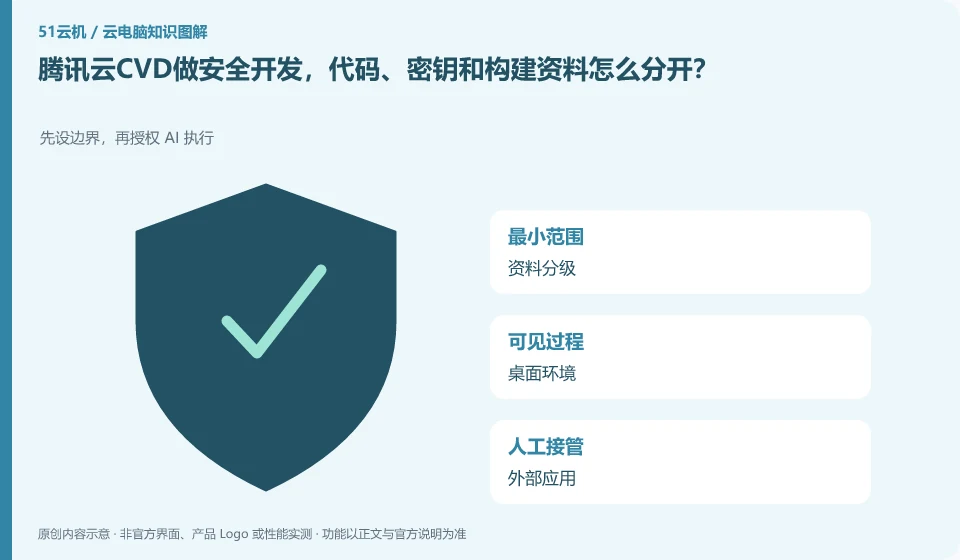
Manage code workspaces, credentials and build artifacts separately. A cloud desktop does not automatically remove hard-coded passwords or excessive permissions. CVD's secure-development use case can guide your evaluation, but repository access and the toolchain still need to be checked against your organization's requirements.
Who this is for:General readers and small teams who are working on Tencent CloudCVD cloud desktop and need to solve the specific problem in the title. Data verification date: 2026-10-26.
First, identify the product line
The Tencent CloudCVD product page uses cloud desktop for mobile office, security development, education and training, and online design. It also provides access to life cycle management and desktop strategies. It is a desktop service that can be configured and distributed. It cannot be understood as just an ordinary cloud host or Tencent's cloud gaming.
When organizing public information, we must also control the scope of external dissemination.
Use public projects to test compilation and output, and do not write real tokens in examples. Formal projects use approved credentials to limit the readable range of Agents and plug-ins; when moving out or leaving, check whether repository permissions, desktop sessions, and application authorizations are revoked at the same time.
Privacy judgment not only depends on whether the file is in the cloud, but also on which applications can read it, which accounts can share it, and whether the data will continue to be sent to AI or third-party services. After putting the customer files into Cloud Desktop and then copying them to an external assistant, a new data processing method is actually added. Organization permission should be confirmed before choosing to enter materials.
Data can be layered into public, internal, and sensitive layers, and available tools, storage times, and export methods can be specified for each layer. Public samples are used for testing. For official use, only the information necessary to complete the task is given, and browser synchronization, clipboard history and shared directories are checked. After the task is completed, clean the temporary copy according to the retention requirements, and retain the business results and audit records that must be saved.
Check each requirement for your task
- Divide input materials into public, internal and sensitive materials.
- Check the readability range of desktop, application, AI service and collaborators.
- Export results according to the approval process and clean up temporary copies, review sharing permissions.
Installing software and completing a workflow are different tests
Software compatibility includes the operating system, processor architecture, permissions, drivers, licensing and data dependencies. A successful installation only confirms that the installation step worked. You still need to test launching, signing in, reading and writing files, and producing the required output. For domestic operating systems, older programs or software requiring special hardware, start with the vendor's support matrix rather than someone else's screenshot.
Where the conclusion applies and what to do next
The pre-installation of AI Agent in the package does not mean that the Agent has obtained business authorization by default, and cloud desktop cannot handle software copyright and data approval for users.
This article is based on public information. We have not purchased or tested the product. The scenarios describe ways to verify suitability, not customer case studies. Features and terms depend on the current official documentation for the relevant version.
Official sources and further reading
- Tencent CloudCVD Product Introduction: Official description of scenarios such as virtual desktop, education and training, security development, GPU desktop and life cycle management.
- Tencent Cloud Desktop Product Introduction: Product overview and architecture document, marked updated on 2026-04-27.
- Tencent Cloud desktop operation documentation: Desktop connection and file transfer operations reference; different regions and client restrictions need to be reviewed.
Read more:Cloud PC knowledge hub · Find an article for your question · Tencent CloudCVD cloud desktop product line identification
Related questions to explore
- Tencent Cloud CVD versus CVM: buying a desktop or a server
- Tencent Cloud CVD for practical training: testing course templates
- Tencent Cloud Desktop for AI Agents: how much access should you grant?
Back to the brand and product knowledge directory · Browse cloud PC topics