
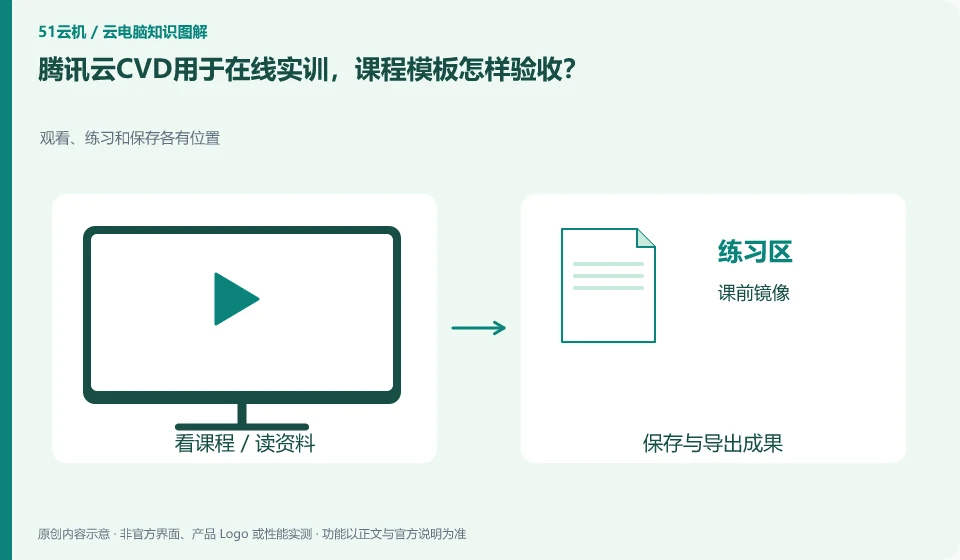
The CVD product page lists educational training as a scenario, but the course template still needs to be verified with real classroom tasks. Administrators need to prepare software, accounts, materials and submission methods, while students need to check whether they can enter and complete the exercises on time.
Who this is for:General readers and small teams who are working on Tencent CloudCVD cloud desktop and need to solve the specific problem in the title. Data verification date: 2026-10-26.
First, identify the product line
The Tencent CloudCVD product page uses cloud desktop for mobile office, security development, education and training, and online design. It also provides access to life cycle management and desktop strategies. It is a desktop service that can be configured and distributed. It cannot be understood as just an ordinary cloud host or Tencent's cloud gaming.
The teaching environment accepts both teachers and students
Choose a course that involves document reading and writing, and test the teacher's explanation, student practice, and homework export respectively. Separate the restoreable system from the works that must be saved; at the end of the course, confirm the submission results before processing the temporary desktop, and do not equate resource recycling with homework archiving.
A class requires unified software, as well as issuing accounts, distributing assignments, saving student results, and handling class failures. Cloud Desktop can participate in this process, but the entrances seen by teachers, administrators, and students may not be the same. First use a real course to break down before, during, and after class, and then decide whether you need a standard image, an independent data directory, or shared classroom resources.
Don’t just accept one prototype for pilot testing. Students who choose different terminals, different networks and different input devices should do it once each, especially checking the Chinese path, practice materials and submission methods. At the end of the course, distinguish the environment to be restored and the works that must be retained; do not look for assignments temporarily before the unified reset. The collection of student data should also comply with school requirements and avoid using private accounts as a shared login for the whole class.
Check each requirement for your task
- Use a lesson to list software versions, practice materials, accounts, and submission methods.
- Let teachers and students at different terminals complete complete classroom tasks.
- Export the work first and then restore it, and record the make-up and fault replacement processes.
You don’t need to go to the full desktop first when you only need an app
When testing application delivery, check file dialog boxes, printing, input methods, browser jumps, and linkage with other programs. Some old applications write configurations in the personal directory or require administrator rights. Simply "the window displays normally" is not enough. The release environment also involves software licensing, server compatibility and concurrent authorization, which should be confirmed by the application vendor instead of using bootable instead of legally available.
Where the conclusion applies and what to do next
The pre-installation of AI Agent in the package does not mean that the Agent has obtained business authorization by default, and cloud desktop cannot handle software copyright and data approval for users.
This article is based on public information. We have not purchased or tested the product. The scenarios describe ways to verify suitability, not customer case studies. Features and terms depend on the current official documentation for the relevant version.
Official sources and further reading
- Tencent CloudCVD Product Introduction: Official description of scenarios such as virtual desktop, education and training, security development, GPU desktop and life cycle management.
- Tencent Cloud Desktop Product Introduction: Product overview and architecture document, marked updated on 2026-04-27.
- Tencent Cloud desktop operation documentation: Desktop connection and file transfer operations reference; different regions and client restrictions need to be reviewed.
Read more:Cloud PC knowledge hub · Find an article for your question · Tencent CloudCVD cloud desktop product line identification
Related questions to explore
- Tencent Cloud CVD versus CVM: buying a desktop or a server
- Tencent Cloud Desktop for AI Agents: how much access should you grant?
- Why test Tencent Cloud CVD browser and client file transfers separately?
Back to the brand and product knowledge directory · Browse cloud PC topics