
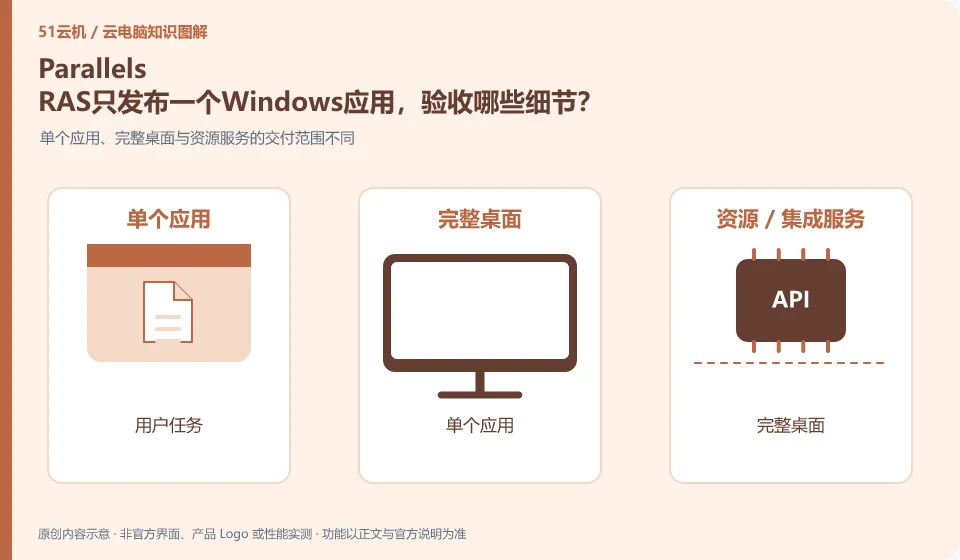
After publishing the application, you need to verify file selection, input method, printing, and cross-program operations, not just whether the window appears. The official introduction to RAS covers application delivery, but the licensing and multi-user compatibility of old business programs still need to be independently checked.
Who this is for:General readers and small teams who are working on Parallels RAS, need to solve specific problems in the title. Data verification date: 2026-10-26.
First, identify the product line
Parallels RAS official description covers virtual application, desktop and remote PC delivery, and can be combined with different infrastructures. It's a different product than Parallels Desktop, which runs virtual machines locally on a Mac; organizations deploying RAS still need to arrange hosting resources, identity and software authorization.
You don’t need to go to the full desktop first when you only need an app
Select a daily sample to open, modify, save and print, and check whether it is mistakenly saved to the temporary directory on the server. When local devices are required, check the client channel and policy; if the application requires administrator permissions, you should first confirm with the supplier and do not directly increase the permissions of all users.
Application delivery solves different problems than full desktop delivery. The former allows users to enter specific business applications, while the latter provides an operational desktop environment. If employees only use one fixed system, application portals may be easier to manage; if multiple programs, file dependencies, and complex workflows are required, a complete desktop may make it easier to restore original usage habits. Before selecting, draw the data flow between applications.
When testing application delivery, check file dialog boxes, printing, input methods, browser jumps, and linkage with other programs. Some old applications write configurations in the personal directory or require administrator rights. Simply "the window displays normally" is not enough. The release environment also involves software licensing, server compatibility and concurrent authorization, which should be confirmed by the application vendor instead of using bootable instead of legally available.
Check each requirement for your task
- List the applications the user actually wants to run and their interdependencies.
- Compare a single application release versus a full desktop delivery and choose the smallest feasible scope.
- Verify opening files, printing, and cross-application operations, and check permissions.
Peripheral compatibility requires verification of complete business actions
The "recognition" of peripherals is only half the process: the printer still needs to complete printing, the camera needs to be selected in the target conferencing software, and the USB shield involves drivers, business systems, and organizational permissions. The device channels provided by clients, browsers and mobile terminals may be different, so the successful experience on one terminal cannot be used to guarantee that another terminal will also be available.
Where the conclusion applies and what to do next
Buying Mac local virtual machine software is not equivalent to buying a cloud PC, and the RAS client is not a separate cloud computing resources package.
This article is based on public information. We have not purchased or tested the product. The scenarios describe ways to verify suitability, not customer case studies. Features and terms depend on the current official documentation for the relevant version.
Official sources and further reading
- Parallels RAS Product Introduction: Official explanation of the positioning of desktop, application delivery and integration with infrastructure.
- Parallels RAS client download: Terminal client entrance, which needs to be used in conjunction with the resources released by the organization.
- Parallels RAS Documentation: Versioned deployment, management and client reference material.
Read more:Cloud PC knowledge hub · Find an article for your question · Parallels RAS product line identification
Related questions to explore
- Parallels RAS versus Parallels Desktop: what is the difference?
- Does deploying Parallels RAS in the cloud equal buying a cloud PC?
- Finding work apps in Parallels Client: check publishing and access details
Back to the brand and product knowledge directory · Browse cloud PC topics