
Deadlines, data transfer and resource recovery responsibilities should be determined at launch. What temporary projects need is not a batch of administrator desktops that will never be recycled, but an authorization and data preservation solution that matches the personnel and task cycles.
Who this is for:General readers and small teams who are studying Huawei Cloud Workspace and need to solve the specific problems in the title. Data verification date: 2026-10-26.
First, identify the product line
Huawei Cloud Workspace product documentation defines it as a cloud desktop, and users and administrators have different configuration and management tasks. When enterprises deliver desktops on the cloud, in addition to virtual machine configuration, they should also arrange accounts, networks, desktop policies, and operation and maintenance to form a usable working environment.
Session end and resource release are handled separately
List the accessible systems and file ranges for each role, and arrange for data export and archiving before the end of the project. The order of reclaiming accounts and releasing resources must be clear to prevent employees from losing access first and the team not getting back the work results that should be retained.
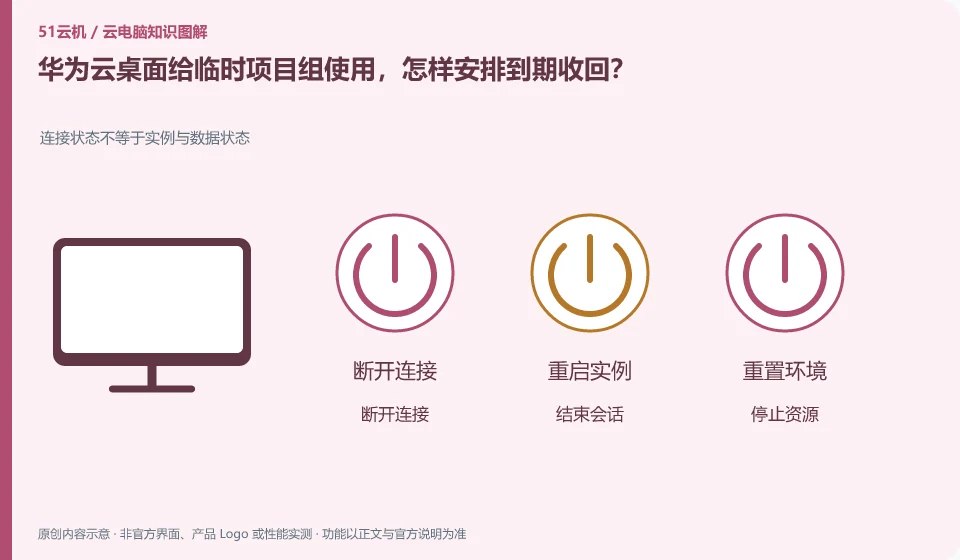
Disconnection only temporarily stops the interaction between the terminal and the desktop. Logging out may end the current user session. Stopping and releasing resources may affect charges and data. The terms used in different products are not exactly the same, so you need to check the current version’s formal explanation of each action. Just pressing the close button in the upper right corner of the window cannot tell whether the background task continues or when the billing will stop.
Create a consequence table for each end action: whether the application continues, whether the file storage location is retained, how long it takes to connect again, whether to continue charging, and whether it can be revoked. First use worthless samples to verify daily operations. Actions involving release, reset or unsubscription should first export and verify the data. The organization also needs to clarify who has the authority to perform these actions to prevent ordinary users from treating the rebuild as a daily restart.
Check each requirement for your task
- Find out what disconnect, logoff, stop, restart, and release mean.
- Use examples to verify the impact of common end actions on applications and files.
- Export and verify the data before resuming the operation, and check subsequent charges at the same time.
Check identity, licensing and desktop assignment together
Successful login does not guarantee an available desktop. Organizing desktops generally also requires users to be assigned to corresponding resources, application groups or workspaces; identity authentication, access authorization and desktop preparation are three things. If you encounter a blank list, first ask the administrator to check the organization and resource allocation to which the account belongs, instead of repeatedly changing passwords or creating multiple new accounts.
Where the conclusion applies and what to do next
Huawei Cloud Workspace is not the same delivery method as the desktop mode, ordinary cloud server, and local virtual machine software of Huawei mobile phones.
This article is based on public information. We have not purchased or tested the product. The scenarios describe ways to verify suitability, not customer case studies. Features and terms depend on the current official documentation for the relevant version.
Official sources and further reading
- Huawei Cloud: What is cloud desktop:Officially defines Workspace cloud desktop and explains the positioning of enterprise desktop delivery.
- Huawei Cloud Desktop Administrator User Guide: Administrator resource, user and policy operation reference; subject to the corresponding regional console and version.
- Huawei Cloud desktop product introduction: Background information on desktop product capabilities and network isolation.
Read more:Cloud PC knowledge hub · Find an article for your question · Huawei Cloud Workspace product line identification
Related questions to explore
- Huawei Cloud Workspace versus a cloud server: what is the difference?
- Huawei Cloud Desktop: what do administrators and users each manage?
- Planning a Huawei Cloud Workspace network around application access
Back to the brand and product knowledge directory · Browse cloud PC topics