
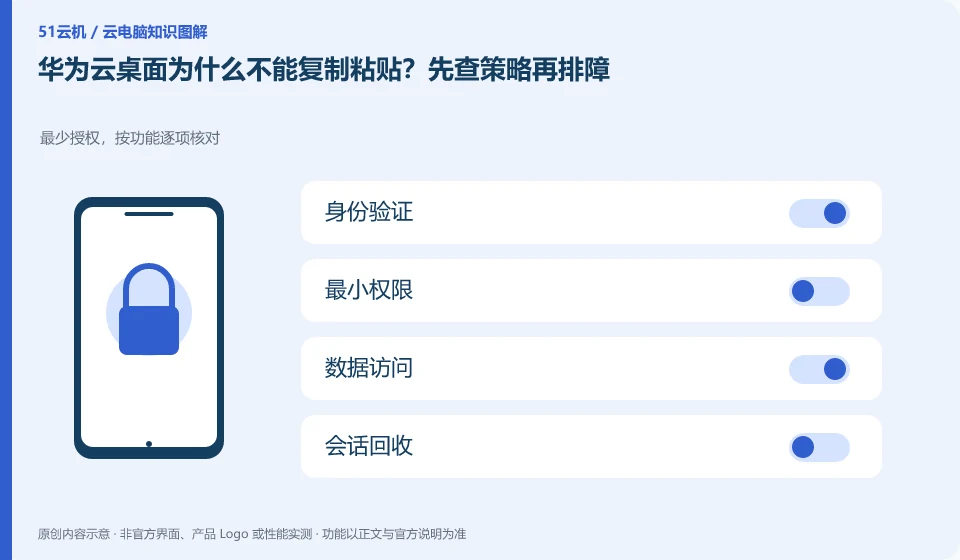
Organizations may control clipboards, files and USB channels based on security requirements. Administrators should first check desktop policies and client support before checking for terminal issues. Do not treat all replication failures as software defects.
Who this is for:General readers and small teams who are studying Huawei Cloud Workspace and need to solve the specific problems in the title. Data verification date: 2026-10-26.
First, identify the product line
Huawei Cloud Workspace product documentation defines it as a cloud desktop, and users and administrators have different configuration and management tasks. When enterprises deliver desktops on the cloud, in addition to virtual machine configuration, they should also arrange accounts, networks, desktop policies, and operation and maintenance to form a usable working environment.
Apply security controls to accounts and data permissions
Records whether text or files are copied, the direction is local to cloud or reverse, and whether all users experience it. Use non-sensitive small samples to reproduce and then apply for approval channels; do not transfer work information to private chat tools to circumvent policies.
Saving data in the cloud changes the location of the data and does not automatically eliminate the risk of account compromise, missharing, malware, and accidental deletion. Users should first confirm their login identity, retrieval method, authorized device and session exit; the organization also needs to stipulate who can copy files, install software, open an external network and assign desktops. Encryption or watermarking in promotional materials is just a capability, and the actual effect still depends on the version and configuration.
You can make a permission list and divide the work into three categories: must be allowed, require approval, and prohibited. Ordinary users should not use the administrator account to complete all daily operations, and the access of temporary collaborators must have an expiration time. If you are just reading the information, it is usually more appropriate to give read-only permissions than write permissions to the entire folder. After a login exception or sharing error occurs, the session and credentials will be recovered first, and then the evidence will be retained and processed along the official process.
Check each requirement for your task
- Check account ownership, retrieval channels, and officially supported verification options.
- List the minimum permissions for file transfer, software installation, and external network access.
- Set an end date for temporary permissions and periodically check authorized devices and sessions that are still valid.
Peripheral compatibility requires verification of complete business actions
The "recognition" of peripherals is only half the process: the printer still needs to complete printing, the camera needs to be selected in the target conferencing software, and the USB shield involves drivers, business systems, and organizational permissions. The device channels provided by clients, browsers and mobile terminals may be different, so the successful experience on one terminal cannot be used to guarantee that another terminal will also be available.
Where the conclusion applies and what to do next
Huawei Cloud Workspace is not the same delivery method as the desktop mode, ordinary cloud server, and local virtual machine software of Huawei mobile phones.
This article is based on public information. We have not purchased or tested the product. The scenarios describe ways to verify suitability, not customer case studies. Features and terms depend on the current official documentation for the relevant version.
Official sources and further reading
- Huawei Cloud: What is cloud desktop:Officially defines Workspace cloud desktop and explains the positioning of enterprise desktop delivery.
- Huawei Cloud Desktop Administrator User Guide: Administrator resource, user and policy operation reference; subject to the corresponding regional console and version.
- Huawei Cloud desktop product introduction: Background information on desktop product capabilities and network isolation.
Read more:Cloud PC knowledge hub · Find an article for your question · Huawei Cloud Workspace product line identification
Related questions to explore
- Huawei Cloud Workspace versus a cloud server: what is the difference?
- Huawei Cloud Desktop: what do administrators and users each manage?
- Planning a Huawei Cloud Workspace network around application access
Back to the brand and product knowledge directory · Browse cloud PC topics