
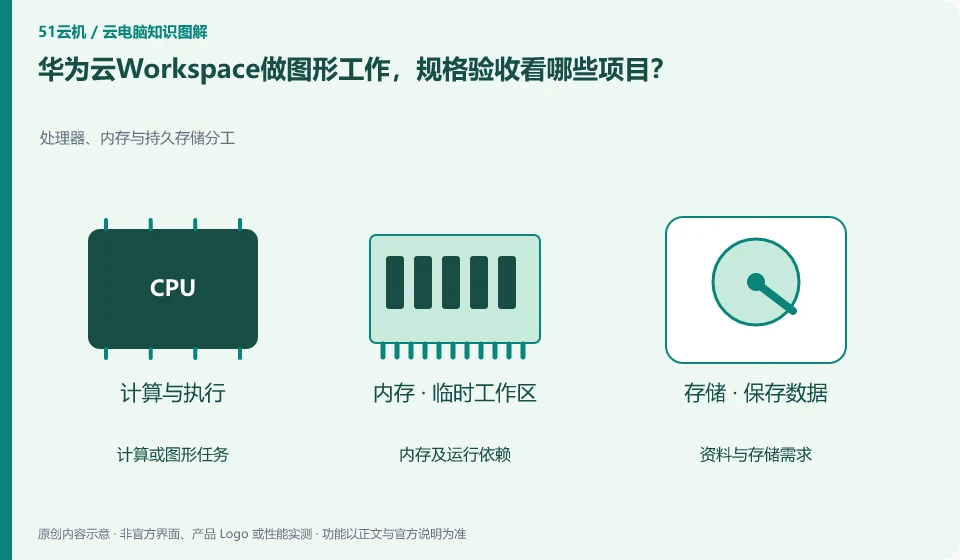
Verify that the target region and desktop type support the required graphics capabilities before testing software licensing, VRAM, drivers, views, and exports. The same product name does not mean that different specifications, regions and terminals provide the same performance.
Who this is for:General readers and small teams who are studying Huawei Cloud Workspace and need to solve the specific problems in the title. Data verification date: 2026-10-26.
First, identify the product line
Huawei Cloud Workspace product documentation defines it as a cloud desktop, and users and administrators have different configuration and management tasks. When enterprises deliver desktops on the cloud, in addition to virtual machine configuration, they should also arrange accounts, networks, desktop policies, and operation and maintenance to form a usable working environment.
There are usage conditions after the GPU name.
Prepare a small project that is legal and can be exported, recording textures, plug-ins, fonts and rendering environments. First verify that the results are correct, and then observe the interaction and time consumption; ordinary office samples are successful and cannot replace VRAM and professional peripheral verification for large projects.
Tasks that require graphics cards should be split into graphics display, video encoding, three-dimensional calculations, and model inference. Being able to stream the game screen to the mobile phone does not mean that you can install the specified driver on the desktop, call CUDA or occupy the entire GPU for a long time. Checking whether the product provides a complete desktop, whether the VRAM meets the task, and whether the driver and runtime version are compatible is more reliable than just looking at the name of the graphics card series.
Design and AI work should be verified using small samples: open a representative project or run a public small model, record whether it can be started, VRAM occupation, output correctness and result export. Do not regard the vendor demo frame rate as your own test results, and do not upload business models or customer materials to desktops that have not yet confirmed authorization. For continuous rendering tasks, you also need to confirm whether session timeout and resource release will interrupt the operation.
Check each requirement for your task
- Confirm the VRAM, system, driver and licensing requirements of the target software.
- Check whether your current plan explicitly opens up the required graphics or computing power.
- Use the public sample to make a complete output, record the resource usage and export the results.
Design tasks migrate project dependencies together
Design projects often have more than one master file, and also reference fonts, textures, linked materials, plug-ins and renderers. Being able to open design software on a cloud PC is just the first step; you need to use representative projects to verify views, colors, input devices, rendering and export. If the project relies on a local shared directory, changes in the relative path after migrating to the cloud may also cause image loss, which is not necessarily due to a graphics card failure.
Where the conclusion applies and what to do next
Huawei Cloud Workspace is not the same delivery method as the desktop mode, ordinary cloud server, and local virtual machine software of Huawei mobile phones.
This article is based on public information. We have not purchased or tested the product. The scenarios describe ways to verify suitability, not customer case studies. Features and terms depend on the current official documentation for the relevant version.
Official sources and further reading
- Huawei Cloud: What is cloud desktop:Officially defines Workspace cloud desktop and explains the positioning of enterprise desktop delivery.
- Huawei Cloud Desktop Administrator User Guide: Administrator resource, user and policy operation reference; subject to the corresponding regional console and version.
- Huawei Cloud desktop product introduction: Background information on desktop product capabilities and network isolation.
Read more:Cloud PC knowledge hub · Find an article for your question · Huawei Cloud Workspace product line identification
Related questions to explore
- Huawei Cloud Workspace versus a cloud server: what is the difference?
- Huawei Cloud Desktop: what do administrators and users each manage?
- Planning a Huawei Cloud Workspace network around application access
Back to the brand and product knowledge directory · Browse cloud PC topics