
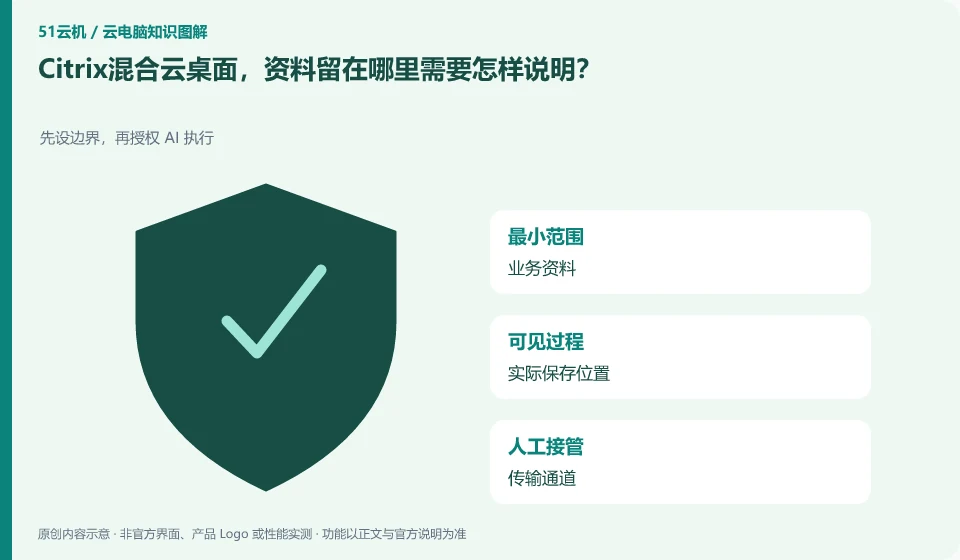
Data location depends on the actual deployment of resources and applications and is not directly determined by the "DaaS" name. Citrix allows the combination of local and public cloud resources, and organizations should mark the boundaries of computing, file storage, and external services for each workflow.
Who this is for:General readers and small teams who are working on Citrix DaaS and need to solve the specific problem in the title. Data verification date: 2026-10-26.
First, identify the product line
The official overview of Citrix DaaS positions it for desktop and application virtualization, and resources can be located on-premises or in the public cloud. Readers should distinguish between the control components managed by the service provider and the resource locations that host desktops and applications; purchasing a managed service does not mean that all underlying resource charges are included.
Indicate the physical location of business information on a case-by-case basis
For example, if a user connects to an application in another location, but business information is still saved by the original system, whether file downloading and printing are allowed must still be stipulated separately. Local download directories, shared paths, and browser synchronization should be verified to avoid using centralized management as a guarantee that data will never be transferred externally.
"Hybrid cloud" alone cannot answer where the data stays. First list the main file, user configuration, application database, logs and temporary files, and then indicate the local system or cloud resource where each is located. When the desktop screen is transferred to the terminal, it does not mean that all files have left their original locations; when downloading, clipboard or local directory mapping is allowed, it cannot be claimed that the terminal does not have a copy of the data just because the background storage is concentrated.
Write the person in charge, authorized visitors, retention period and transmission channel for each data stream. Use public samples to verify that the application can read, save, and export, and then check the actual effect under ordinary user permissions. Do not use the local running characteristics of other desktop architectures to explain the location of Citrix data, and do not use the "non-implementation" in promotional materials to replace the configuration and audit of this project.
Check each requirement for your task
- Lists the locations of master files, databases, configurations, logs, and temporary files.
- Indicate approval channels, permissions, and retention requirements for each transfer.
- Use the sample to check the actual save and export, and double-check in the terminal whether a copy is generated.
The data location table needs to be updated as the project changes
Adding new applications, changing resource locations, or opening transmission channels may change the data flow. Maintain the location table together with policy changes, so you only know where to recycle when missharing occurs. External instructions should be limited to specific configurations and data types, and it should not be stated that all hybrid cloud environments have the same security effects.
Where the conclusion applies and what to do next
Citrix clients, Citrix DaaS subscriptions, underlying cloud resources, and Windows application licensing are not the same cost item.
This article is based on public information. We have not purchased or tested the product. The scenarios describe ways to verify suitability, not customer case studies. Features and terms depend on the current official documentation for the relevant version.
Official sources and further reading
- Citrix DaaS Overview:Official description of control plane and resource location, hybrid cloud desktop and application delivery.
- Citrix SaaS Service Description: The scope of different DaaS service versions needs to be checked according to the contract.
- Citrix DaaS Flex: The official managed cloud desktop product line, used to identify the difference from the self-managed resource model.
Read more:Cloud PC knowledge hub · Find an article for your question · Citrix DaaS product line identification
Related questions to explore
- Citrix DaaS control plane and resource locations: who manages what?
- Citrix DaaS versus on-premises VDI: resources and management responsibilities
- Citrix published apps or full desktops: start with employee tasks
Back to the brand and product knowledge directory · Browse cloud PC topics