
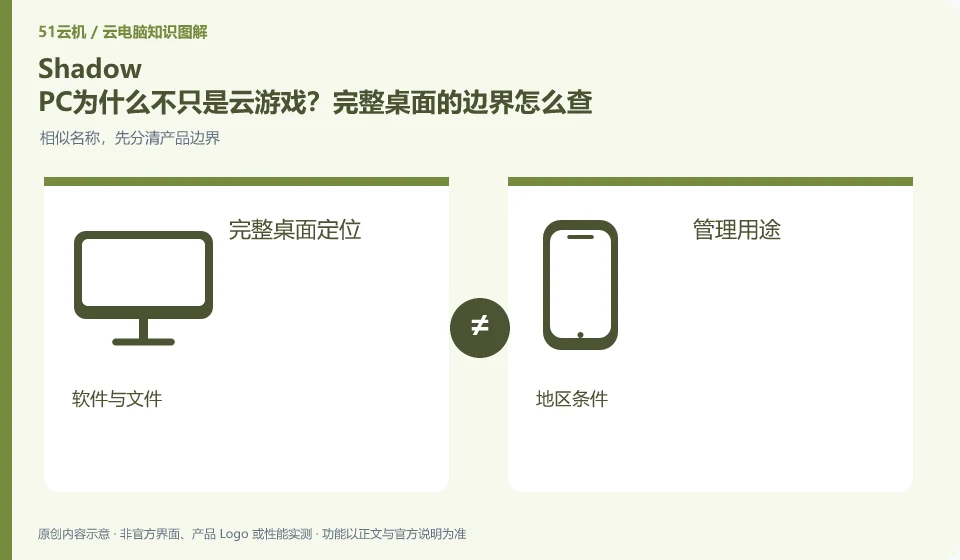
Shadow officially describes the PC as a remote Windows computer, which is different from a streaming service that only accesses specific games. Full desktop means a broader scope of research, but software installation, licensing, service areas and package restrictions still need to be checked on a case-by-case basis.
Who this is for:Casual readers and small teams who are working on Shadow PC, need to solve a specific problem in the title. Data verification date: 2026-10-26.
First, identify the product line
Shadow official help describes Shadow PC as a remotely accessible cloud Windows computer and separates it from the Shadow Drive storage service. When researching such overseas products, in addition to looking at the hardware, you must also confirm the service area, payment qualifications, network accessibility and software licensing.
Start with the complete desktop and user management scope
If the goal is office or design, you should verify your software and files instead of just looking at the game screen. A complete desktop does not mean that any software is allowed to run, nor does it mean that it can be purchased in the current region; check the official qualifications and terms first, and then arrange low-risk verification.
The official definition of Shadow points to a remote Windows computer, so the focus of research should include the desktop environment, application installation and personal files in the selected package, rather than just checking the game directory. However, "complete computer" is not a promise of unlimited use: system permissions, operating purposes, service areas, software licenses and resource end conditions still need to correspond to the current product description.
Take a desktop-requiring task for review, such as opening legally authorized engineering software and saving the results. First check whether this use is allowed, and then prepare non-sensitive samples to verify application dependencies and exports. Being able to run a certain game does not prove that professional software, peripherals or model calculations are available; do not regard official product positioning as your own performance measurement results.
Check each requirement for your task
- Check the official desktop definition for Shadow PC with the current Terms of Service.
- List your application, data and management needs and find out what is allowed.
- Only complete the task and export as a sample if it meets the regional and licensing conditions.
Full desktop does not eliminate cross-region conditions
Purchase qualifications, service areas and actual network experience need to be confirmed separately. The display of hardware on overseas pages does not mean that mainland Chinese users can certainly order or obtain ideal latency; they do not use fictitious addresses or purchasing agents to bypass restrictions. If you are just researching the product, you can retain the positioning and evidence, and do not write any activation suggestions that are immediately available to readers.
Where the conclusion applies and what to do next
Overseas official website display packages do not mean that mainland China can purchase or obtain appropriate delays; it cannot provide a way to bypass regional restrictions.
This article is based on public information. We have not purchased or tested the product. The scenarios describe ways to verify suitability, not customer case studies. Features and terms depend on the current official documentation for the relevant version.
Official sources and further reading
- Shadow: What is Shadow PC:Officially defined complete cloud Windows computer product.
- Shadow product introduction: The official distinction between Shadow PC and Shadow Drive.
- Shadow US Station: Regional purchasing and product import; no commitment is made to availability in other regions.
Read more:Cloud PC knowledge hub · Find an article for your question
Related questions to explore
- Shadow PC versus Shadow Drive: computing and storage are separate
- Can you buy Shadow PC in your region? Check official availability
- Software licensing checks before installing design tools on Shadow PC
Back to the brand and product knowledge directory · Browse cloud PC topics