
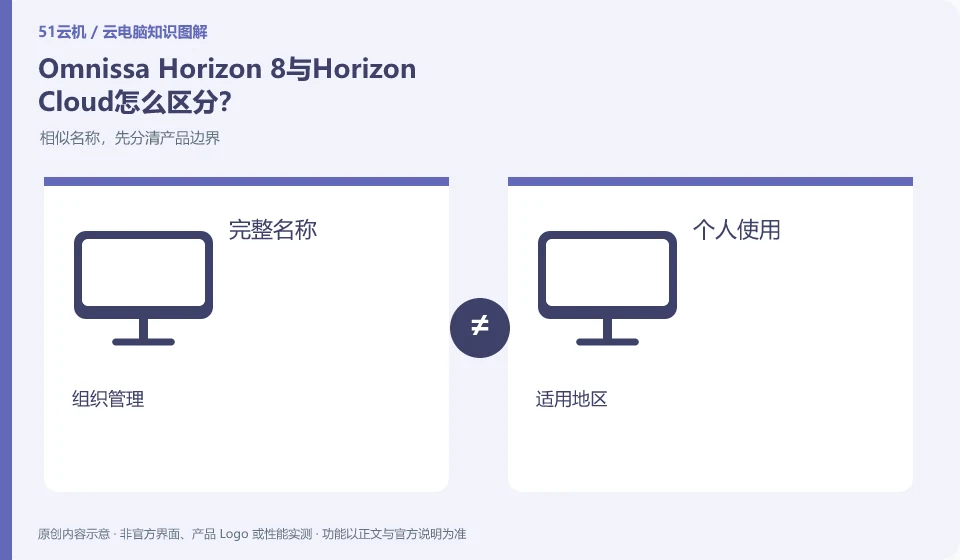
The official Omnissa catalog lists Horizon 8 and Horizon Cloud separately. The two cannot share the deployment tutorial by simply replacing the product name. You should find out the management components, resource hosting, and subscription scope before comparing.
Who this is for:Regular readers and small teams who are working on Omnissa Horizon and need to solve specific problems in the title. Data verification date: 2026-10-26.
First, identify the product line
The Omnissa product catalog lists Horizon 8, Horizon Cloud and other digital workspace components separately. Horizon Cloud's documentation discusses images, desktop pools, applications, and user assignments; therefore "installing the Horizon client" does not equate to having a cloud PC that can be logged into.
Identify the edition before comparing features
First record the complete version and deployment method of your existing project, whether it is a local platform, cloud management or hybrid resources. Then check the management entries for identities, images, and desktop pools; historical VMware screenshots are available for understanding, but are not automatically applicable to the current Omnissa version.
Write the full product name, account entry point, supported region and purchasing entity on one line. This prevents many cases where a tutorial's buttons cannot be found. Individual users usually need to know whether they can buy and connect directly; organizations also need user groups, central policies and offboarding. If a marketing page lists a capability, check which edition and plans include it and whether an administrator must configure it.
The comparison table can be set up into four columns: tasks that need to be done, whether the current product is explicitly supported, actual verification results, and conditions that still need to be confirmed by customer service. For example, "editing documents" and "multiple people sharing a desktop" are two different requirements; an ordinary office entrance cannot prove that concurrent login is available. If you encounter a version name change, give priority to the current help center and update date. Old screenshots are only used to understand concepts.
Check each requirement for your task
- Enter from the brand's own product catalog and record the complete product name and version.
- Compare the help documentation with a real task and mark clearly supported, unspecified, and not applicable.
- Check the account system, applicable regions and unsubscription rules before deciding whether to enter the trial.
You don’t need to go to the full desktop first when you only need an app
When testing application delivery, check file dialog boxes, printing, input methods, browser jumps, and linkage with other programs. Some old applications write configurations in the personal directory or require administrator rights. Simply "the window displays normally" is not enough. The release environment also involves software licensing, server compatibility and concurrent authorization, which should be confirmed by the application vendor instead of using bootable instead of legally available.
Where the conclusion applies and what to do next
Historical VMware Horizon data must be checked with the current Omnissa product version; Horizon 8 and Horizon Cloud cannot replace tutorial by name alone.
This article is based on public information. We have not purchased or tested the product. The scenarios describe ways to verify suitability, not customer case studies. Features and terms depend on the current official documentation for the relevant version.
Official sources and further reading
- Omnissa Product Catalog:Officially distinguishes between Horizon 8, Horizon Cloud and management components.
- Omnissa Horizon Cloud:Official cloud desktop product line and deployment positioning.
- Omnissa Horizon Cloud Technical Data: Documents and demonstrations include the process of importing images, creating pools, and user assignments.
Read more:Cloud PC knowledge hub · Find an article for your question
Related questions to explore
- Using older VMware Horizon documentation after the brand change
- Horizon Cloud images, pools and user assignments: understanding the sequence
- Does installing Horizon Client give you a cloud PC? Resources and licenses matter
Back to the brand and product knowledge directory · Browse cloud PC topics