
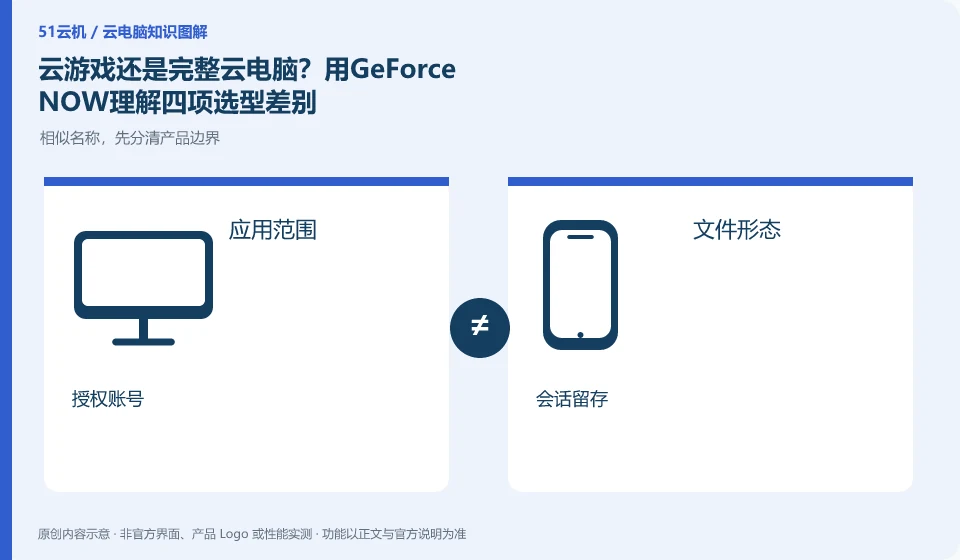
Compare by application scope, file management, account authorization and session rules to make your choice more clearly. GeForce NOW, as an example on the cloud gaming side, cannot be ranked higher than a complete cloud PC based solely on graphics card name or membership price.
Who this is for:Regular readers and small teams who are working on NVIDIA GeForce NOW and need to solve the specific problem in the title. Data verification date: 2026-10-26.
First, identify the product line
NVIDIA's official FAQ defines GeForce NOW as a cloud gaming streaming service. It helps users enter the game through supported devices. It does not provide a universal Windows desktop by default that can install office software and save any project files.
First filter the service type according to four questions
When playing only explicitly supported games, check the streaming portal and archive; when you need to work and create, check the complete desktop and file export. Both types of services may be accessed using mobile phones. The same access device does not mean that the background environment, permissions and charging objects are the same.
The first question is whether you can only run supported games, or do you need to manage the applications yourself; the second question is whether the archive is managed by the game mechanism, or you need to save projects and ordinary files; the third question is whether the account authorization belongs to the game store or the work software; the fourth question is what state needs to be retained after ending the session. Only by comparing these four items can you see the actual difference between cloud gaming and a complete desktop.
If the four requirements all revolve around supported games, continue to study the access and experience of game streaming; if the core task is office, development or creation, check the application permissions and file exit paths of the complete desktop. Windows program screens may be displayed on both sides, but the management operations that users can do are different. Do not use the appearance of the interface as proof of authority, nor the name of the graphics card as proof of equivalent performance.
Check each requirement for your task
- Write down the application scope, file format, account authorization and session retention requirements.
- Formal specification mapping requirements to game streaming and full desktop respectively.
- First eliminate the types that cannot complete the task, and then study the actual experience and cost.
After selecting the type, you still need to verify the experience
Network, input, and local display all affect remote interaction, but experience verification must be performed under the premise that the task is available. The game side focuses on control and progress, and the complete desktop focuses on software closed loop and file transfer. Without corresponding task testing, the two services will not be ranked equally, nor will a certain access method be suitable for everyone.
Where the conclusion applies and what to do next
Cloud gaming services, graphics card brands and GPU cloud servers should be viewed separately; service areas, supported games and account rights should be checked against the official real-time page.
This article is based on public information. We have not purchased or tested the product. The scenarios describe ways to verify suitability, not customer case studies. Features and terms depend on the current official documentation for the relevant version.
Official sources and further reading
- NVIDIA GeForce NOW FAQ:Official definition of cloud gaming streaming and description of supported devices, games, etc.
- GeForce NOW official website: Cloud gaming product entrance, non-complete desktop service certificate.
Read more:Cloud PC knowledge hub · Find an article for your question · NVIDIA GeForce NOW product line identification
Related questions to explore
- Is GeForce NOW a cloud PC? Understand its game-streaming service
- Does GeForce NOW membership include every game?
- Checking GeForce NOW device support: system, controls and display
Back to the brand and product knowledge directory · Browse cloud PC topics