
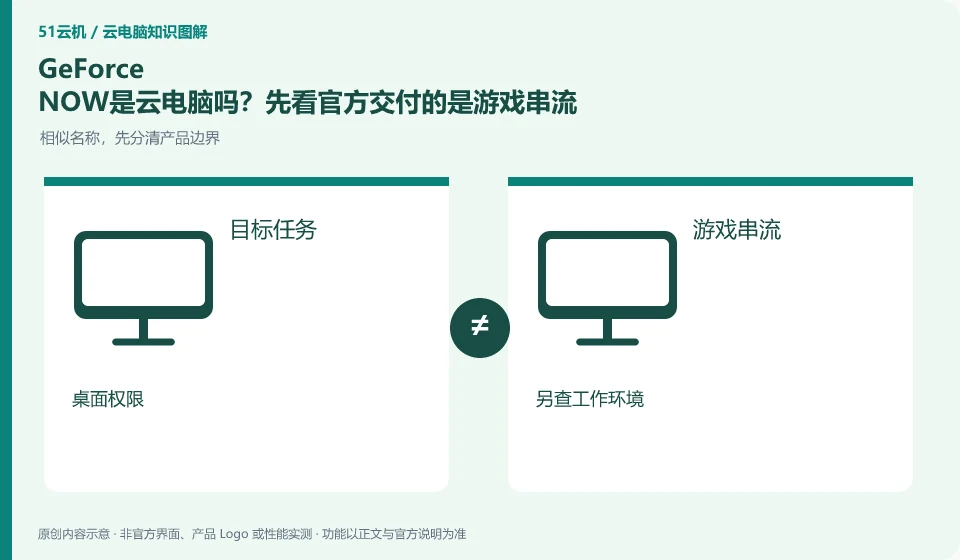
NVIDIA's official FAQ defines GeForce NOW as a cloud gaming streaming service and cannot be directly regarded as a complete Windows computer that can freely install office software. Both use remote computing resources, but the delivery objects and management permissions are different.
Who this is for:Regular readers and small teams who are working on NVIDIA GeForce NOW and need to solve the specific problem in the title. Data verification date: 2026-10-26.
First, identify the product line
NVIDIA's official FAQ defines GeForce NOW as a cloud gaming streaming service. It helps users enter the game through supported devices. It does not provide a universal Windows desktop by default that can install office software and save any project files.
The delivery object determines what problem it is suitable to solve
If the need is to modify documents, program, or save projects, first look for products that clearly provide a complete desktop. If the need is to enter a supported game, check around the game, account, input and save; do not confuse the NVIDIA graphics card brand and its cloud gaming service as a resource.
The official definition of GeForce NOW points to game streaming. Users choose supported games and access conditions, rather than getting a Windows administrator desktop by default where they can install office, development or AI tools at will. Even if the service uses a powerful GPU, it should first be studied according to its clearly delivered purpose. It cannot be deduced from the background hardware that the user has full computing rights.
Write your needs into an action: start a supported game, or edit a project that requires specific software. The former should continue to check the game, account and device; the latter should look for a service that clearly provides the desktop required. The products can all be accessed through mobile phones or old computers. This only means that the terminal forms are similar, but it does not mean that the backend environment, file management and authorization methods are the same.
Check each requirement for your task
- Write down whether the task is to play a supported game or manage your own desktop application.
- Verify application and permission scope against official delivery definitions.
- When tasks exceed the boundaries of game streaming, choose an explicitly supported service.
The complete desktop also has conditions that require continued confirmation.
After choosing a cloud PC, you still need to check the software license, system and storage, rather than assuming that a complete desktop will naturally satisfy everything. When comparing two types of services, first ask whether the task can be completed, and then look at the experience and cost. Avoid treating the game membership fee as the price of a general GPU workstation. This article uses product boundaries to illustrate the concept and does not provide a way to bypass usage restrictions.
Where the conclusion applies and what to do next
Cloud gaming services, graphics card brands and GPU cloud servers should be viewed separately; service areas, supported games and account rights should be checked against the official real-time page.
This article is based on public information. We have not purchased or tested the product. The scenarios describe ways to verify suitability, not customer case studies. Features and terms depend on the current official documentation for the relevant version.
Official sources and further reading
- NVIDIA GeForce NOW FAQ:Official definition of cloud gaming streaming and description of supported devices, games, etc.
- GeForce NOW official website: Cloud gaming product entrance, non-complete desktop service certificate.
Read more:Cloud PC knowledge hub · Find an article for your question
Related questions to explore
- Does GeForce NOW membership include every game?
- Checking GeForce NOW device support: system, controls and display
- Checking GeForce NOW save progress after a normal exit
Back to the brand and product knowledge directory · Browse cloud PC topics