
When buying a cloud PC for the first time, in addition to choosing the configuration, you also need to figure out which account to buy it under. This article is based on the CTYun Cloud PC public version ordering document marked October 17, 2025, and was compiled on October 29. The interface and available packages still need to be checked against the current page.
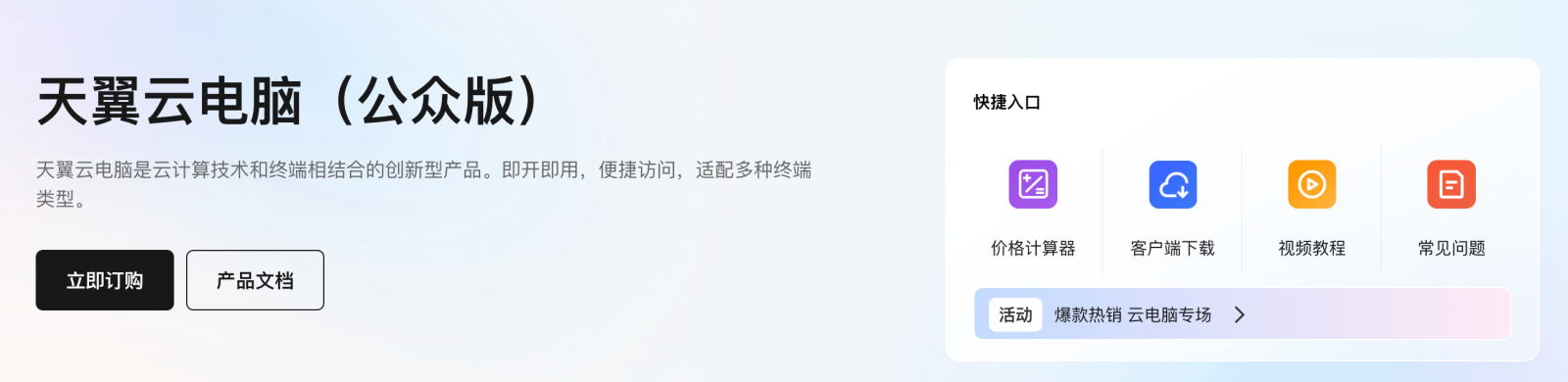
Official ordering channels
The document lists three methods: in-app, CTYun official website and local telecommunications business office. Select the public version product on the official website and place an order according to specifications and duration; after purchasing, enter the client with the account bound when ordering. You need to wait for system initialization when opening for the first time, and the document does not promise a fixed waiting minute.
Suggestions from this website: Check four things before payment
First confirm that you are purchasing the public version, and then check the mobile phone number, specifications and service period. Your own account and payment channel must be able to retain orders to avoid not knowing the ownership of the equipment later. If you apply through the business hall, first inquire about the corresponding package and after-sales entrance. Do not directly copy the prices or operations on the online page.
- Log in from the official entrance and confirm that your current account is consistent with the account you plan to use.
- Check the configuration, duration, total price, renewal and cancellation instructions before placing an order.
- Record the order number, wait for the initialization to be completed, and then check the device on the client.
What should I do if I can’t see the device temporarily after paying?
The following are general troubleshooting suggestions on this site: first check the order status, then check whether the client is logged in to the same account, and save the payment time and prompt information. Don’t buy the device again just because you can’t see it temporarily, and don’t reinstall or reset the existing environment at will. When it cannot be located, provide the order number and phenomenon to the official customer service without providing a password or verification code.
Migrate files after being able to connect
First use the test file to confirm that the input, save and download processes can be completed, and then import the official data. Client support, resource allocation, region and current service agreement should be reviewed at time of purchase. There is no actual order placed this time, and there is no guarantee that any channel can provide the same package or price.
Applicable conditions and source notes
- Check the current public version entrance, client version and account binding.
- Check channel packages, regions, actual payment and renewal and refund rules.
- Check initialization and device ownership before migrating important data.
Source:Official source. This is a research summary, not a hands-on test. Features, prices and promotion eligibility are subject to the current official page.