
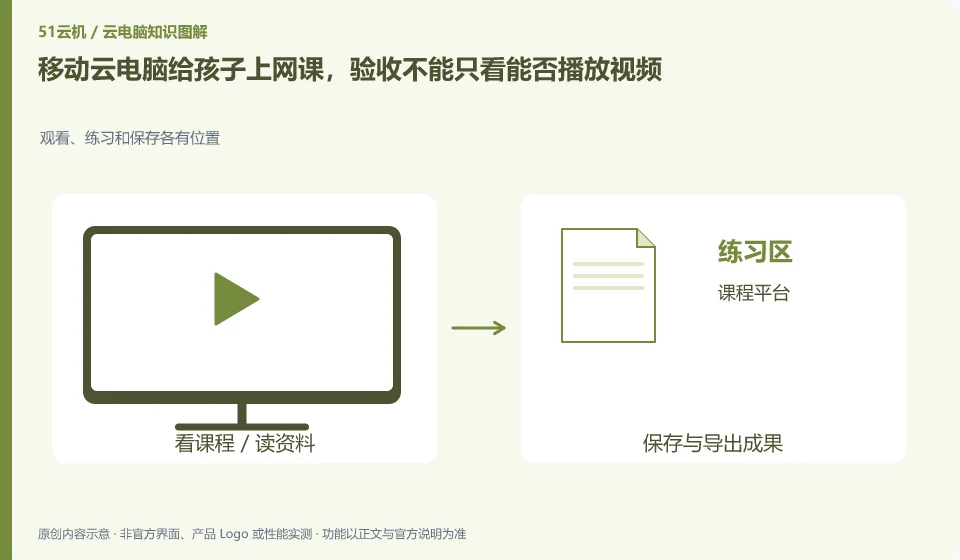
Online classes require verification of course applications, camera microphones, homework files, input methods and parent management at the same time. Connecting a home terminal to a cloud PC does not automatically mean that all school platforms support this environment.
Who this is for:General readers and small teams who are researching China Mobile cloud PC and need to solve the specific problem in the title. Data verification date: 2026-10-26.
First, identify the product line
Cloud PC integration packages are available in China Mobile's business halls in different provinces; Jilin Mobile's cloud desktop introduction provides enterprise desktop capabilities such as centralized management, client access, and peripheral strategies. When comparing China Mobile Cloud products, you should clearly describe the provinces, public services, and government and enterprise projects.
Take one test lesson of the child as the acceptance unit
Use a test session to check logins, audio echoes, raising hands or interactions, screenshots, and submitting assignments. Record whether the camera is called by local software or remote application; if the school requires a specific client or security environment, it should first confirm that access is allowed.
First confirm the course platform and allowed devices with the school, and then use the actual terminal at home to verify. The test class should include listening to the lecture, turning on the microphone, viewing courseware, typing in Chinese and submitting a non-private assignment. When a camera is required, it is also necessary to confirm whether the course application is running locally or in the cloud: the two locations require different device permissions, and local video cannot be used to prove that the remote meeting is normal.
Parents should be able to help their children handle login, disconnection and homework retrieval. Write down the method of retrieving your school account, course entrance, and assignment storage location in a short card, and use an approved account instead of purchasing a shared account. If a certain function fails, first use an alternative device approved by the school to complete the course, and then deal with the technical problems. Do not repeatedly switch packages or reinstall the client during the official class.
Check each requirement for your task
- Confirm the course platform, equipment and account usage requirements supported by the school.
- Complete a lecture, interact, save and submit homework, and check the audio and video.
- Let parents retrieve sample assignments from the records and prepare alternatives for disconnection.
Home online classes and school cloud classrooms are different projects
To provide a child with access to a course, there is usually no need to copy the entire school's image distribution, batch account, and after-class unified restoration process. Families should pay more attention to the local microphone, the network during school hours, whether the child can return to class independently, and whether the homework has left the temporary desktop. The contracts for gift terminals and cloud PC services still need to be checked separately by parents.
Where the conclusion applies and what to do next
The contracts and terminal ownership of provincial business offices cannot be regarded as a unified national policy; third-party products in the China Mobile Cloud market cannot be directly regarded as mobile self-operated cloud PCs.
This article is based on public information. We have not purchased or tested the product. The scenarios describe ways to verify suitability, not customer case studies. Features and terms depend on the current official documentation for the relevant version.
Official sources and further reading
- Jilin China Mobile Cloud desktop product introduction: The official provincial product page covers desktop specifications, browser and client access, USB and other peripheral policies and centralized management.
- Henan China Mobile Cloud computer application page: The provincial integration package page lists the contract and terminal ownership; it can only be used as a sample for interpretation of regional terms.
- China Mobile cloud PC monthly package product page: The business hall displays different specifications, entertainment duration and disk monthly packages. The actual purchase depends on the number and region.
Read more:Cloud PC knowledge hub · Find an article for your question · China Mobile cloud PC product line identification
Related questions to explore
- Where to order China Mobile Cloud PC: check region, number and edition
- Who owns the all-in-one device bundled with China Mobile Cloud PC?
- Are China Mobile cloud desktops and mobile-access cloud PCs the same service?
Back to the brand and product knowledge directory · Browse cloud PC topics