
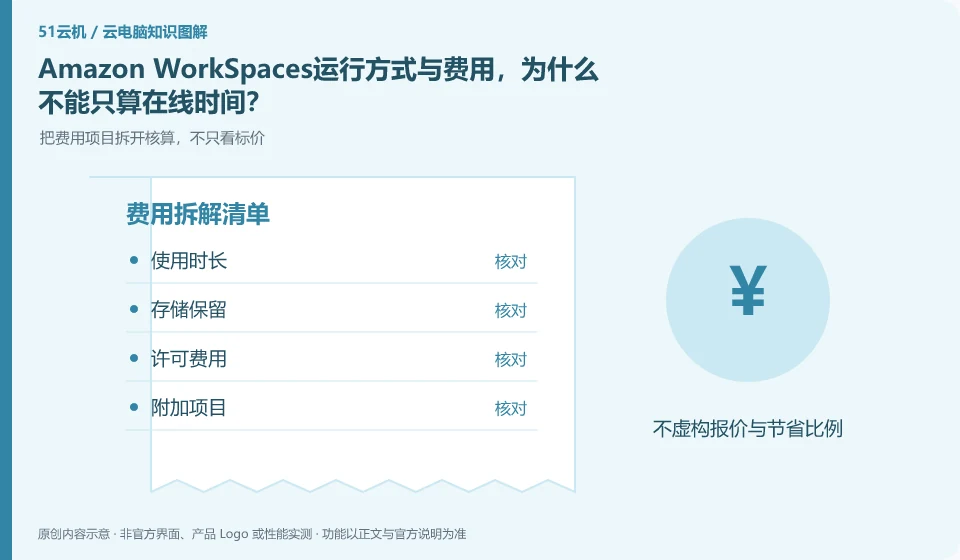
The official fee page explains fees by product and model. When calculating, you should distinguish between licensing, running and ongoing resources. The cost implications of client disconnection, user logout and resource stoppage need to be clarified, and cannot be estimated based on the time you spend staring at the screen.
Who this is for:For general readers and small teams who are working on Amazon WorkSpaces and need to solve the specific problem in the title. Data verification date: 2026-10-26.
First, identify the product line
Amazon WorkSpaces official documentation distinguishes between Personal persistent desktops and Pools non-persistent desktops. The two target users work in different ways; a user's long-term reserved work environment and a per-session standard environment should be handled separately in data and expense planning.
Calculate costs from the usage rules, not the headline price
Organize the weekly usage period, concurrency and data that must be retained, and then estimate according to the current region and mode. Check the billing items after the trial, paying special attention to the resources that are still reserved; do not use the promotional price in a certain region to budget for all overseas offices.
Only by splitting the cost into operating resources, persistent storage, network or value-added items can you compare different billing methods. Some products are charged by license, some are metered by running time or package quota, and the disk may continue to bill after stopping the desktop. First check the definitions of "stop", "disconnect" and "release" in the current order description. Closing the client cannot be regarded as stopping billing.
Create a personal estimate with the expected session length, sessions per week, data to retain, trial end date and where to cancel renewal. Estimate from your own usage plan, then check it against the bill. This is more useful than copying a promotional price. Example usage counts illustrate a calculation, not a product promise. Expiring discounts, regional differences, taxes and other conditions must still be checked on the actual checkout page.
Check each requirement for your task
- Record who is charged, unit of measure and minimum or fixed expenses.
- Check the billing results of the three actions of disconnection, shutdown and release.
- Set trial end reminders, export bills, and check whether storage and add-on services are still being charged.
Persistent and non-persistent desktops determine preservation strategy
Three categories of status need to be listed first: systems and applications that can be generated repeatedly, personal data that must be retained, and temporary files that are only used in this session. Specify the storage method and responsible person for each type of status. During the test, the four actions of disconnecting, logging off, restarting, and rebuilding were performed to confirm which operations would trigger the restore; before actually executing the test that would clear the data, worthless samples should be used and backed up.
Where the conclusion applies and what to do next
WorkSpaces desktop, AWS ordinary EC2 and application streaming services cannot be mixed into the same package; the region, license and operating mode need to be checked one by one.
This article is based on public information. We have not purchased or tested the product. The scenarios describe ways to verify suitability, not customer case studies. Features and terms depend on the current official documentation for the relevant version.
Official sources and further reading
- What are Amazon WorkSpaces: Officially distinguishes between Personal and Pools, and explains persistent and non-persistent desktop uses.
- Amazon WorkSpaces Desktop Service Pricing Description: Official fee structure and billing estimate portal, prices vary by region and mode.
- Amazon WorkSpaces Administrator Guide: Official reference for deployment and management. Default quotas for all accounts are not presumed according to the document examples.
Read more:Cloud PC knowledge hub · Find an article for your question · Amazon WorkSpaces product line identification
Related questions to explore
- Amazon WorkSpaces Personal or Pools: persistent versus non-persistent desktops
- Identity setup before employees connect to Amazon WorkSpaces
- Amazon WorkSpaces versus an EC2 desktop: differences in service delivery
Back to the brand and product knowledge directory · Browse cloud PC topics