
Use a documented starting point
Tencent CVD's product material lists WorkBuddy and prepared Agent environments. Verify the current image and provisioning instructions before purchasing.
For document, file and application tasks, begin with an explicitly documented environment. Then check permissions, model services and task recovery.
Tencent CVD's product material lists WorkBuddy and prepared Agent environments. Verify the current image and provisioning instructions before purchasing.
Authorise only the files, browser sessions and applications required for your task. Keep a human takeover path for important actions such as account login or payments.
Closing a remote window does not necessarily shut down the PC. Run a short task and test disconnection, reconnection, restart and file retrieval separately.
Check the device plan and model service separately. Everyday file handling and local model inference have different requirements; an Agent name alone does not establish a need for a GPU.
These entries have documented relevance to this use case. They are not a universal compatibility guarantee or a performance ranking.
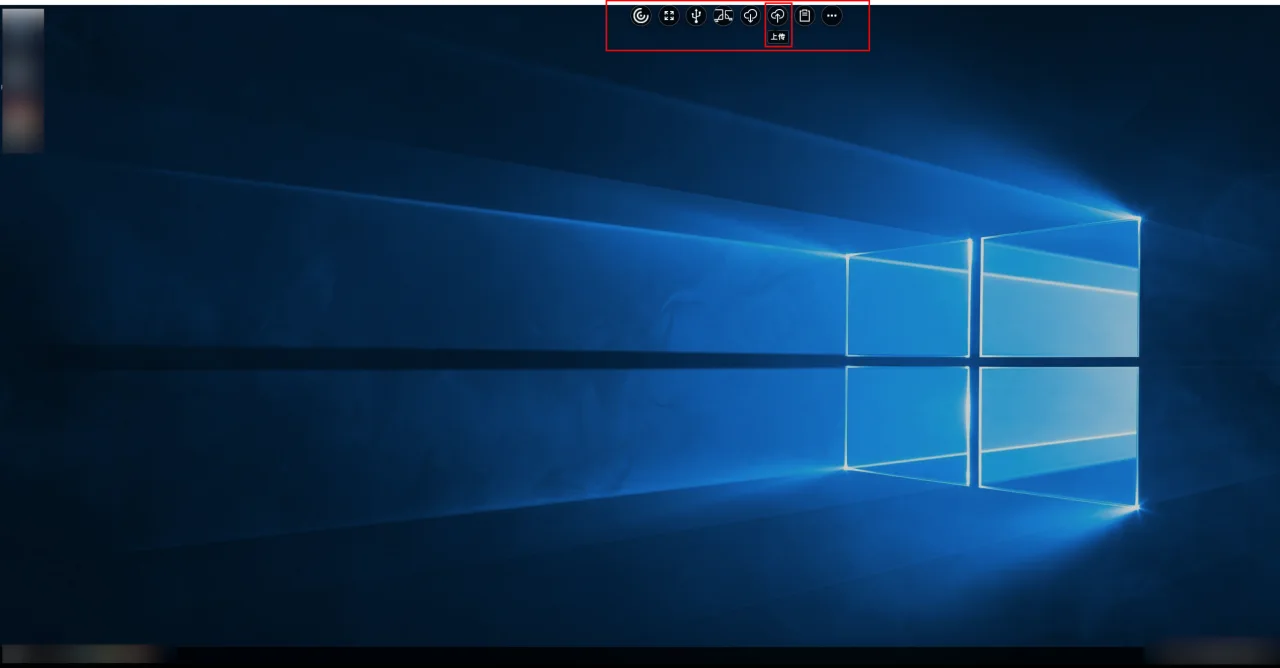 Official product visual · original language
 Cloud PC
Tencent CVD provides user-assigned desktops for office work, development, design and AI Agent environments. Official material describes Agent use cases and integration with desktop management and security capabilities.