
Define the required actions
Browsing, uploading, editing, publishing and assigning team work require different capabilities. Write down the actual workflow before evaluating device features.
For your own content and authorised team workflows, assess app versions, media uploads, task management and access permissions. Device compatibility and account eligibility are separate matters.
Browsing, uploading, editing, publishing and assigning team work require different capabilities. Write down the actual workflow before evaluating device features.
DuoPlus and GeeLark publish TikTok-related use cases. RedCloud business material also describes customised live-streaming scenarios. These statements are not proof that we tested every account feature or that every plan supports livestreaming.
File sizes, upload methods, storage and member permissions affect daily work. Complete one end-to-end content workflow before adding devices.
Record the client, device plan and check date. Recheck important functions after updates. Business eligibility and platform rules are determined by TikTok's current terms.
These entries have documented relevance to this use case. They are not a universal compatibility guarantee or a performance ranking.
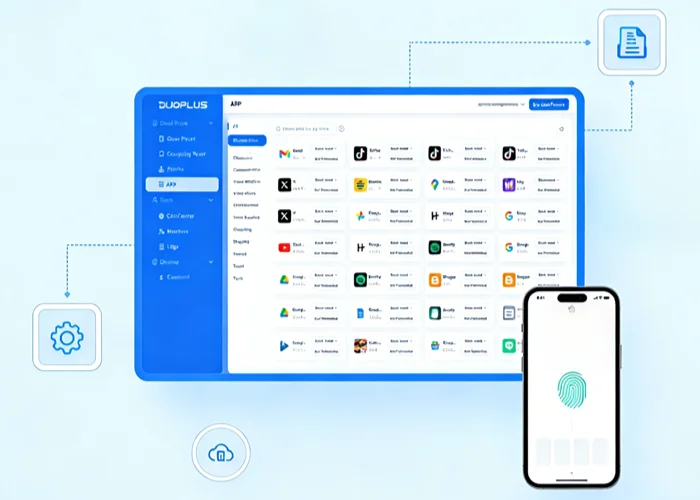 Official product visual · original language
 Cloud phone
DuoPlus combines Android cloud phones, team permissions, bulk application management and RPA workflows. Device environments and actual running time can be different parts of the bill.
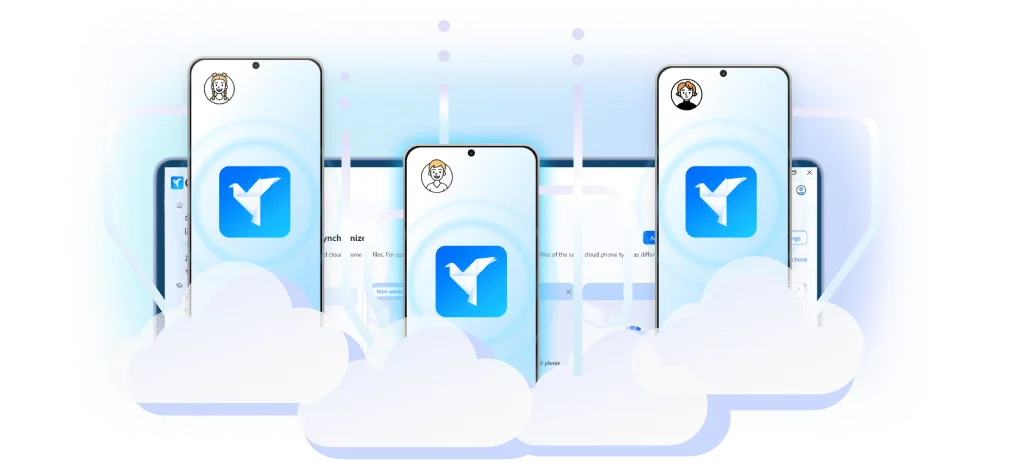 Official product visual · original language
 Cloud phone
GeeLark provides Android cloud environments and desktop management tools for authorised application testing, team workflows and automation. Platform plans, device time and concurrency affect the total cost.
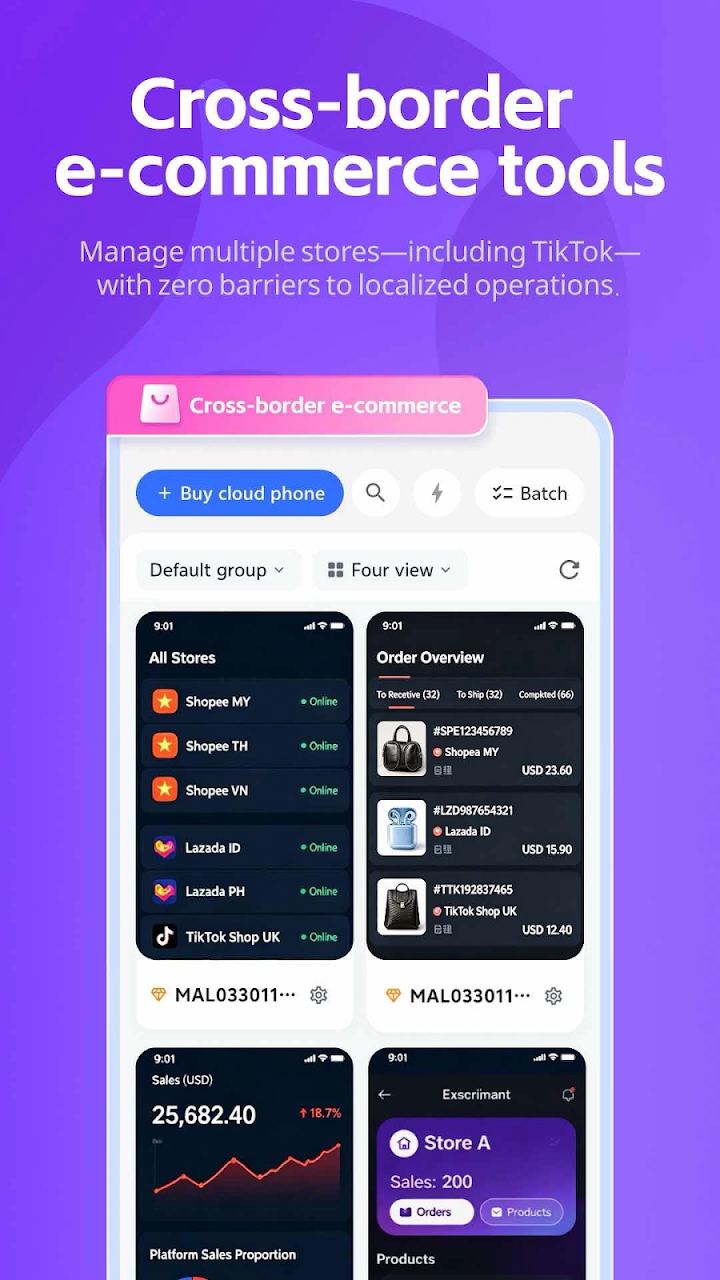 Official product visual · original language
 Cloud phone
RedCloud is an international Android cloud-phone application published by Micro-Computing, with cloud execution, application installation and device-management workflows. It is listed separately from Redfinger China and the ordinary Redfinger international entry.