
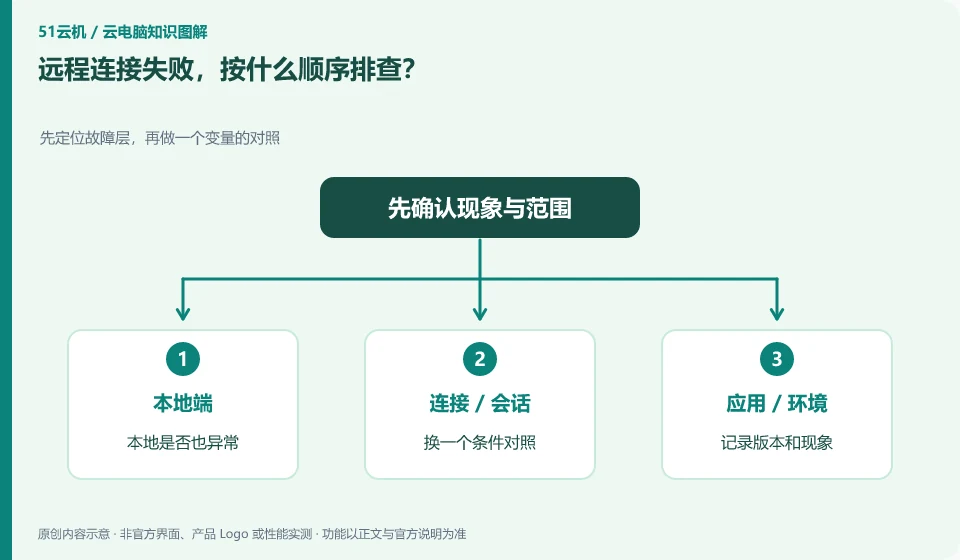
Record the original symptoms
Log how the connection was made, when it occurred, and the complete error. Connection timeout, connection refused, and authentication failure usually point to different links, and it is not appropriate to use the same processing method repeatedly.
Confirm from outside to inside
Check the address and port, network and firewall, login user and authentication method in turn. If the connection is successful but the page cannot be opened, you need to check the application listening address and process status.
Change one condition at a time
Save the original settings before modifying them. Making multiple changes at once may not confirm the source of the problem. Don't put passwords, tokens, or private keys in public troubleshooting logs.