
Be specific about the game
Record the app version, download source, game server and login method. Android compatibility, successful launch and the availability of the feature you need are separate checks.
Check the game edition, Android environment, continued execution and device-management workflow before comparing long-running costs.
Record the app version, download source, game server and login method. Android compatibility, successful launch and the availability of the feature you need are separate checks.
A running cloud application does not guarantee that a game stays connected. Check what happens when you disconnect, the instance restarts, the subscription expires or the app updates.
Batch installation, synchronised actions, groups and team permissions affect daily work. Compare the number of usable instances and the performance of each instance, rather than only the device's unit price.
Confirm whether the required tools can be installed and what permissions they need. Follow the game's and tool's rules. Hosting capability is not a promise of income.
These entries have documented relevance to this use case. They are not a universal compatibility guarantee or a performance ranking.
 Official product visual · original language
 Cloud phone
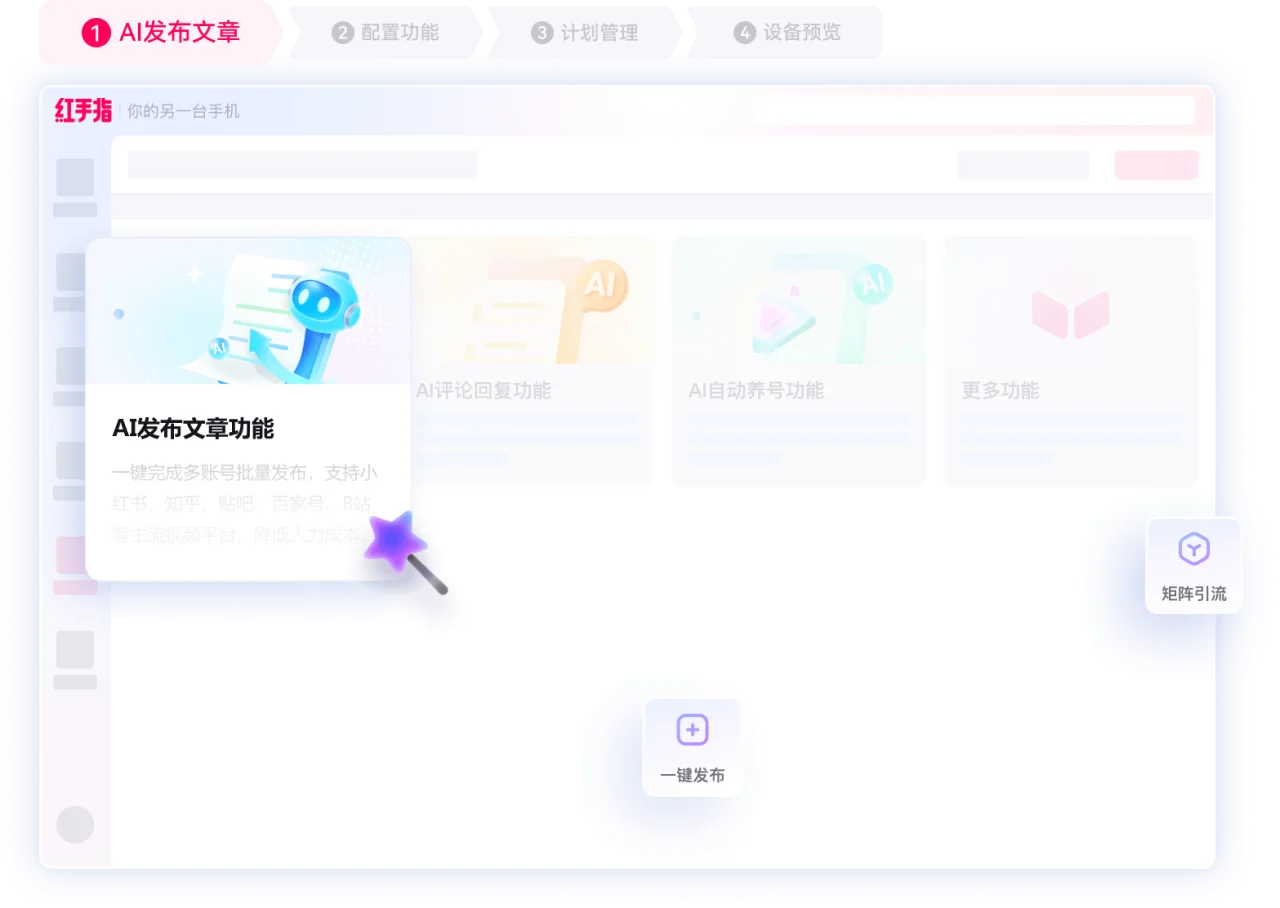
The China-market Redfinger service hosts Android games and applications on remote devices. It offers different cloud-phone tiers and PC-based multi-device management, with workloads running in the cloud after local disconnection where the service supports it.
 Official product visual · original language
 Cloud phone
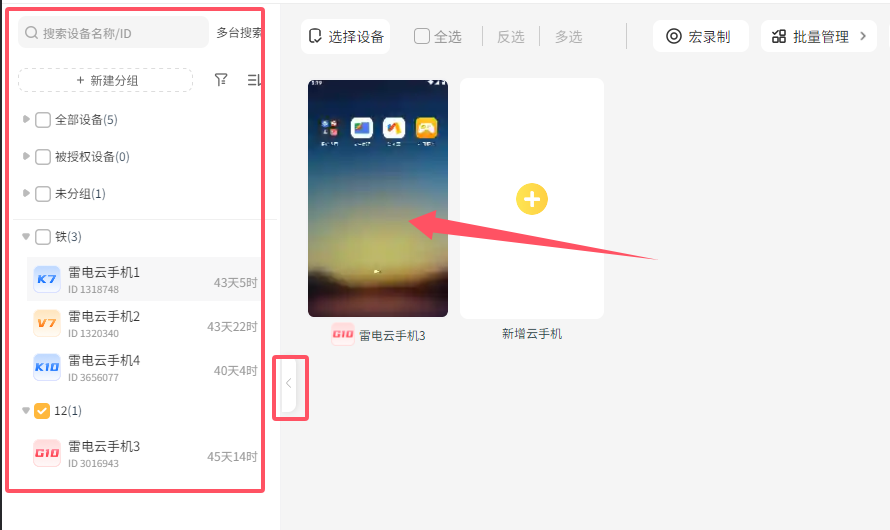
LD Cloud Phone provides persistent Android environments with batch management, device authorisation and synchronised operations. It is separate from LD Cloud PC, LDCloud International and the local LDPlayer emulator.
 Chuanchuan Cloud PhoneProduct screenshots awaiting verificationCloud phone
Chuanchuan combines Android hosting, cloud-file transfer and batch operations across several devices. It also offers professional control and branded business solutions beyond ordinary individual plans.
 Official product visual · original language
 Cloud phone
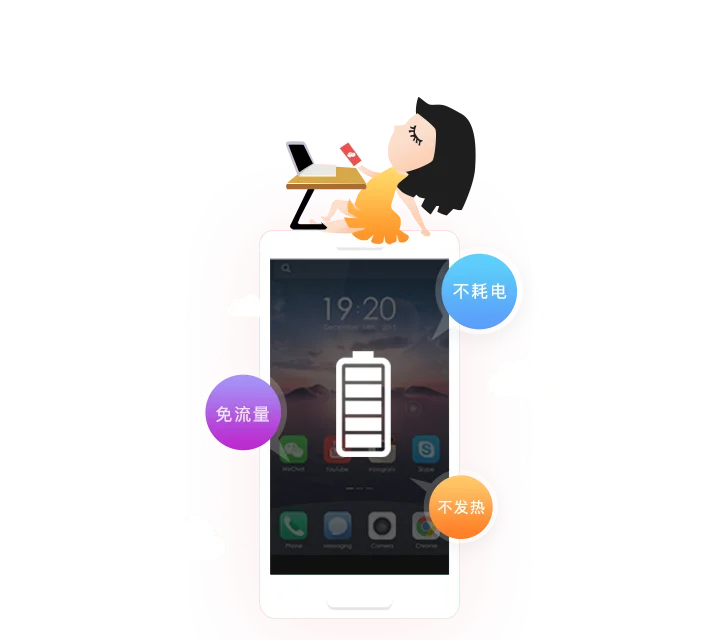
Operated by Haima Cloud, Aiyuntu uses ARM servers and Android containers to host applications persistently. Official access includes desktop and mobile clients.
 Official product visual · original language
 Cloud phone
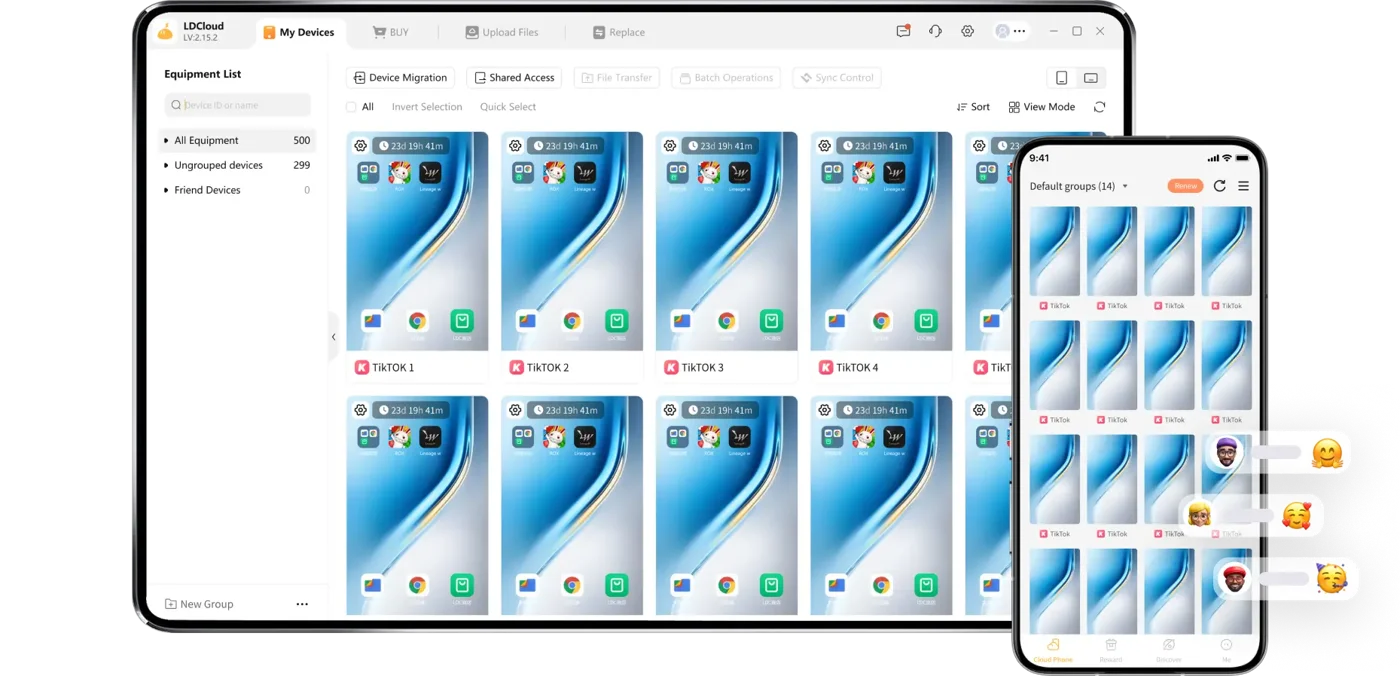
LDCloud offers Android cloud phones in international service regions, with multiple instances, persistent hosting and access from several devices. It is distinct from the China-market LD Cloud Phone service.