
Name the game and edition
List the game, server region, launcher and peripherals. Check the vendor's current supported-game list and restrictions. Support for a similar title does not prove support for yours.
Start with the exact game, server region and way you intend to use it. A preinstalled game library, a full desktop and continuous execution are different capabilities.
List the game, server region, launcher and peripherals. Check the vendor's current supported-game list and restrictions. Support for a similar title does not prove support for yours.
Graphics resources and the network affect interactive play. What happens after disconnection determines whether a task continues. Check locking, sleep, shutdown and subscription expiry separately.
Hourly access may suit occasional play. Longer workloads need a comparison of included time, storage and extra fees. Teams should validate a few instances before buying at scale.
Test login, picture quality, input, saved files and reconnection. Record the game version and date. Check the game's rules for scripts and tools separately; the device itself does not promise earnings.
These entries have documented relevance to this use case. They are not a universal compatibility guarantee or a performance ranking.
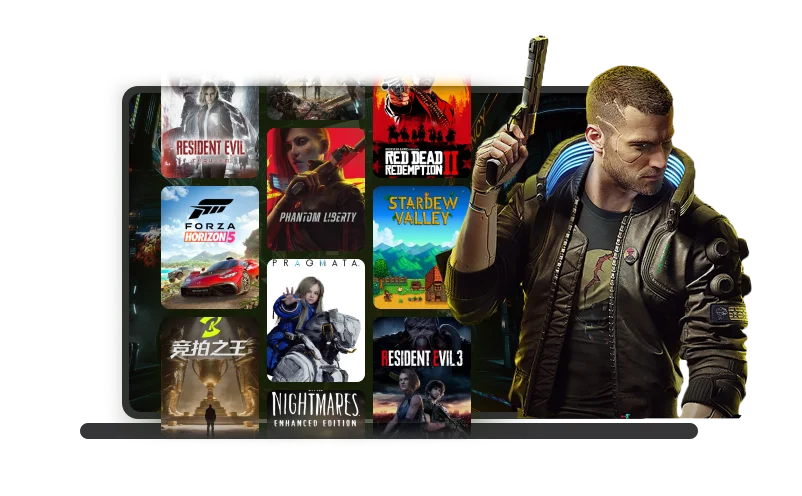 Official product visual · original language
 Cloud PC
A gaming-focused cloud desktop with a game library, gaming entitlements and private cloud data disks. Hourly access and time-window passes serve different usage patterns.
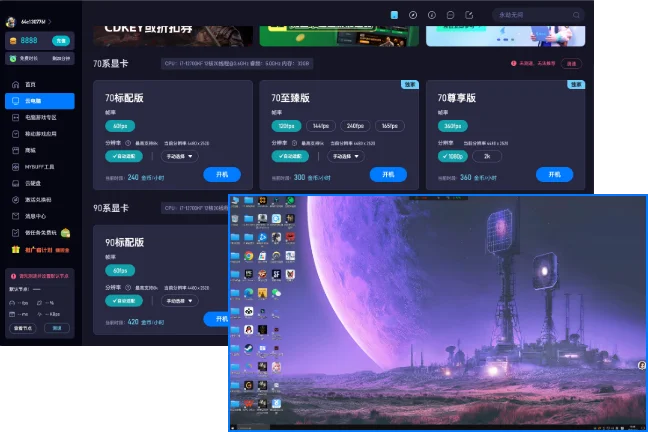 Official product visual · original language
 Cloud PC
Haima offers remote Windows environments with different gaming and graphics tiers. Personal disks, file transfers and Mac access also make it relevant to some design workflows.
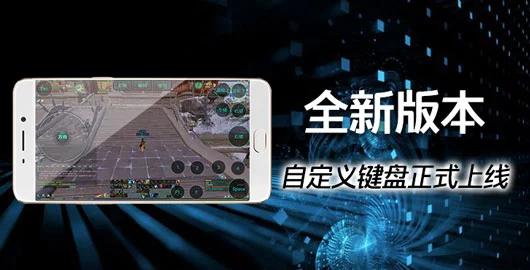 Official product visual · original language
 Cloud PC
Dalong primarily brings PC games to phones and lower-powered computers through a cloud gaming desktop and virtual controls. Machines and supported games can vary by service region.
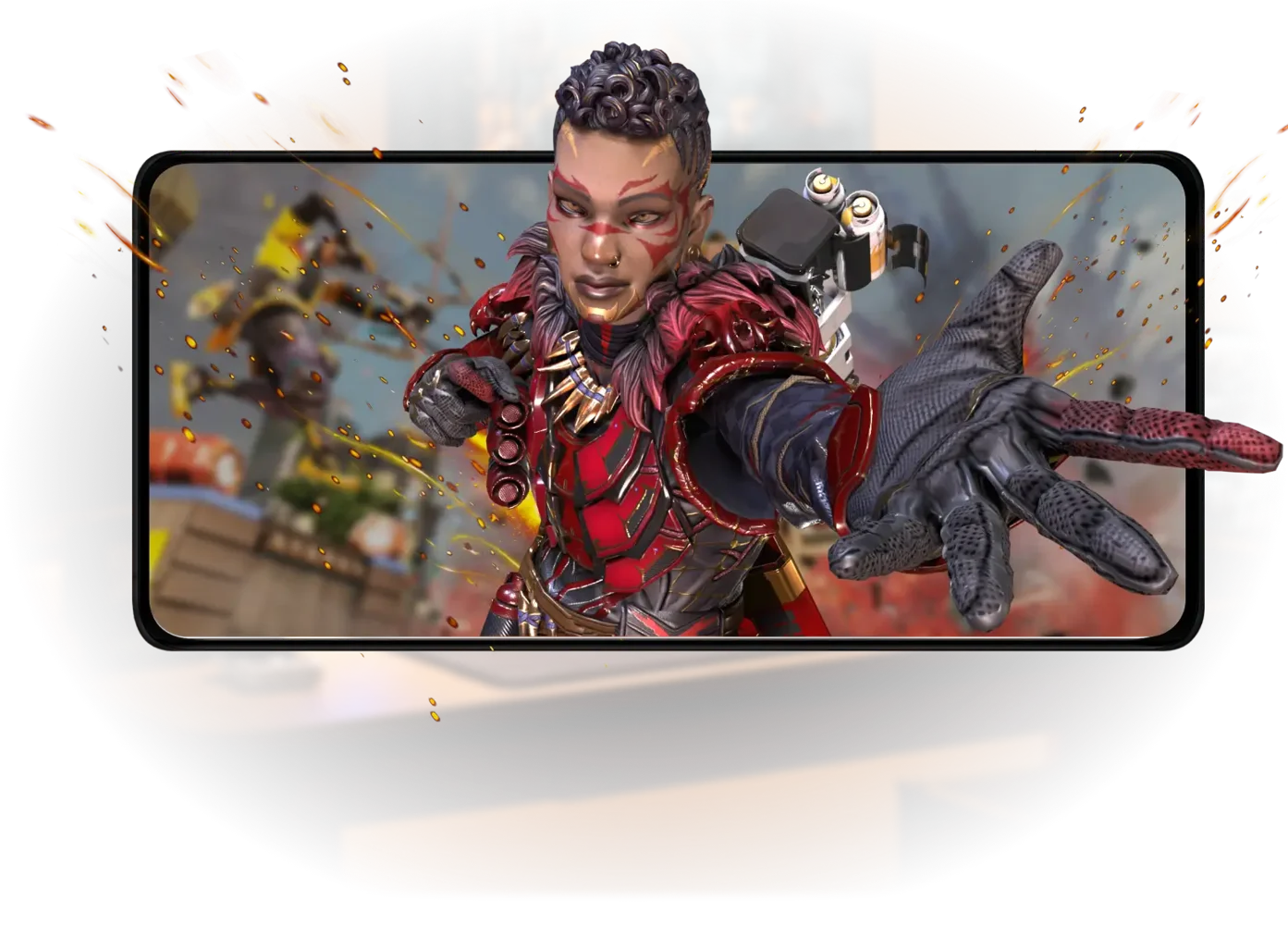 Official product visual · original language
 Cloud PC
LD Cloud PC is a PC gaming service from the LD cloud product family. Users connect to a remote gaming computer through a Windows client or mobile controls. It is a separate product from LD Cloud Phone and the local LDPlayer emulator.
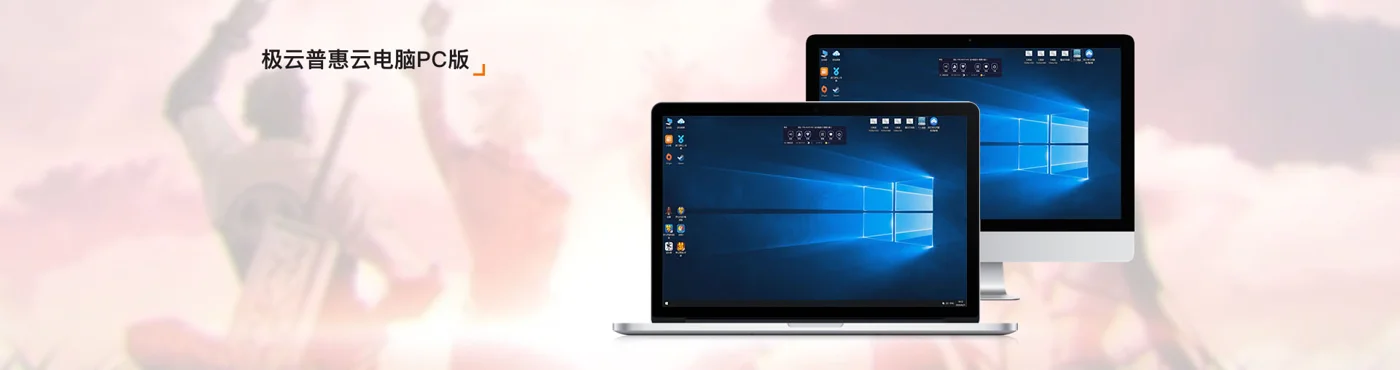 Official product visual · original language
 Cloud PC
Jiyun is a cloud gaming and remote-computer service with desktop and mobile access. Its official material includes hardware updates and offers, which may differ from older pricing articles.
 Shadow PCProduct screenshots awaiting verificationCloud PC
Shadow provides a remote Windows PC on which users can install their own applications. It serves the regions in which the vendor offers the product, with plans tied to hardware, location and usage policies.