
China-focused

Taoxin Cloud Phone

Original listing name: 桃心云手机

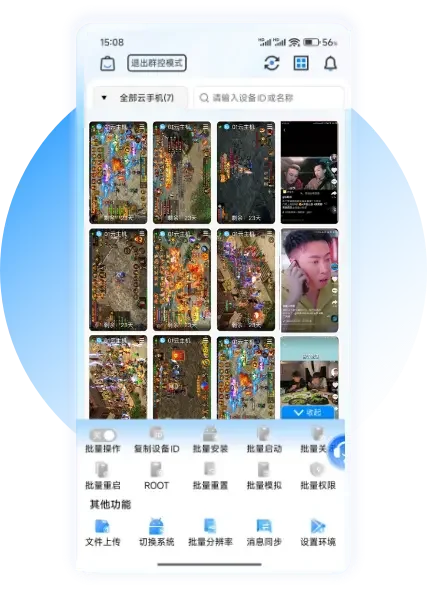
Taoxin combines Android cloud devices, backups, cloning and batch management. Some configurations also offer AutoRun AI features, but those capabilities are not necessarily included with every entry-level device.

Before you buy

Verify the precise Android environment, sound or voice features and AI entitlement. A historical FAQ may not cover all current devices.

Confirm the exact edition, service region, available payment methods and account requirements. A market label does not guarantee access from every country.

Billing & ongoing costs

Device plans with configuration-dependent features and optional capabilities.

Check the final order for included time, storage, network resources, renewals and cancellation terms. Prices and promotions may change.

Official billing reference ↗

Documented capabilities

Batch managementConditional fit

Device backup, cloning and batch management. Check the current plan, version and applicable conditions in the official documentation.

Official source · Checked 2026-10-28 · Read evidence ↗

Product visuals

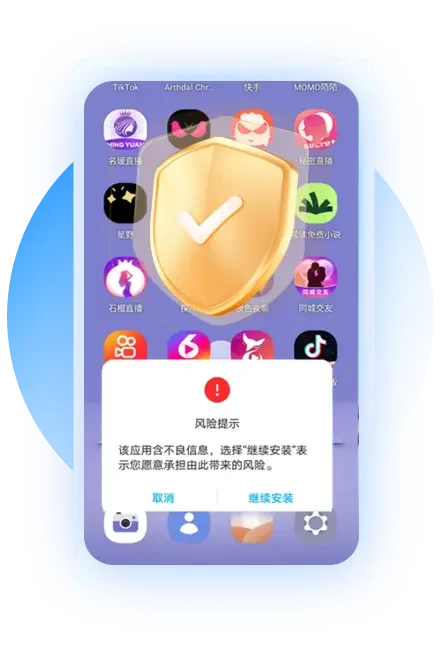
Official material in its original language. Screenshots may show an earlier interface; they are not evidence of independent testing.
Official tutorials, news & videos

English summaries of the official resources, with links to the original sources. Original pages and videos may use another language.

Official tutorials & resources2 resources

www.txyunos.com · Published 2024-03-28

Taoxin cloud phone: enter, exit and preview cloud phone

The official history tutorial distinguishes the cloud machine cover, preview screen and actual desktop, and explains the steps to enter the cloud machine through the client icon and exit from the buoy. The icon position may be adjusted for different terminals and new versions.

www.txyunos.com · Published 2024-01-25

Taoxin cloud phone: Upload local applications and files

The official Android version tutorial instructions enter upload from the cloud machine cover or function menu, and then select the local application or file to send to the cloud machine. It is a historical interface description, please refer to the current client when using it.